Tip
• You can also toggle 0.6X, 1X, and 2X to zoom in or zoom out.
• Aer you pinch the screen to 2X zoom level, you can drag the slider to zoom in or
out.
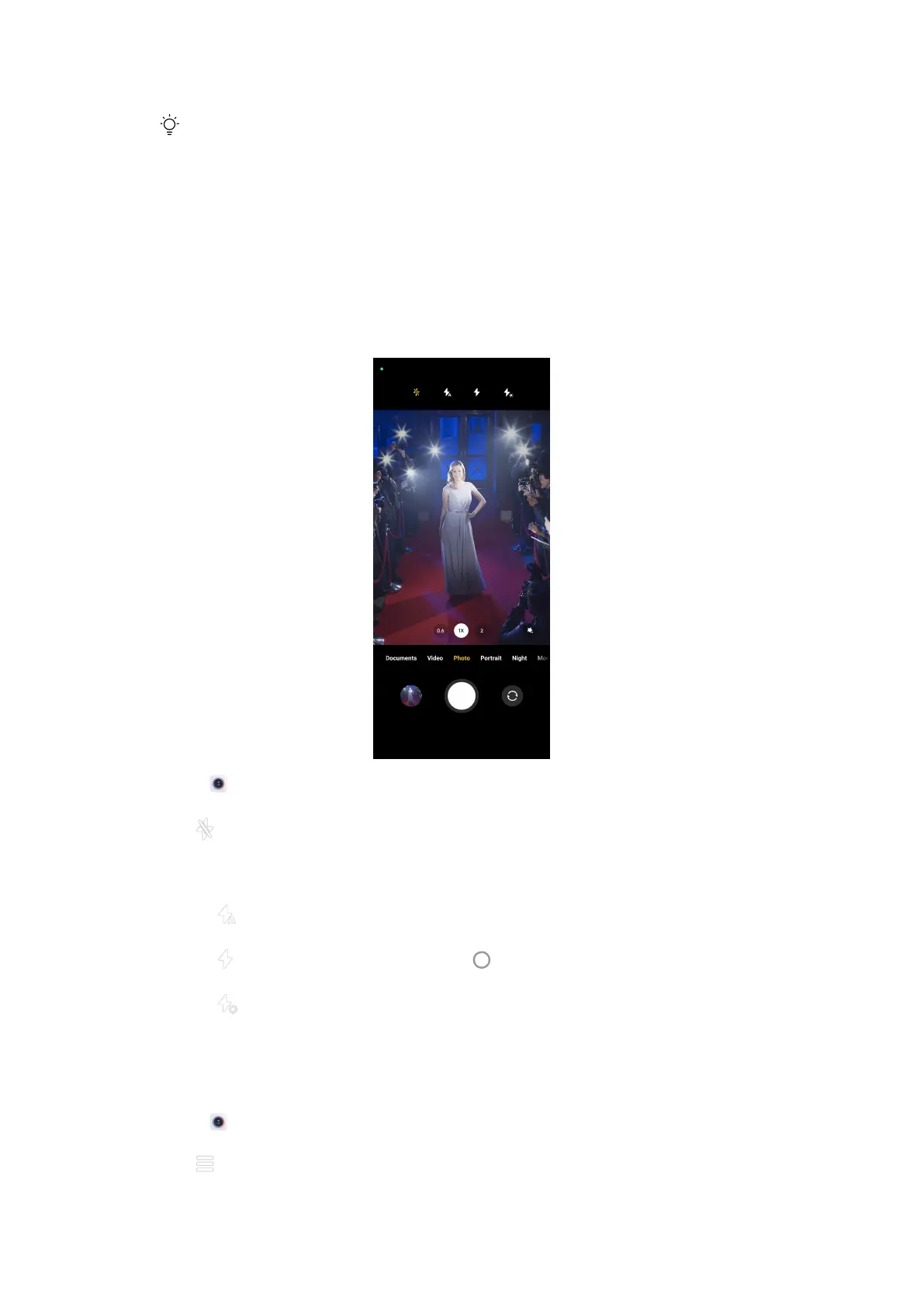
Turn on the flash
When you take a photo in a low-light environment, turn on the flash to make
your photos clearer.
1. Open Camera.
2. Tap .
3. Choose flash types.
• Tap
to enable automatic flash.
• Tap
to enable flash aer you tap .
• Tap to make flash always on.
Useful features
Adjust the aspect ratio
1. Open Camera.
2. Tap
at the upper-right corner.
47















 To Next Page