Note
When taking a video, you can tap to pause your shooting and tap to continue.
You can also tap to take a photo while shooting a video.
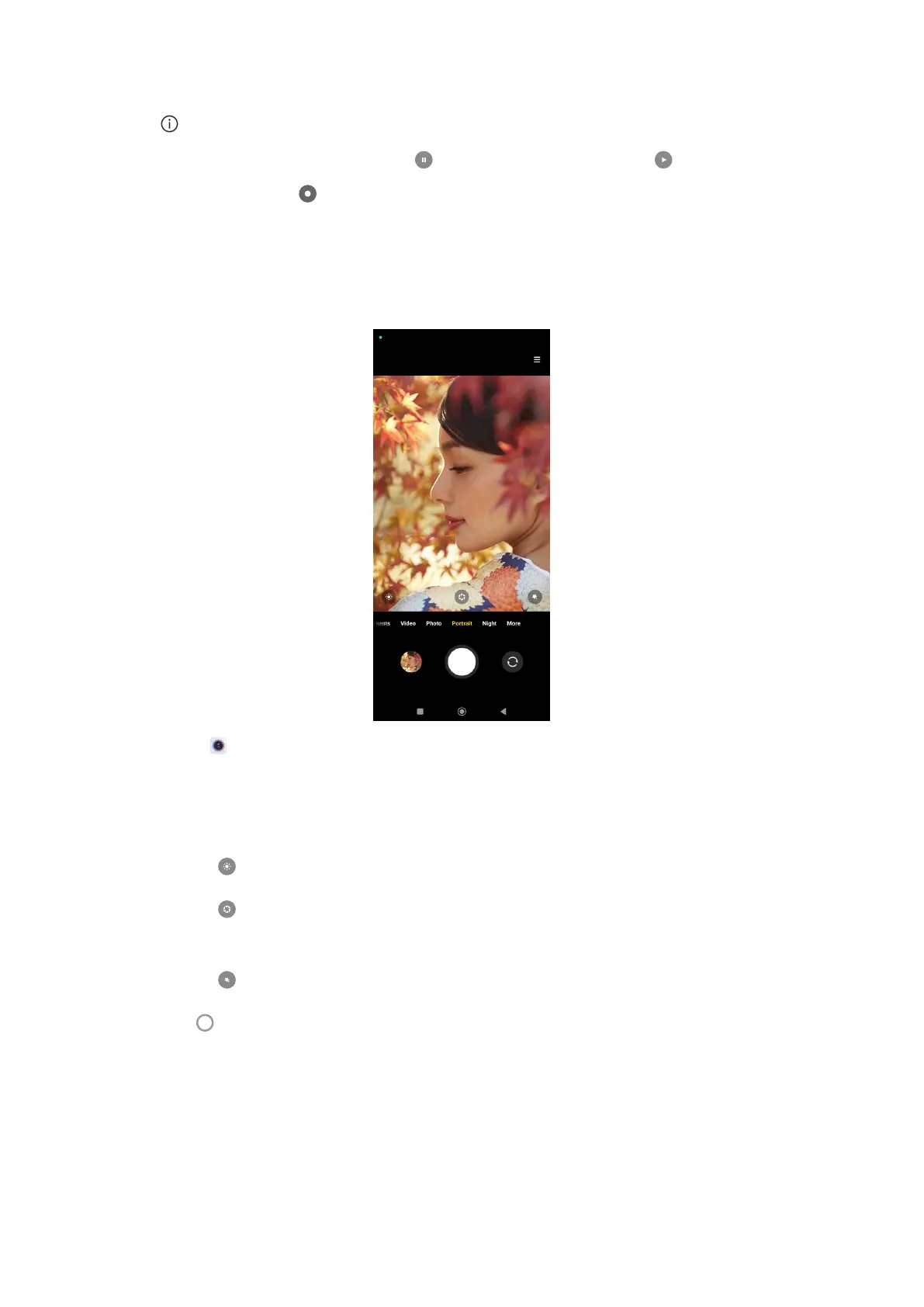
Take photos in Portrait mode
You can use Portrait mode to apply Cinematic, Beautify and Filters eects. You
can enable this feature to add a blurred background to your photos.
1. Open Camera.
2. Select Portrait mode.
3. Choose to add eects.
• Tap to apply a cinematic eect.
• Tap
and drag the slider to adjust the aperture. A lower aperture value
creates a more blurred background behind the portrait.
• Tap to beautify the portrait and add filters.
4. Tap to take a photo.
57















 To Next Page