2. Tap to switch to the front camera.
3. Tap to take a selfie.
Tip
You can tap to apply Beautify and Filters eects. See Add Beautify and Filters ef-
fects for more information.
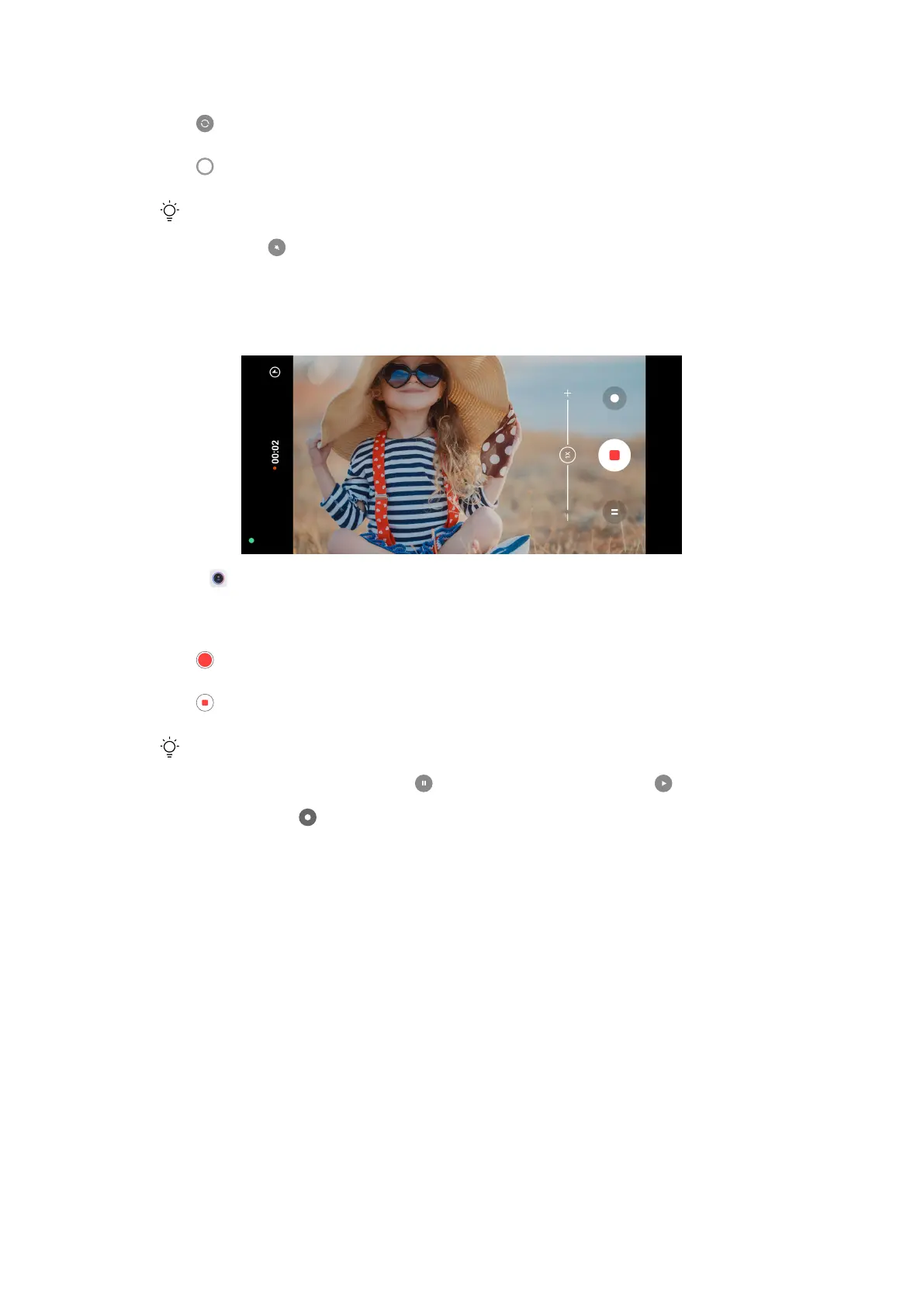
Take videos
1. Open Camera.
2. Select Video mode.
3. Tap to start shooting.
4. Tap
to stop shooting.
Tip
When taking a video, you can tap to pause your shooting and tap to continue.
You can also tap to take a photo while shooting.
Take Documents mode photos
You can take a picture for a document such as paper, PowerPoint, and black-
board in Documents mode. It can modify lens distortion and adjust perspective
and support you to take a straight photo. Documents mode also enables you to
add watermarks to protect your documents from unauthorized copying.
53















 To Next Page