• Touch and hold an empty space on the Home screen.
2. Tap to set Home screen layout.
3. Tap to enable Don't show text .
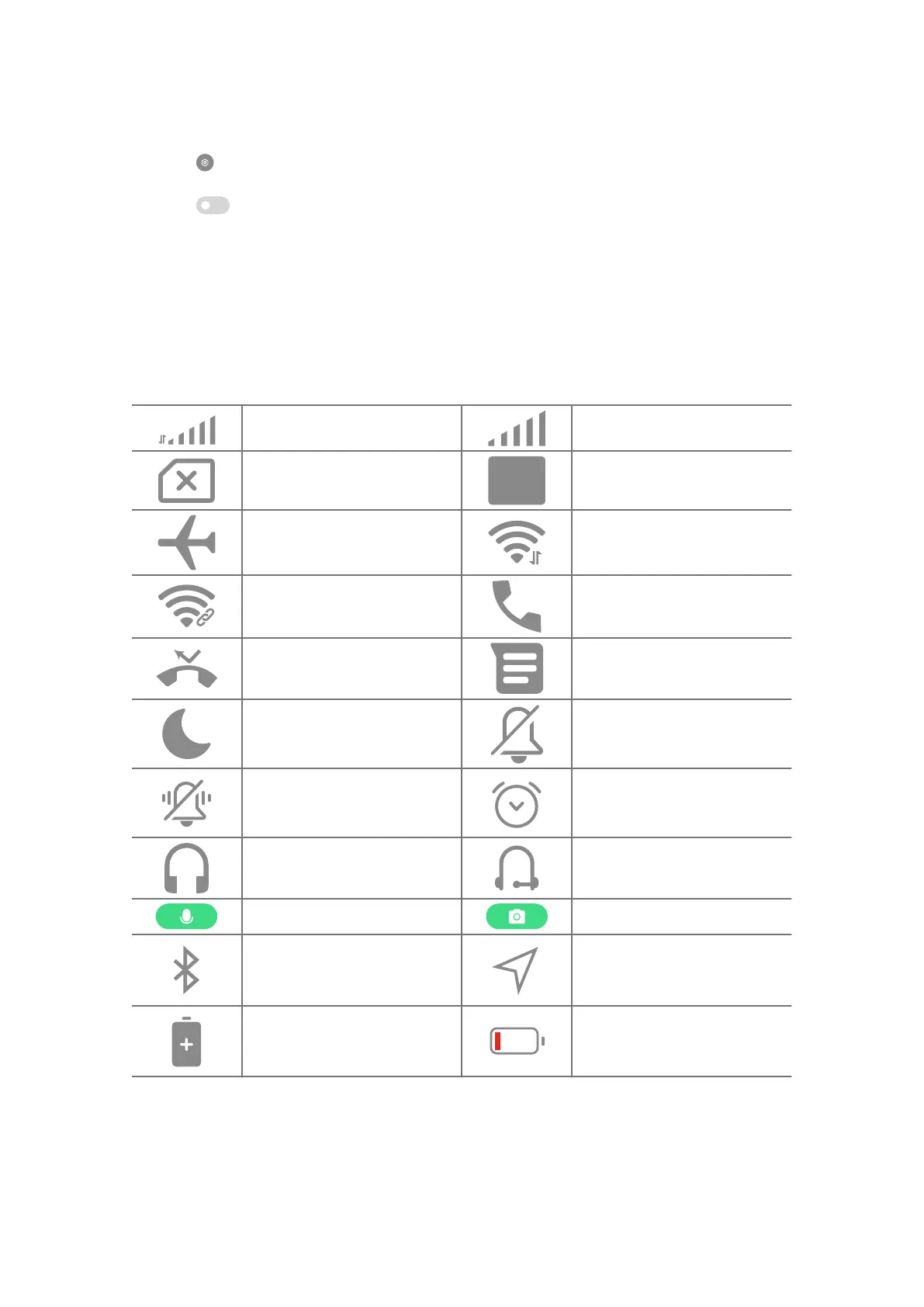
Notifications icons and status icons
Notifications icons and status icons inform you of the newest events, such as
news or messages from Apps and the statuses of your phone, such as the net-
work strength or battery condition.
Notification icons and status icons
5G network connected
Full signal strength
SIM card not found
VoLTE enabled
Airplane mode enabled Wi-Fi network connected
Portable hotspot enabled Calling
Missed call Unread SMS
Do not disturb Silent mode
Vibrate in silent mode Alarm
Headset
Headset with a microphone
connected
Microphone in use indicator Camera in use indicator
Bluetooth enabled Location services
Battery saver Low battery
11















 To Next Page