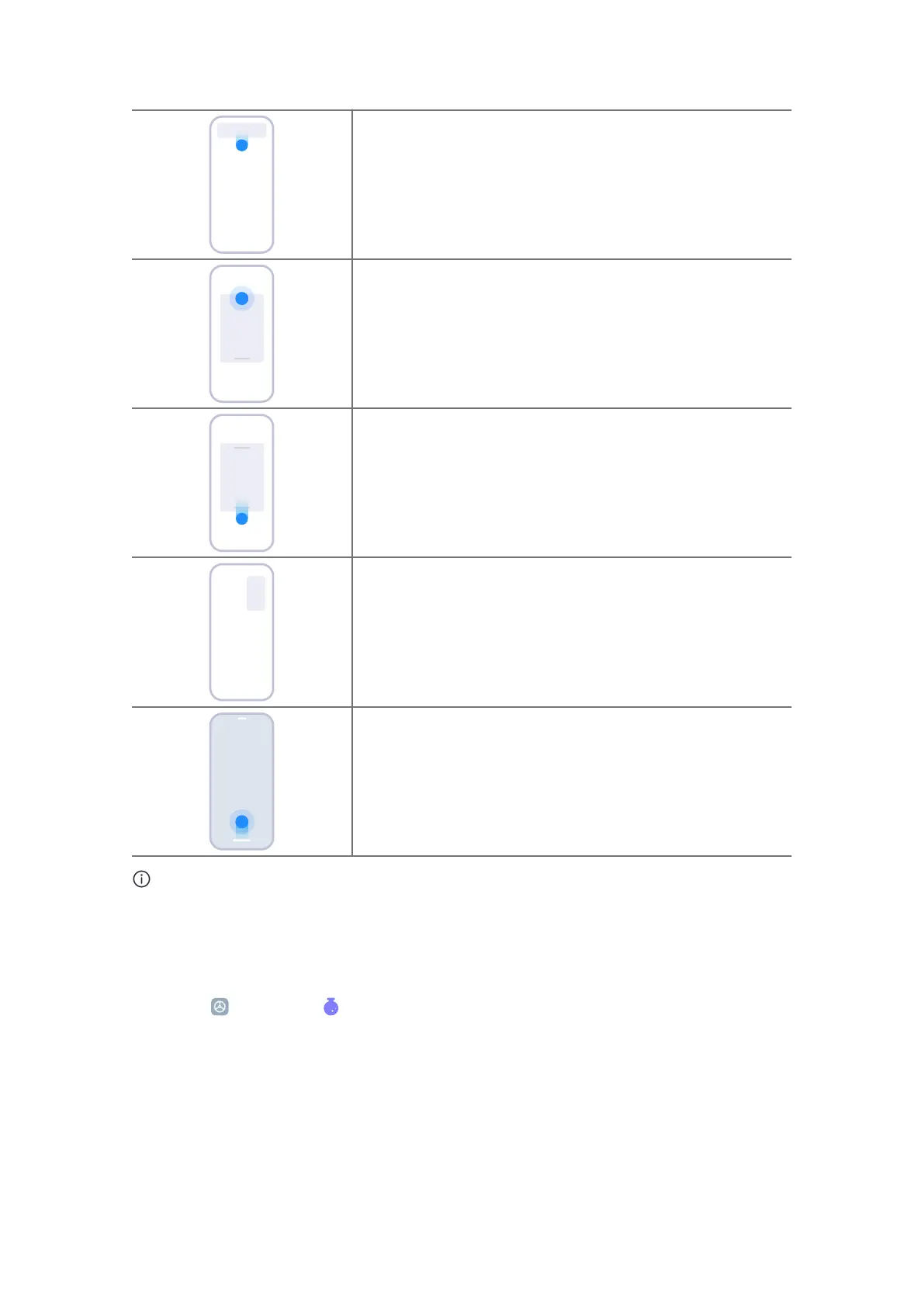
Opening floating windows
Press and hold, and then pull down the action bar of a
notification.
Moving floating windows around
Press and hold the action bar of a floating window to
drag.
Viewing floating windows in fullscreen mode
Press and hold, and then pull down the action bar of a
floating window.
Minimizing floating windows
Drag the floating window to the corner of the screen.
Minimize an app *
Press and hold the bottom of the window, and drag it to
the upper right corner.
Note
* This feature works only when system navigation is set to gestures.
Turn on Second space
1. Go to
Settings > Special features > Second space .
2. Tap Turn on Second space .
3. Tap Continue .
4. Choose the way to switch between spaces.
• Tap Using a password .
114















 To Next Page