Note
You can use the above gestures only when you choose full screen gestures mode. You can
see Set full screen gestures for more information.
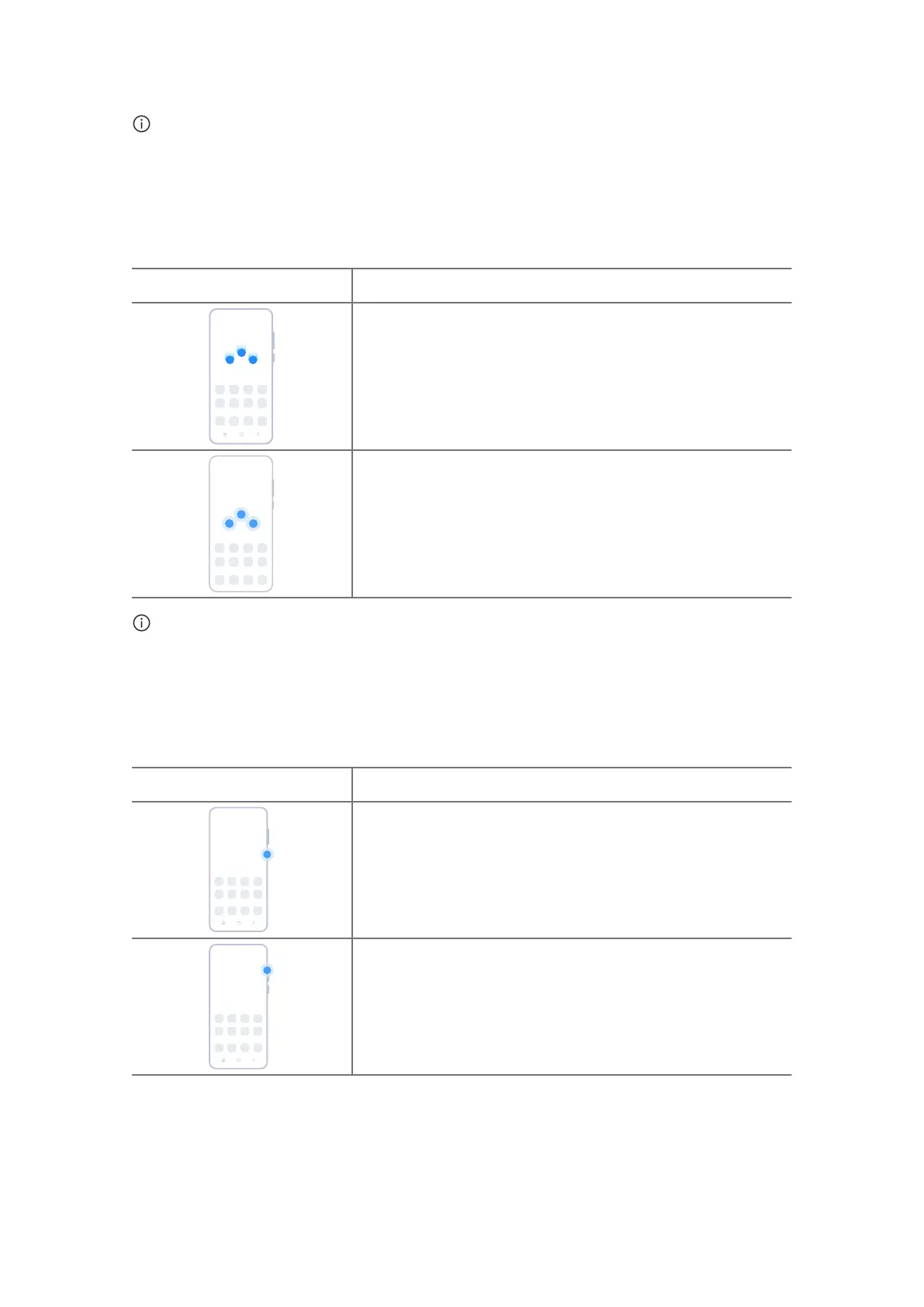
More gestures shortcuts
Gesture Description
Take a screenshot
Slide 3 fingers down.
Take a partial screenshot
Press and hold with 3 fingers.
Note
Before you can use the gestures, you need to enable the shortcuts. See Take a screenshot
shortcut and Take a partial screenshot shortcut for more information.
Button shortcuts
Gesture Description
Power o and reboot
Press and hold the Power button until the Power o and
Reboot menu appears.
Increase the volume
Press the Volume up button.
07















 To Next Page