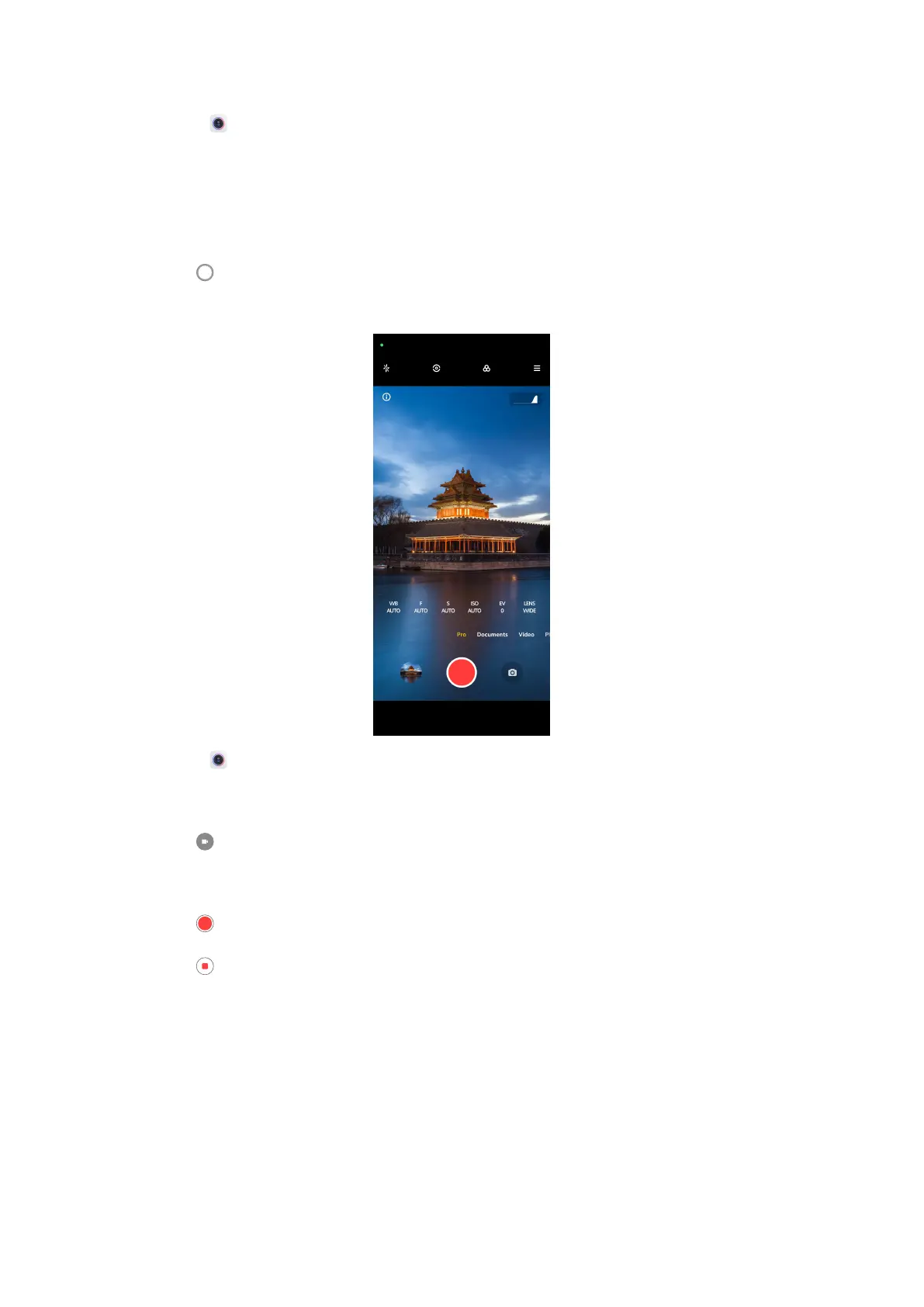
1. Open Camera.
2. Select Pro mode.
3. Adjust the Pro features such as WB, F, S, ISO, EV, LENS and Metering
modes. See Pro features for more information.
4. Tap to take a photo.
Take videos in Pro mode
1. Open Camera.
2. Select Pro mode.
3. Tap to switch to shoot a video.
4. Adjust the Pro features. See Pro features for more information.
5. Tap to start shooting.
6. Tap
to stop shooting.
56















 To Next Page