3. Tap the contact to view details.
4. Tap or the phone number to make a call.
Answer a call
Swipe up
to answer a call.
Silence a call
Press the Volume up or down button when the phone rings.
Decline a call
Swipe down until shows to decline a call.
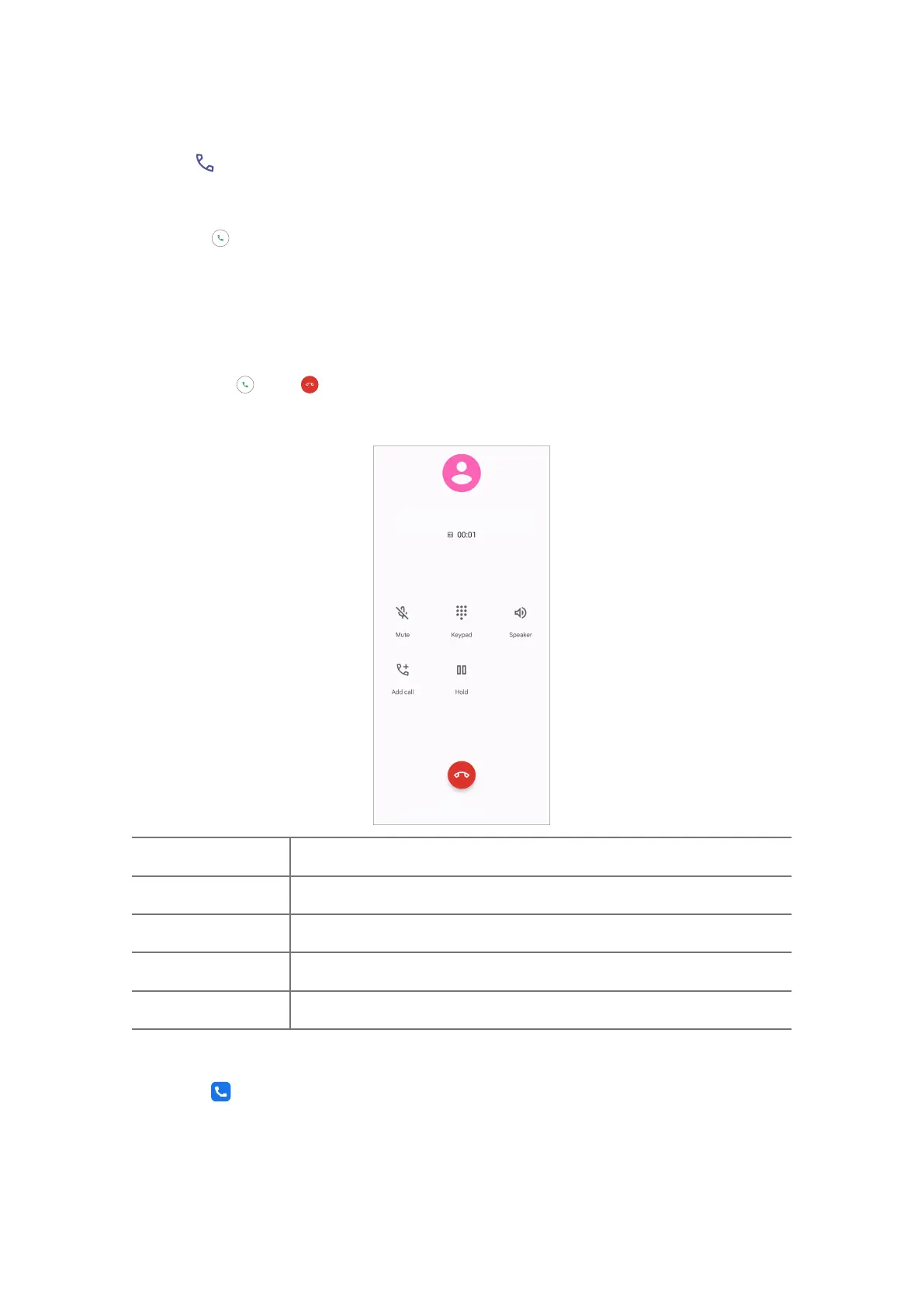
Manage the call while on calling
Mute
Mute the call
Keypad
Enter numbers during a call
Speaker
Open the speaker to make voice loud
Add call
Add calls to the contact list
Hold
Put the current call on hold
Add a contact to Favorites
1. Go to Phone > Favorites .
34















 To Next Page