Tip
The camera enables automatic HDR by default. You can also tap
to make HDR al-
ways on.
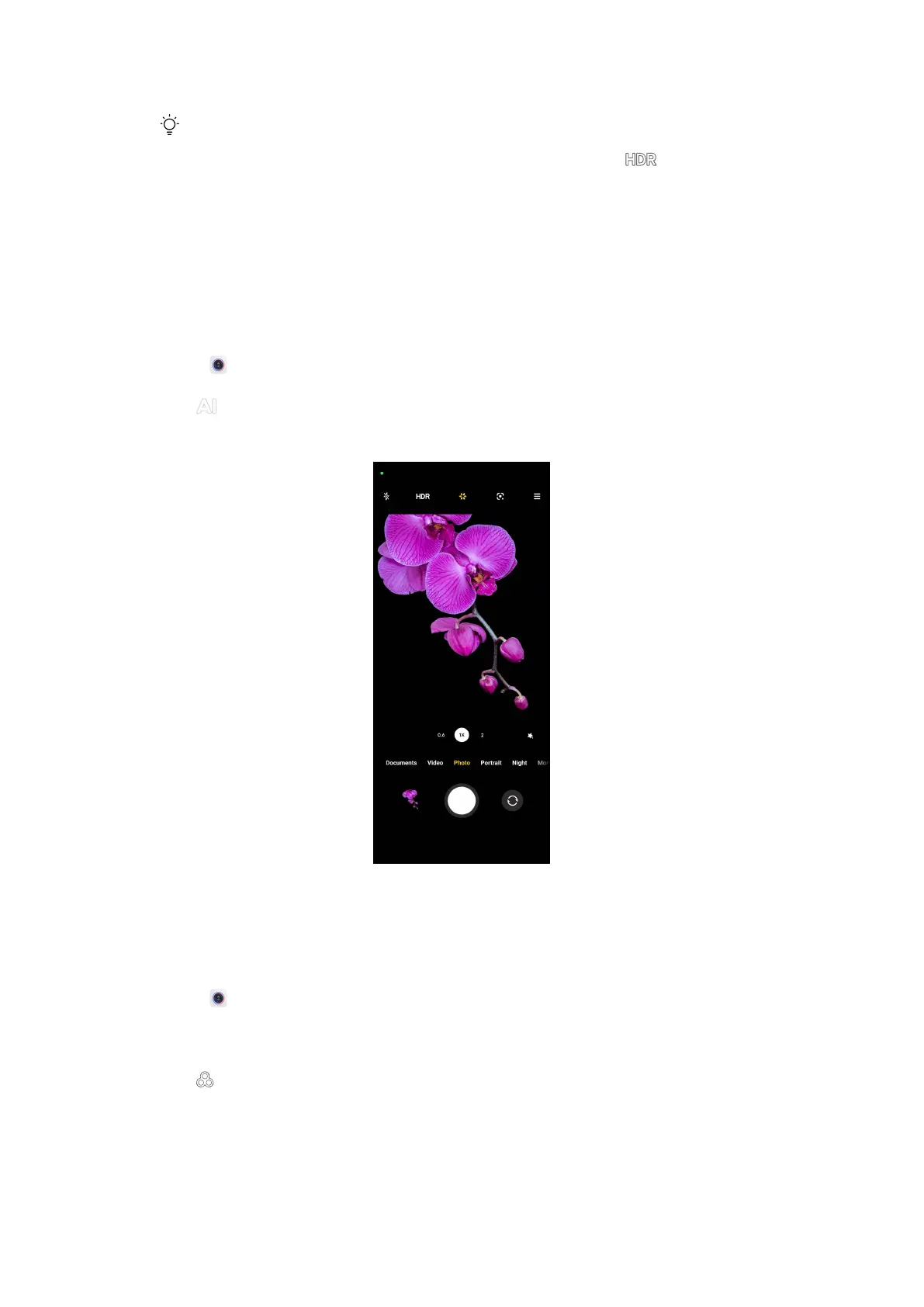
Enable AI camera
AI camera identifies subjects and scenes intelligently and optimizes the camera
settings accordingly. It can identify a variety of scenes, such as blue sky, snowy
weather, sunrise and sunset, greenery, and document.
1. Open
Camera.
2. Tap to enable AI camera.
When you are taking a photo, AI camera shows the identified icons.
Add a movie filter
A movie filter creates a cinematic feel to your video.
You can apply Movie filters in Pro mode when you take a video.
1. Open Camera.
2. Select Video.
3. Tap
.
50















 To Next Page