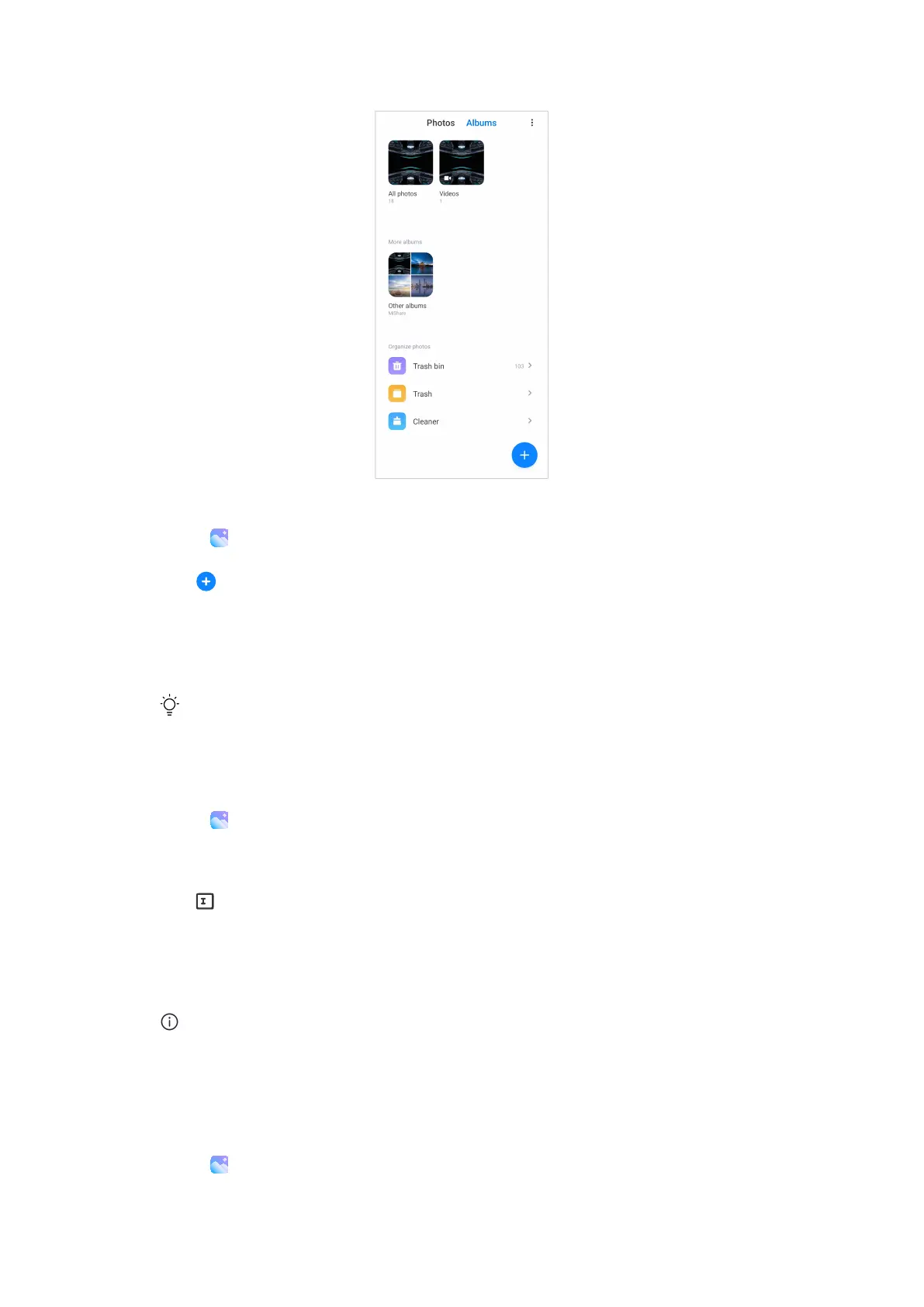
Create an album
1. Go to Gallery > Albums .
2. Tap at the lower-right corner of the phone.
3. Enter the album name.
4. Follow the instruction to add photos or videos to the album.
Tip
You can also choose not to add photos or videos to the album.
Rename an album
1. Go to Gallery > Albums .
2. Press and hold the album that you want to rename.
3.
Tap Rename.
4. Enter the new album name.
5. Tap OK .
Note
You cannot rename the default album name such as All photos, Favorites, Videos, and
Screenshots and screen recordings.
Hide albums
1. Go to Gallery > Albums .
72















 To Next Page