77
Handset Settings
Redmi Note 9T
Privacy Protection
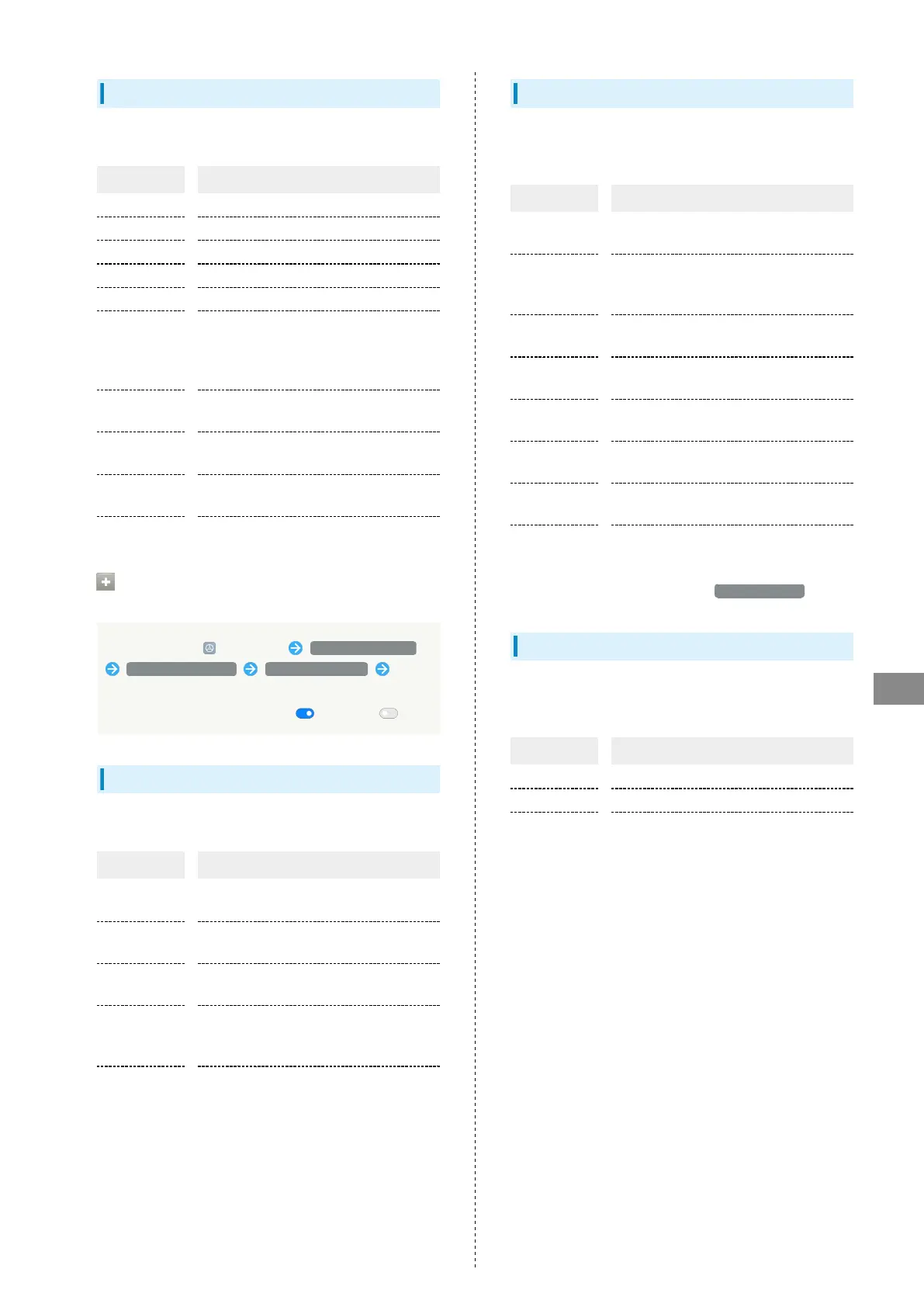
Make permission settings. Settable items are the following.
Item Description
Location Allow use of location per application.
Contacts Allow use of contacts per application.
Call logs Allow use of call history per application.
Microphone Allow use of Mic per application.
Storage Allow use of storage per application.
All
permissions
Set applications with permitted usage per
function.
For details, see "Setting Required
Permissions for Applications."
Special
permissions
Set special permissions.
Other
permissions
Set other permissions.
High-risk
permissions
Set high-risk permissions.
Privacy Policy Check privacy policy.
Setting Functions Not Subject to Data
Saver
In Home Screen, (Settings) Privacy protection
Special permissions Unrestricted data Tap
name of application no longer to be subject
・
Tap application name to enable ( )/disable ( ).
Apps
Make application settings. Settable items are the following.
Item Description
System app
settings
Make settings per application.
Manage apps
Uninstall applications and check
application information.
Dual apps
Use an application individually in different
accounts.
Permissions
Set whether individual applications
activate automatically, whether to allow
use of applications per function, etc.
App lock
Set handset to require pattern entry to
activate applications.
Digital Wellbeing & Parental Controls
Manage time that handset is used and set parental limitations
on use. Settable items are the following.
Item Description
XXm/XXh
XXm
1
View total duration of handset use today.
Dashboard
1
Check screen time, notifications received,
and times opened. Also restrict usage of
individual applications.
Wind Down
1
Set handset to activate DND at a
specified time.
Focus mode
1
Set whether to pause applications that
can be distracting.
Manage
notifications
1
Make application notification settings.
Do Not
Disturb
1
Set ringtone, operation sounds, etc. not to
sound.
Show icon in
the app list
1
Set whether to show Digital Wellbeing as
application in app list.
Parental
controls
Set controls on usage as a parent/
guardian.
1 When setting the first time, Tap Show your data first.
Special Features
Make settings for special functions such as Game Turbo and
Video toolbox. Settable items are the following.
Item Description
Game Turbo Make settings for Game Turbo.
Video toolbox Make settings for Video toolbox.
Floating
window
View a tutorial on floating windows.














 To Next Page