5-7
ARRIVING ON SITE
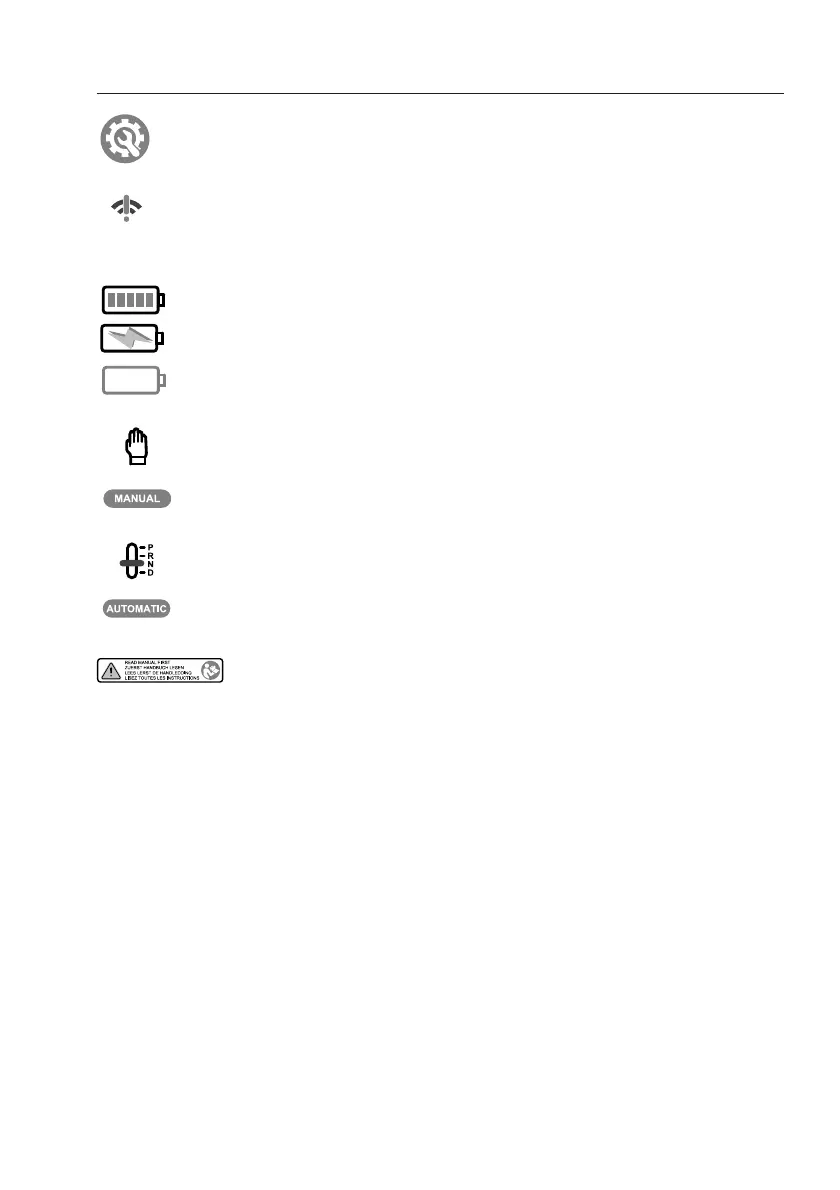
CONFIGURATION icon
• only appears in remote use of the
touchscreen, when there is no
communication between touchscreen
and operating unit.
BATTERY STATUS indicator
• change settings
NO SIGNAL indicator
BATTERY STATUS indicator
BATTERY STATUS indicator
• 5 lines indicates “fully loaded”
• Battery is charging
• Full empty
• Brings you to the next screen of the
manual levelling procedure
• Brings you to the next screen of the
manual levelling procedure
MANUAL levelling indicator
AUTOMATIC levelling indicator
NOTIFICATION indicator
• Appears in the chosen language and
brings you to the user manual in the
chosen language



 To Next Page