Appendixes60
4) Place the sensor pad on the desired supporng surface, such as a chair or
a bed. Ensure that the sensor’s grid is facing towards the subject applying
the pressure.
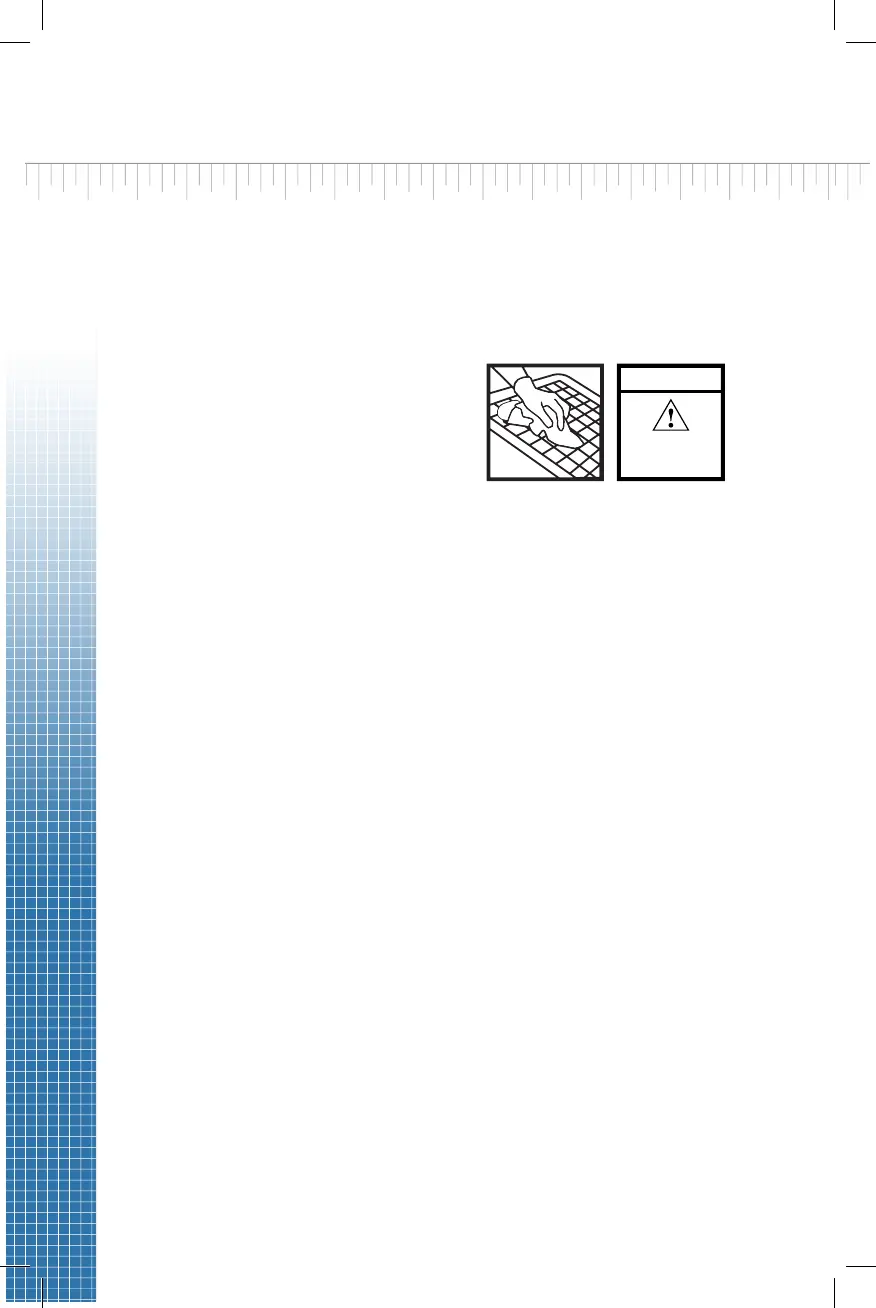
The following label on the sensor indicates it is cleanable as described:
CLEANABLE
CLEAN ONLY AS
RECOMMENDED
IN USER GUIDE
If the sensor has one of the
following markings, it is
cleanable as per the Cleanable
Sensor Instrucons secon of
this User Guide.
5) The ForeSite SS Desktop system is now ready for use. Before the
subject makes contact with the sensor, ensure that they do not have
any sharp objects or protrusions that may puncture/tear the sensor
pad covering material.
Warning: Neither sensor pads nor protecve sleeves are intended for
contact with bare skin.
II.DUALSENSORPADSYSTEMS
• Dual sensor pad systems include all the same components as listed
above for the single pad systems with the excepon of:
1 addional Pressure Imaging Sensor Pad
1 addional Wireless Sensor Pack (X4)
• The dual sensor pad system is set-up the same way as the single
sensor pad system with the excepon that it requires you to repeat
the instrucons above for charging, connecng and powering ON your
second X4.


 To Next Page