ForeSite SS Hardware18
Set-UpInstrucons
1. Begin by ensuring both the ForeSite SS tablet and the X4 are fully
charged. Recommended charge me to ensure a full charge is 2-3
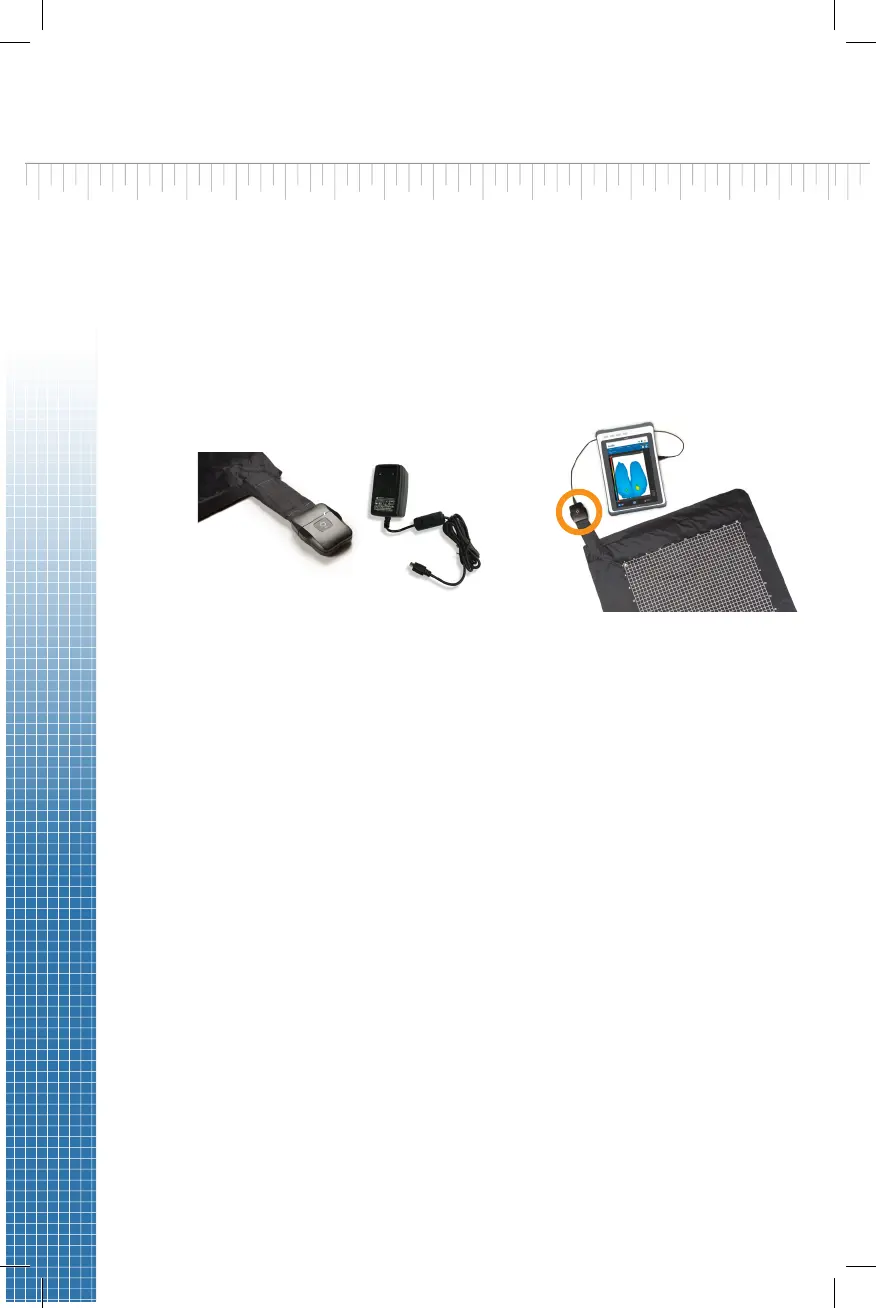
hours for both devices. For the X4, connect the micro-USB on the X4
power supply to the micro-USB input on the X4, as shown in Figure
1. For the ForeSite SS tablet, connect the tablet power supply and
cord to the tablet as shown in Figure 2.
Warning: Use only XSENSOR approved power supplies with ForeSite SS.
Do not connect any other USB device or cable to the X4.
2. Inspect the sensor pad covering material and cable for signs of
damage. These include, but are not limited to, tears, punctures,
cracked enclosures, and/or exposed wiring. If damage is idened or
suspected, contact XSENSOR for repair (see Appendix #4)
Warning: Do not aempt live pressure imaging if the sensor pad is
damaged or soiled. Refer to the Maintenance secon of this user guide
for more informaon on cleaning.
3. Connect the X4 to the sensor pad for Wired Set-up, plug the micro
USB into the X4 enclosure and the other end into the tablet.
4. For wireless setup, connect the X4 to the sensor pad via bluetooth
sengs. On the tablet, go to Bluetooth devices and ensure
Bluetooth is on. Your tablet will search for discoverable Bluetooth
devices. Pair it with the sensor (device will start with WSPK).
Figure 1 Figure 2


 To Next Page