ForeSite SS Soware
39
Introducon
This secon of the User Guide is intended to provide you with a simple
overview of some the key features and funcons of the ForeSite SS soware.
Quick Start
These 6 steps will help you get started pressure imaging with your ForeSite
SS soware quickly and easily. Once your hardware has been properly setup
as per the instrucons in the Hardware secon of the guide, you are ready to
get started with your ForeSite SS soware.
1. Ensure your ForeSite SS tablet is fully charged
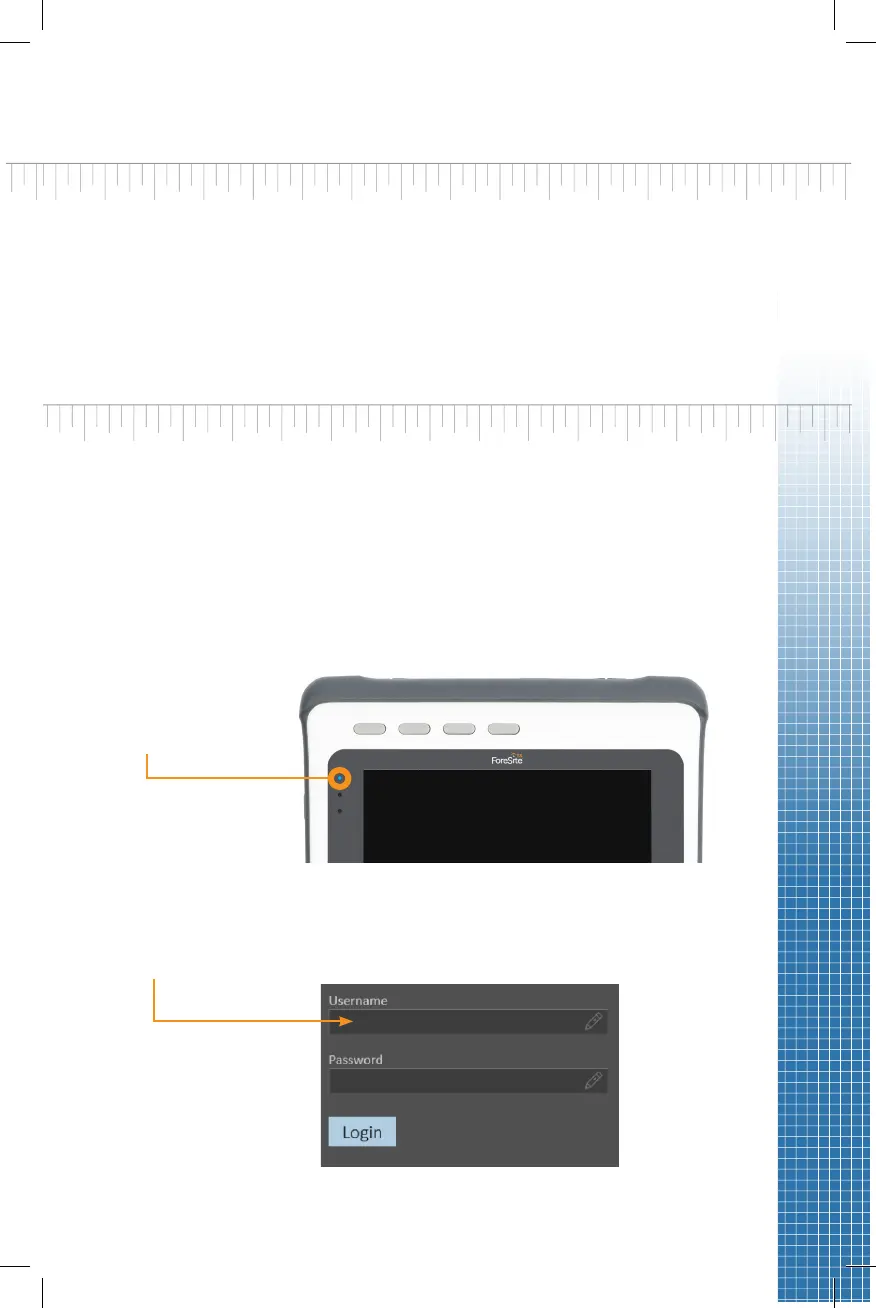
2. Turn the tablet on by pressing and holding the power buon at the top of
the tablet unl the power indicator light on the display ashes blue
Display ashes
blue
3. The rst me you use ForeSite SS, you’ll log into the soware by entering
the Username “Admin” and selecng the Login buon. No password is
required.


 To Next Page