Installation Guide ADPROPROE by Xtralis
14 27386_05
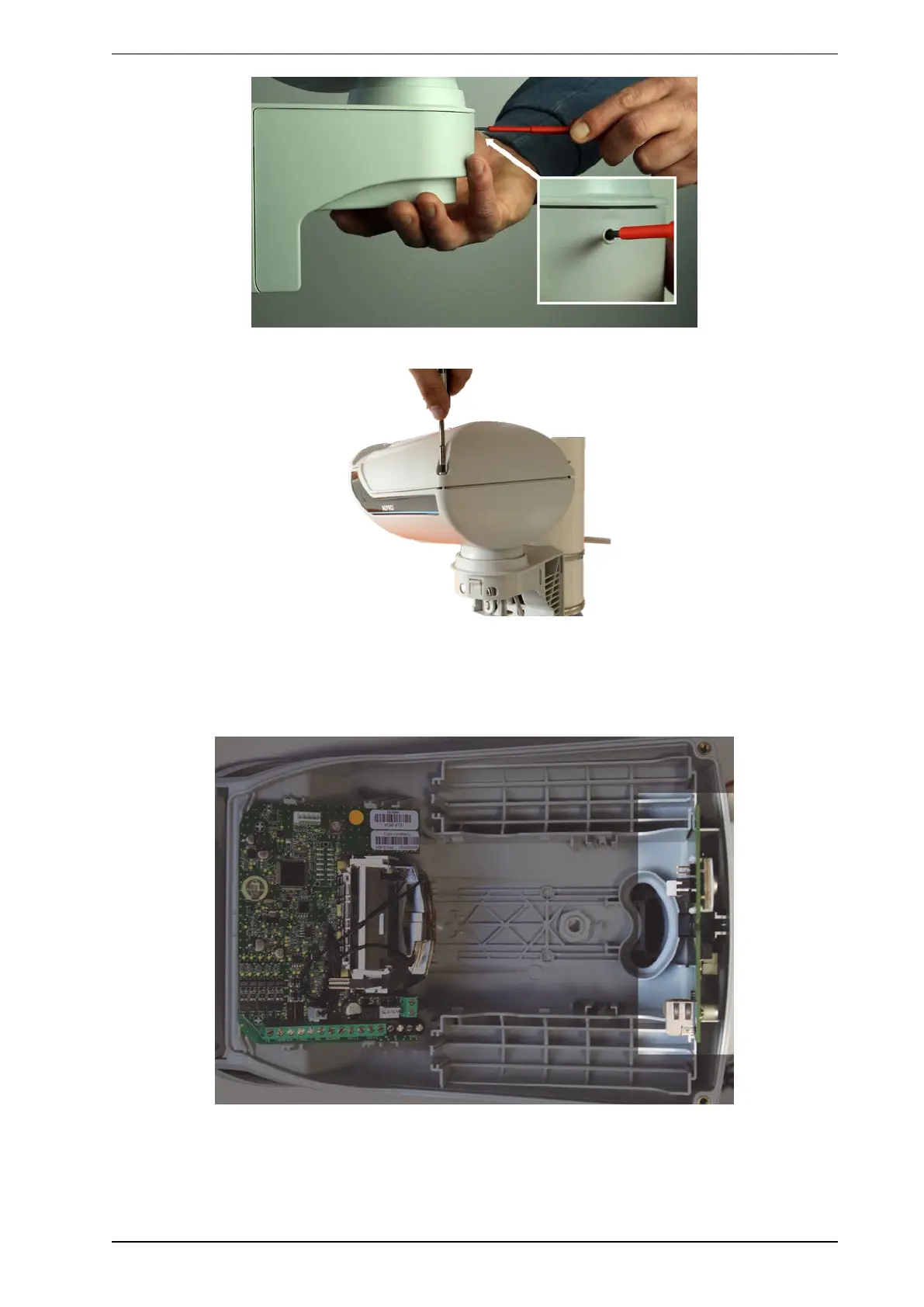
3. Open the housing cover by unscrewing both housing screws.
4. Install the IP module, part number: CH12005001 (optional):
The IP module is an accessory and is not included in delivery of PRO E detectors. Using the IP Module
(IPM) converts the RS-485 bus to Ethernet and makes it available remotely through the IP address of the
module. The IP module will be powered via an external PoE connection. The IP module powers the PRO
E detector via an own cable (within the scope of delivery of PRO E-IPM).
Note: If you do not use an IP module at this time, skip the installation of the IP module and continue
installation from step 5.



 To Next Page