Installation Guide ADPROPROE by Xtralis
24 27386_05
b. Go through setup:
Alignment, walk tests, software settings, fine tuning alignment.
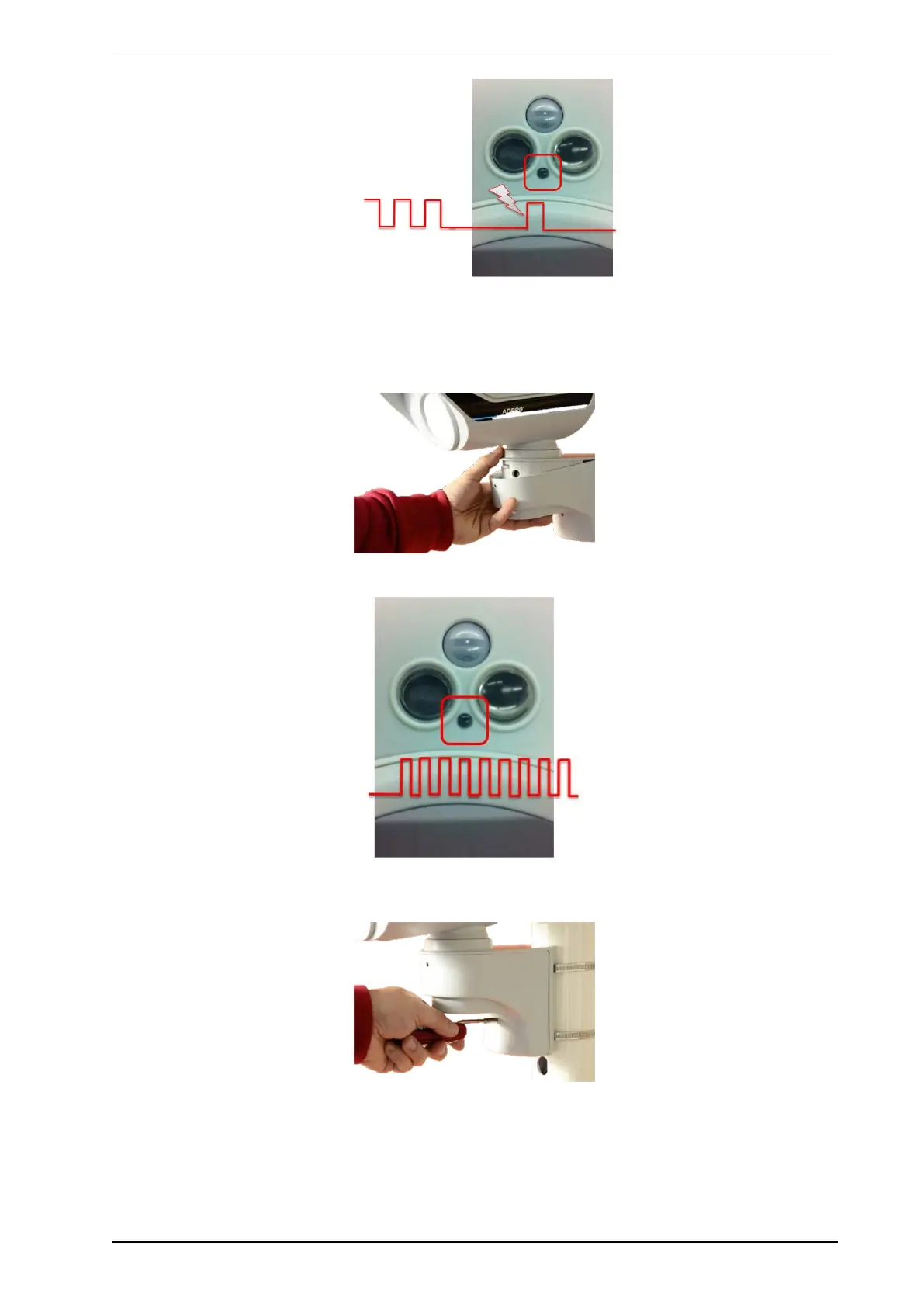
When the performance is satisfactory, close the bracket.
Front LED will start blinking fast.
If LED does not start blinking, make sure the tamper switch in bracket is closed by turning front screw until
LED does start blinking.
Make sure the detector has an unobstructed view below and around it.
After 30-60 seconds, internal settings are done and the front LED will be permanently deactivated.



 To Next Page