ADPROPROE by Xtralis Installation Guide
27386_05 23
2.9.2 Installation Steps for PRO E-RF Detectors
To install PRO E-RF detector, follow these steps:
1. Mount the detector,
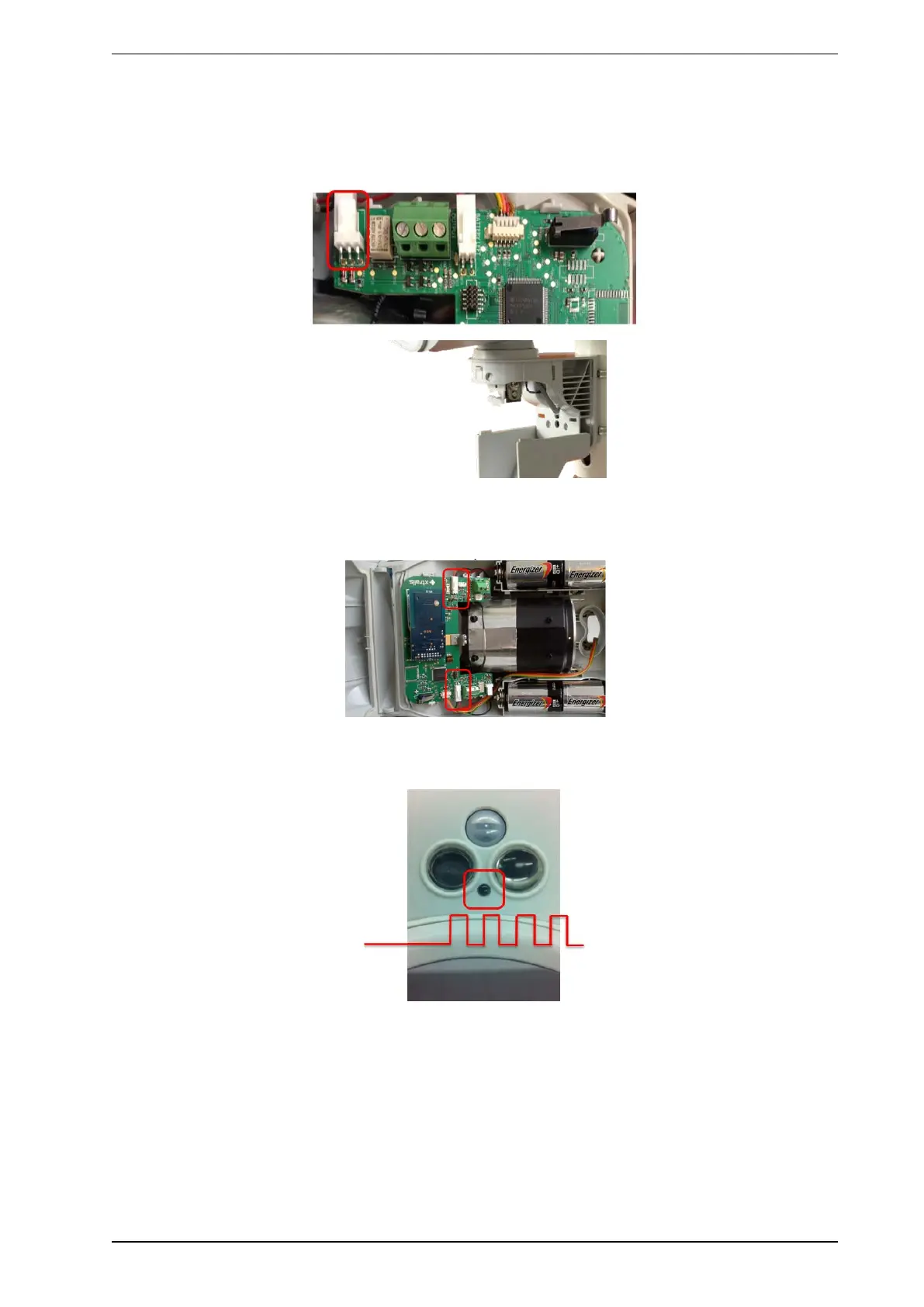
2. Make sure that the bracket switch is connected (SKT5), and the bracket hatch is open,
3. Connect batteries (1.5V Alkaline or 3.6V Lithium, it is recommended to use Lithium because of its better
temperature stability) and external power source (if available). The external power source must be
between 8.5 and 28 VDC. Any higher voltage could cause permanent and irreversible damage.
The device starts up.
As long as cover is open, the red LED blinks slowly.
4. Start the Test mode:
a. Close cover, tighten screws, leave bracket open. You will notice the following:
l Red LEDstops blinking
l Device enters walk test mode
l Alarms are indicated by the red LED
l While in test mode, the detector wirelessly transmits alarm channel 1 during alarms to indicate
alarms at the alarm panel and constantly sets alarm channel 2 to indicate being in Test mode.



 To Next Page