22
ET5000 User Manual The gateway for Smart Linux TV
3. Selecting Audio Track
[ : Press ]
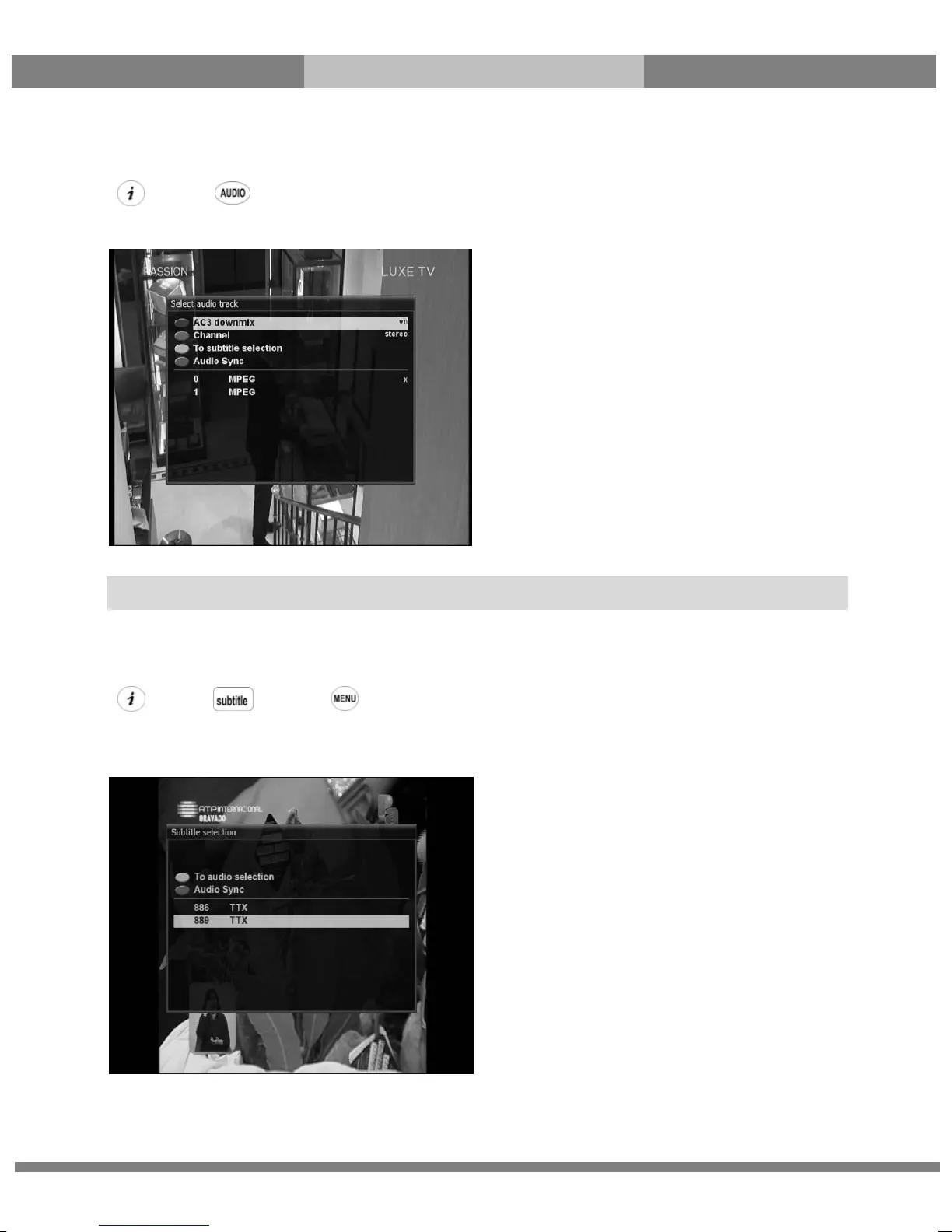
You can check what audio tracks are available to choose by pressing AUDIO key.
By using UP/DOWN key and Color key, you can select a different audio language or Stereo sound.
4. Subtitle
[ : Press or Press Æ ‘Subtitle’]
You can view the subtitle of the current program if the program provides the subtitle. Press SUBTITLE key and
Subtitle selection menu appears as below.
Available subtitles, if any, will display. By using UP/DOWN navigate the list to select a subtitle that you want to
play and press OK to activate it.
NOTE: Available options on this menu will differ depending on the service.



 To Next Page