24
ET5000 User Manual The gateway for Smart Linux TV
● VOLUME - Key
If you want to reduce the page size, press VOLUME - key.
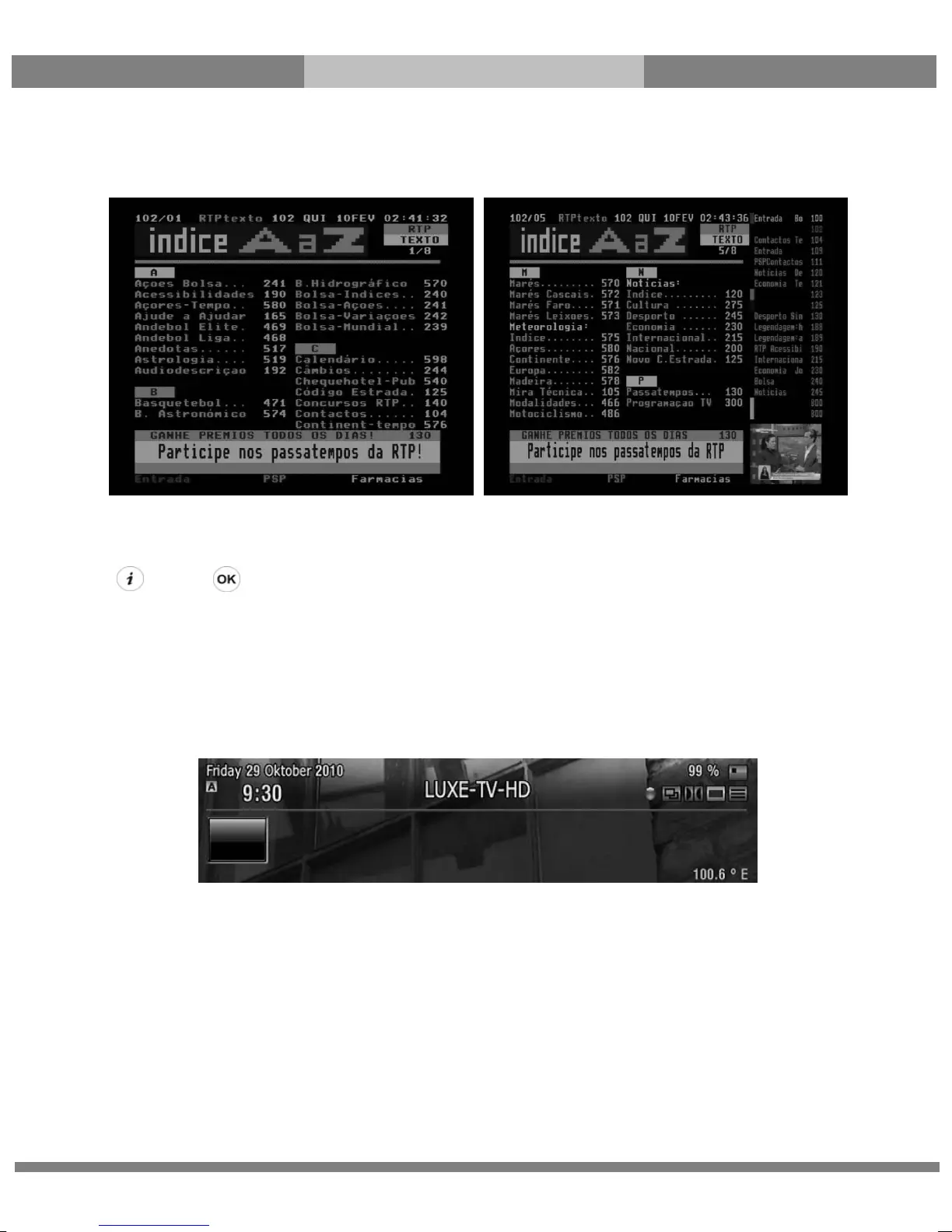
6. Program Information (Infobar)
[ : Press ]
Whenever you change the channel, infobar is always displayed for 5 seconds (default setting). Infobar is designed
to provide you comprehensive information of the channel that you are currently watching.
Press OK to call up infobar.
① A : The tuner being used for the current channel
② SNR (Signal to Noise Ratio) : Signal Level
③ AGC (Automatic Gain Control) : Signal Strength
④ The name of the current channel
⑤ Remaining time of the current program
⑥ The current program
⑦ The next program
⑧ REC : Highlighted in red when recording is in progress.



 To Next Page