57
The gateway for Smart Linux TV ET5000 User Manual
2-5. Checking H/W & S/W Information
[ : Press Æ ‘Information’]
If you want to check the H/W or S/W system of your ET5000, this is the menu that you need to use. Also, here you
can check very detailed information of a specific service.
A. Service Information
[ : Press Æ ‘Information’ Æ ‘Service’]
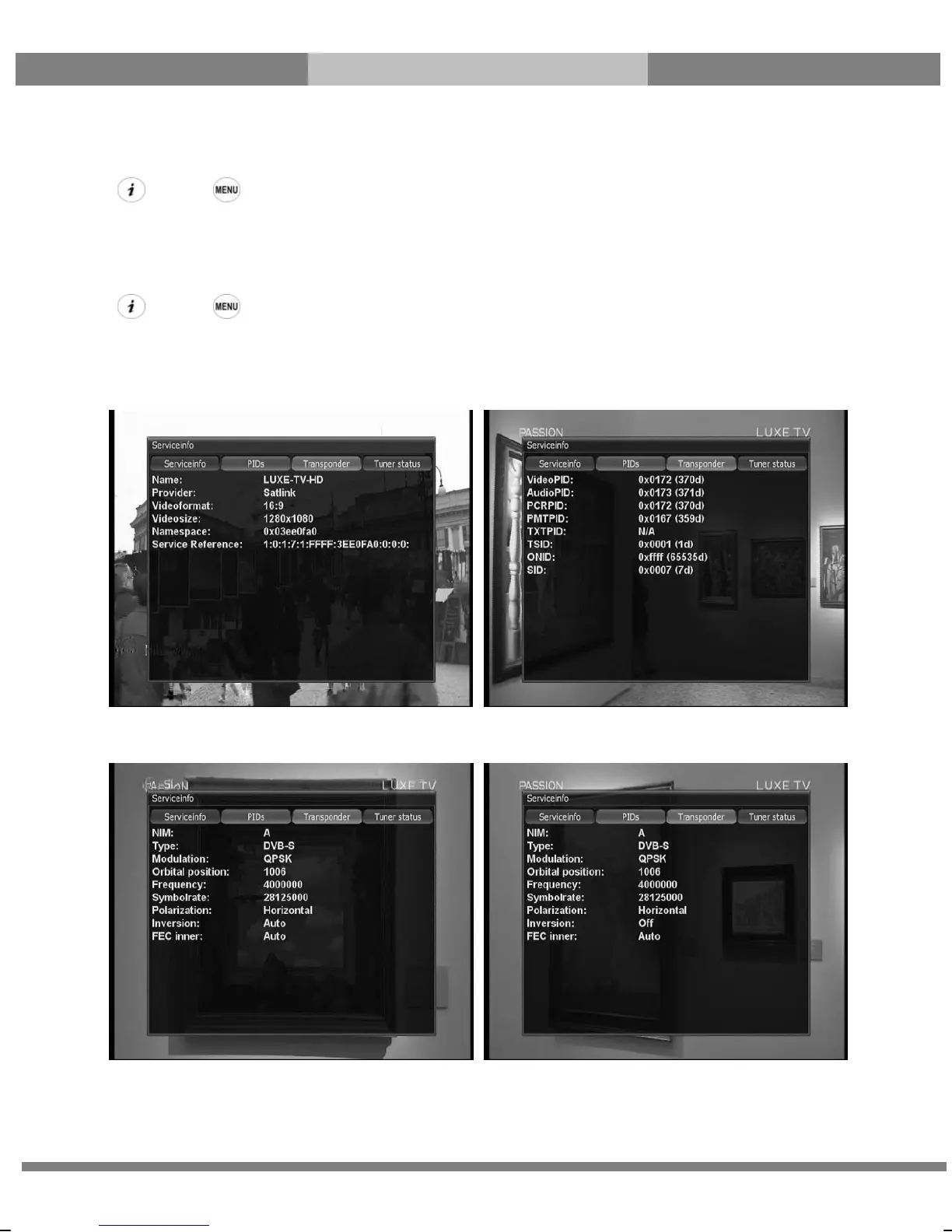
In this menu, you can see all the parameter data of the current channel. The service information is well arranged in
four sections as below:
① Service info ② PIDs
③ Transponder ④ Tuner Status



 To Next Page