35
The gateway for Smart Linux TV ET5000 User Manual
12. Managing Recording Files
[
: Press > Press ]
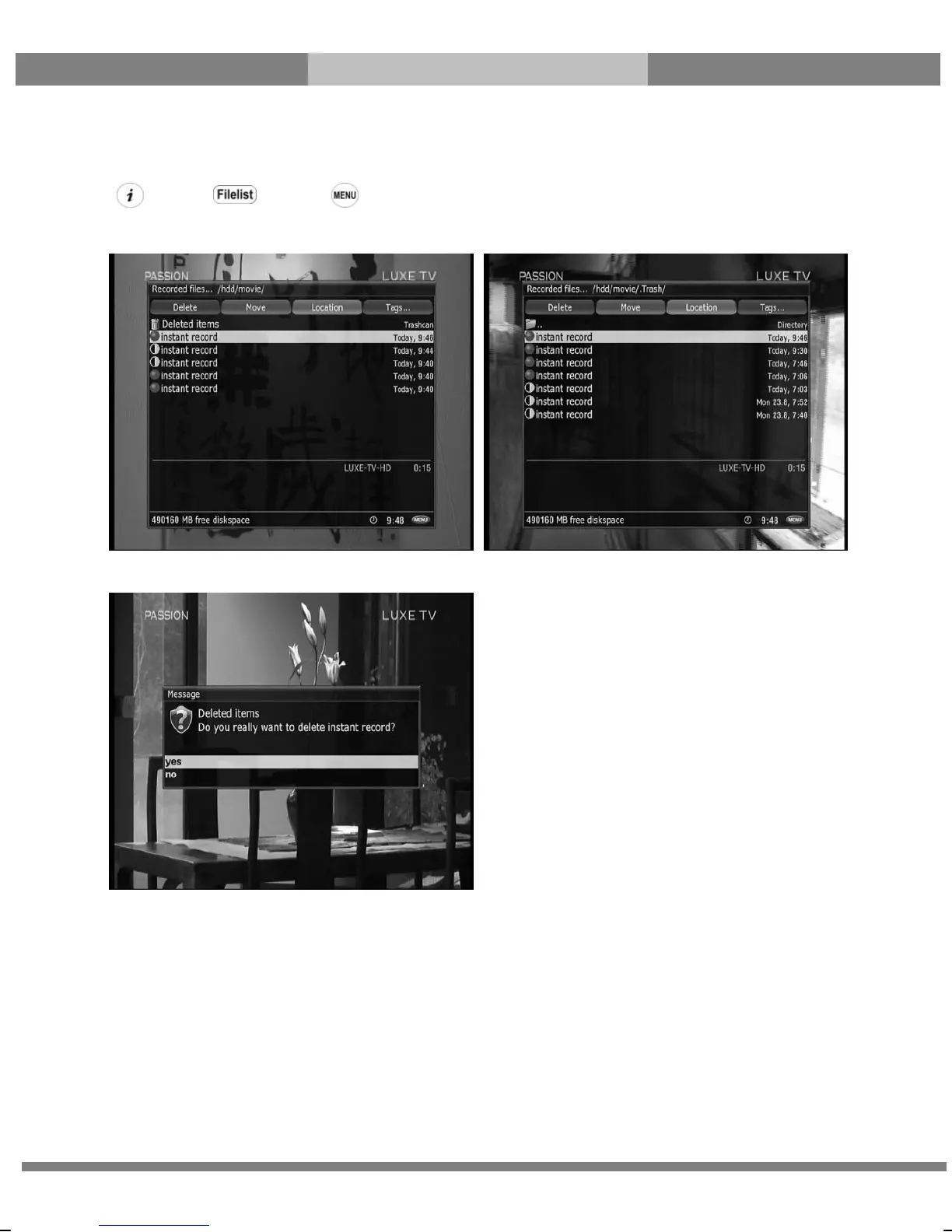
If you want to delete a recording file, press MENU key while Recorded files menu is on.
Select ‘Delete’ and confirm OK to delete.
Other than ‘delete’, in this menu, you have options in sorting and listing of the recording files.
- Sort by date
- List style default
- List style compact with description
- List style compact
- List style single line
- Hide extended description.



 To Next Page