39
The gateway for Smart Linux TV ET5000 User Manual
IV. System Configuration
ET5000 is a very sophisticated device designed to allow users a variety of system setting options as detailed as
possible. You can fine-tune your ET5000 to be your OWN system to fit your taste. This chapter will guide you
through the entire menu of system configuration.
Prior to System Configuration, please take a notice on the menu structure of ET5000 first.
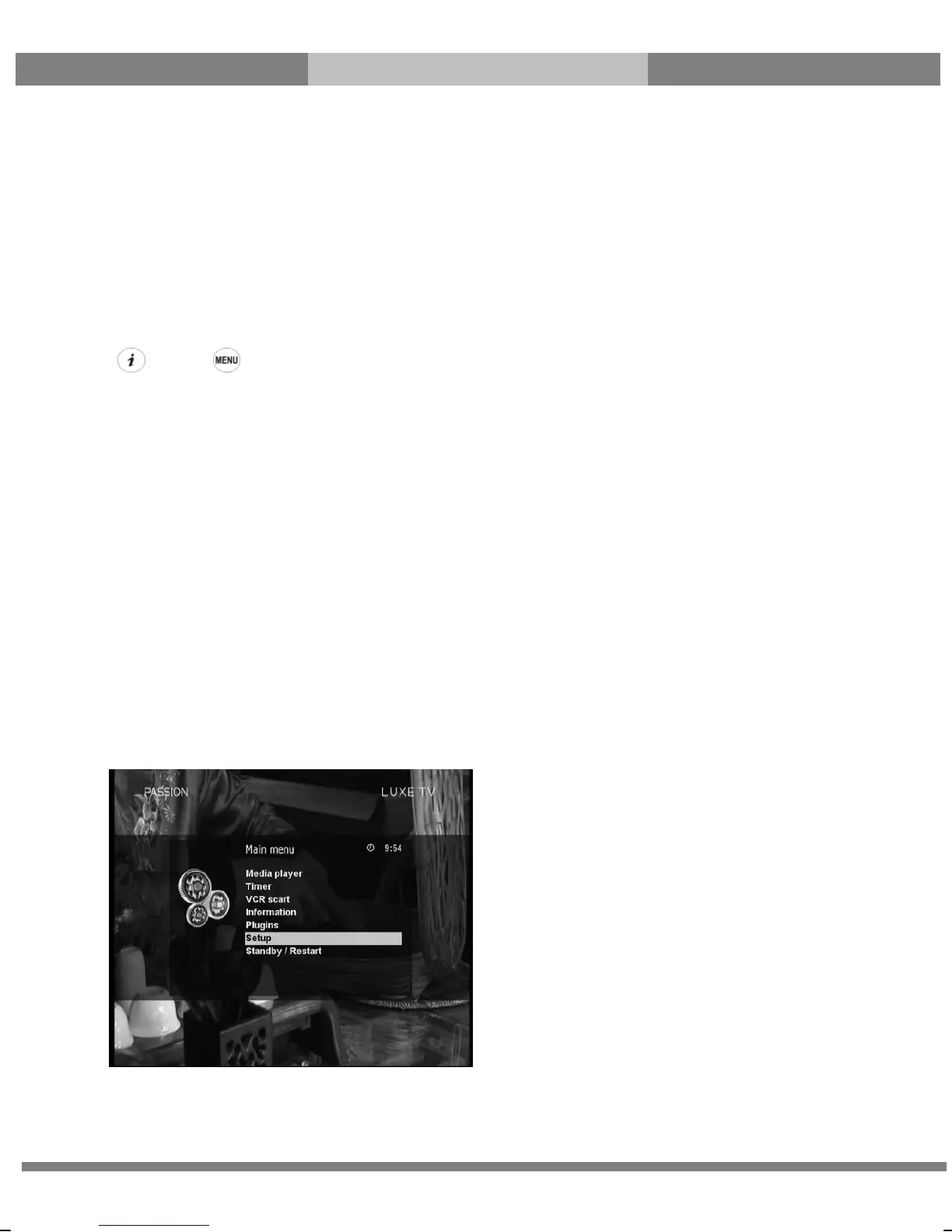
1. Main Menu
[ : Press ]
The main menu of ET5000 consists of the following sub menus.
① Subtitles
Displays Subtitle selection menu of the current program.
② Media player
Activate Media player of ET5000. For more information, please refer to the page 36.
③ Information
Has two sub menus for Service/About. Service menu provides the detailed information of the current Channel.
About menu provides the detailed information of the H/W and S/W system of your ET5000. For more information,
please refer to the page 57~58.
④ Plug-ins
Activates Plug-in browser of ET5000 .Using this browser, you can log onto the designated website and you can
download a variety of new plug-ins. For more information, please refer to the page 37.
⑤ Setup
Provides all of the system settings. For more information, please refer to the page 40~58.
⑥ Standby/Restart
Provides options for power On/Off and sleep timer. For more information, please refer to the page 16.



 To Next Page