23
The gateway for Smart Linux TV ET5000 User Manual
5. Teletext
[ : Press ]
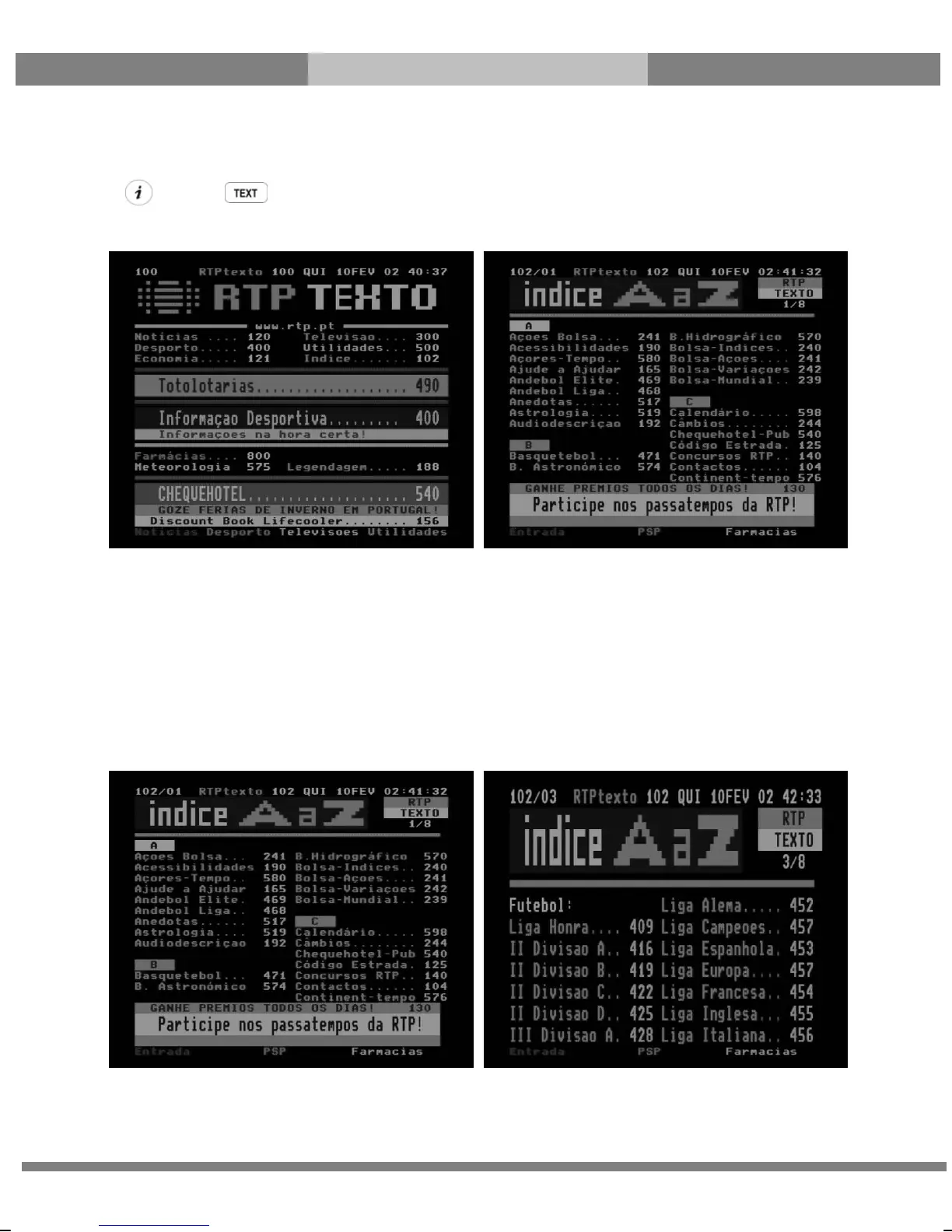
You can call up Teletext information by pressing TEXT key. It will take some time to load all the information.
You can navigate through the Teletext page by using UP/DOWN key to select a text page. Also, just simply enter
the page number that you want to read.
● MUTE key
Once you activated Teletext, you can toggle between the live mode and the Teletext page by pressing
MUTE key instantly. In this case, loading of the Teletext page takes place instantly.
● VOLUME + key
If you want to enlarge the page, press VOLUME + key.



 To Next Page