49
The gateway for Smart Linux TV ET5000 User Manual
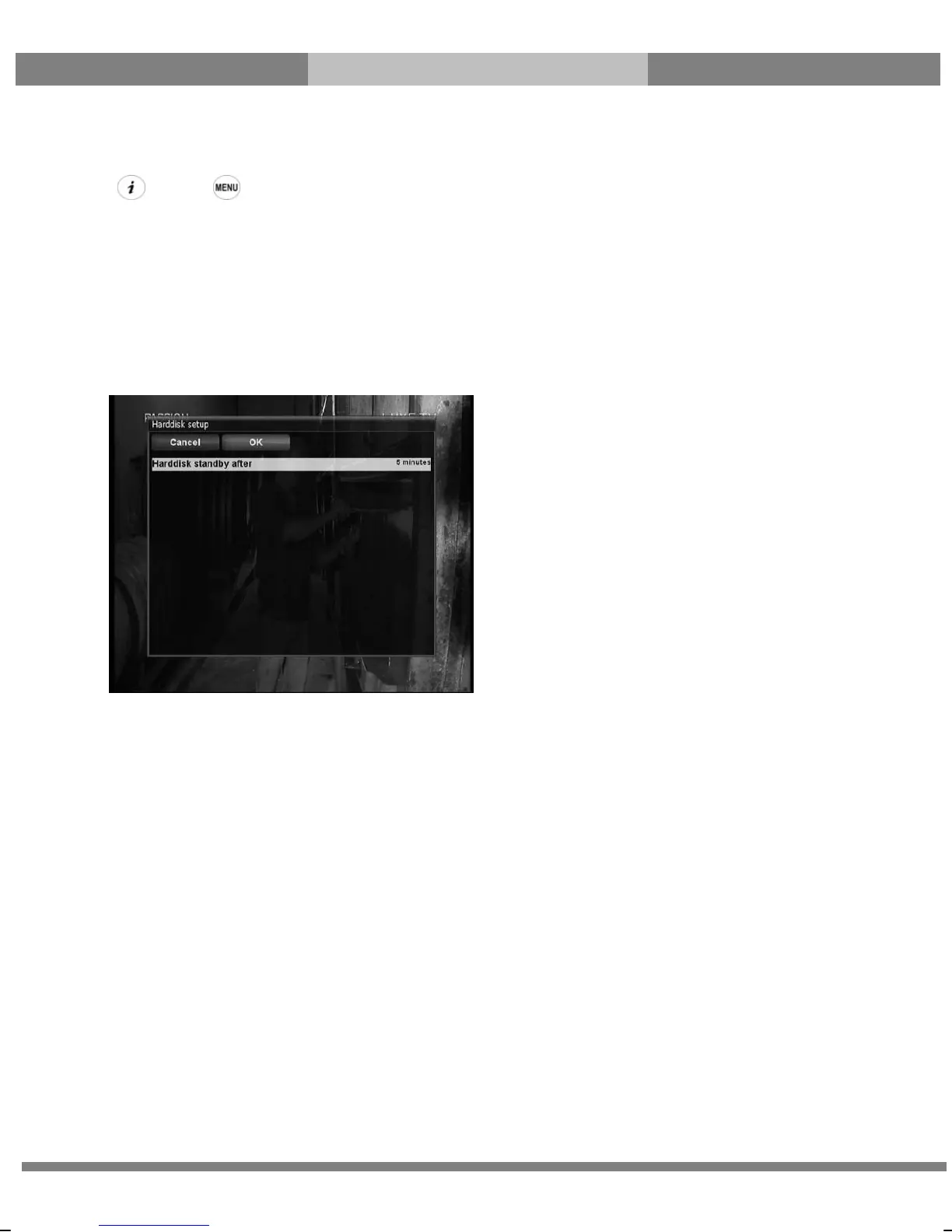
E. Hard Disk Setup
[ : Press Æ ‘Setup’ Æ ‘System’ Æ ‘Harddisk setup’]
You can set the duration of time after which HDD is to be put into standby mode.
Here, you can choose from
● No standby
● 10 or 30 seconds
● 1, 2, 5,10, 20, 30 minutes
● 1, 2, 4 hours.
Once you set this option, press GREEN key to confirm the change.



 To Next Page