25
The gateway for Smart Linux TV ET5000 User Manual
⑨ CAS : Encrypted program
⑩ Text : Highlighted when the program provides Teletext.
⑪ 16:9 : Screen ratio
⑫ RED : to activate recording
⑬ GREEN : to call up Subservices, if available
⑭ YELLOW : to activate Timeshift
⑮ Extensions : to call up a menu for Sleep Timer and Graphical Multi EPG
7. Channel List (Channel Selection Menu)
[ : Press / ]
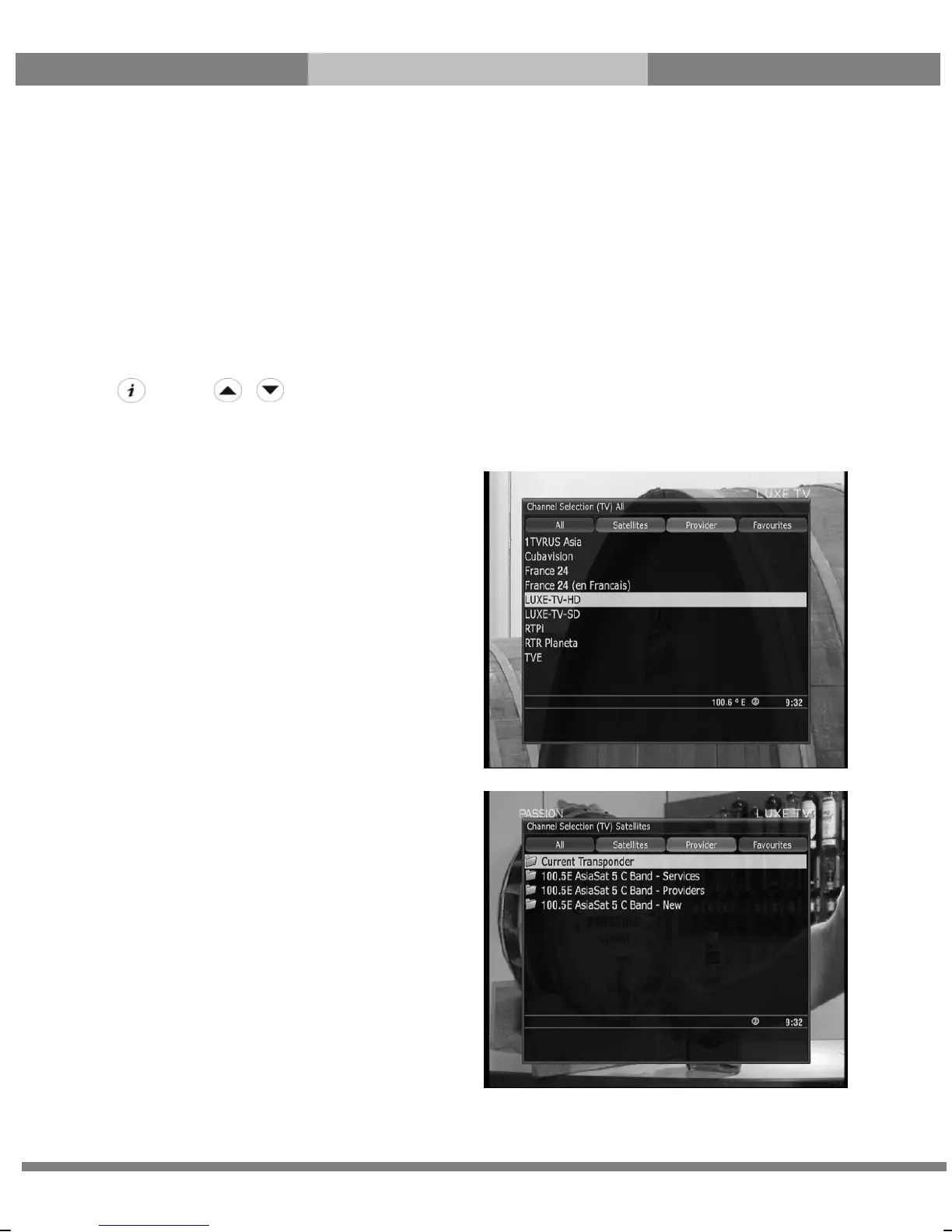
If press UP/DOWN key, this will activate Channel Selection Menu as below.
Four types of the channel lists are available to help you
manage your channel selection.
● RED displays the list of all scanned channels.
● GREEN
displays the list of all satellites scanned.
Per each satellite, channels are arranged according
to Services, Provider, and New.



 To Next Page