37
The gateway for Smart Linux TV ET5000 User Manual
14. Plug-ins
[ : Press Æ ‘Plug-ins’]
ET5000 is integrated with standard 10/100Mbps Ethernet with RJ 45 connector. You are recommended to use this
network capability of ET5000 to fully enjoy the system. If your ET5000’s network connection is established, you
can directly download plug-ins from a designated website of ET5000.
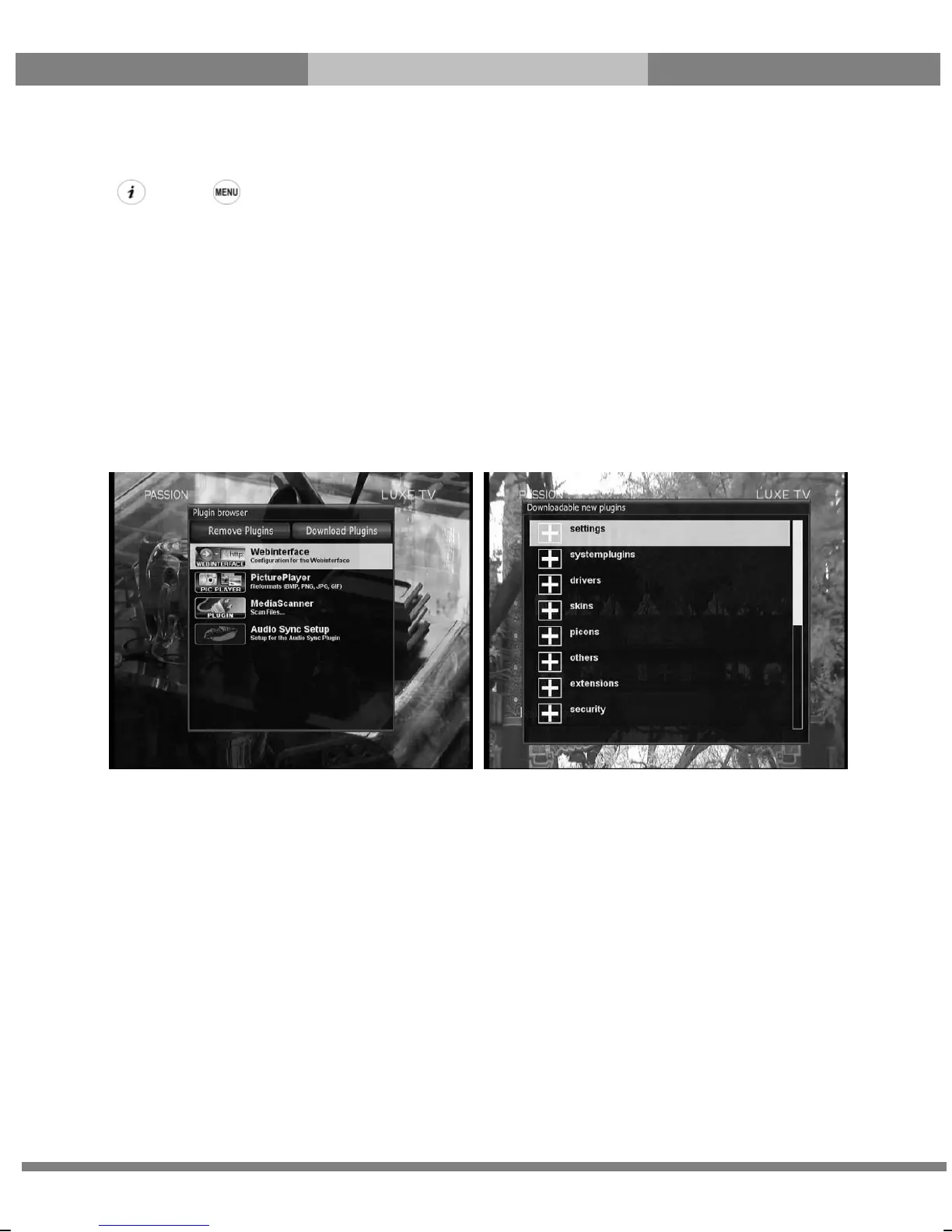
① Press MENU and select Plug-ins menu to active Plug-in browser.
② Press GREEN key to download a list of plug-ins available.
③ Once the download is done, a list of plug-ins will be displayed.
④ Select a plug-in to download.
⑤ You can check if the download is done properly on the Plug-in browser.
From this site, you can check available plug-ins to download as below.



 To Next Page