52
ET5000 User Manual The gateway for Smart Linux TV
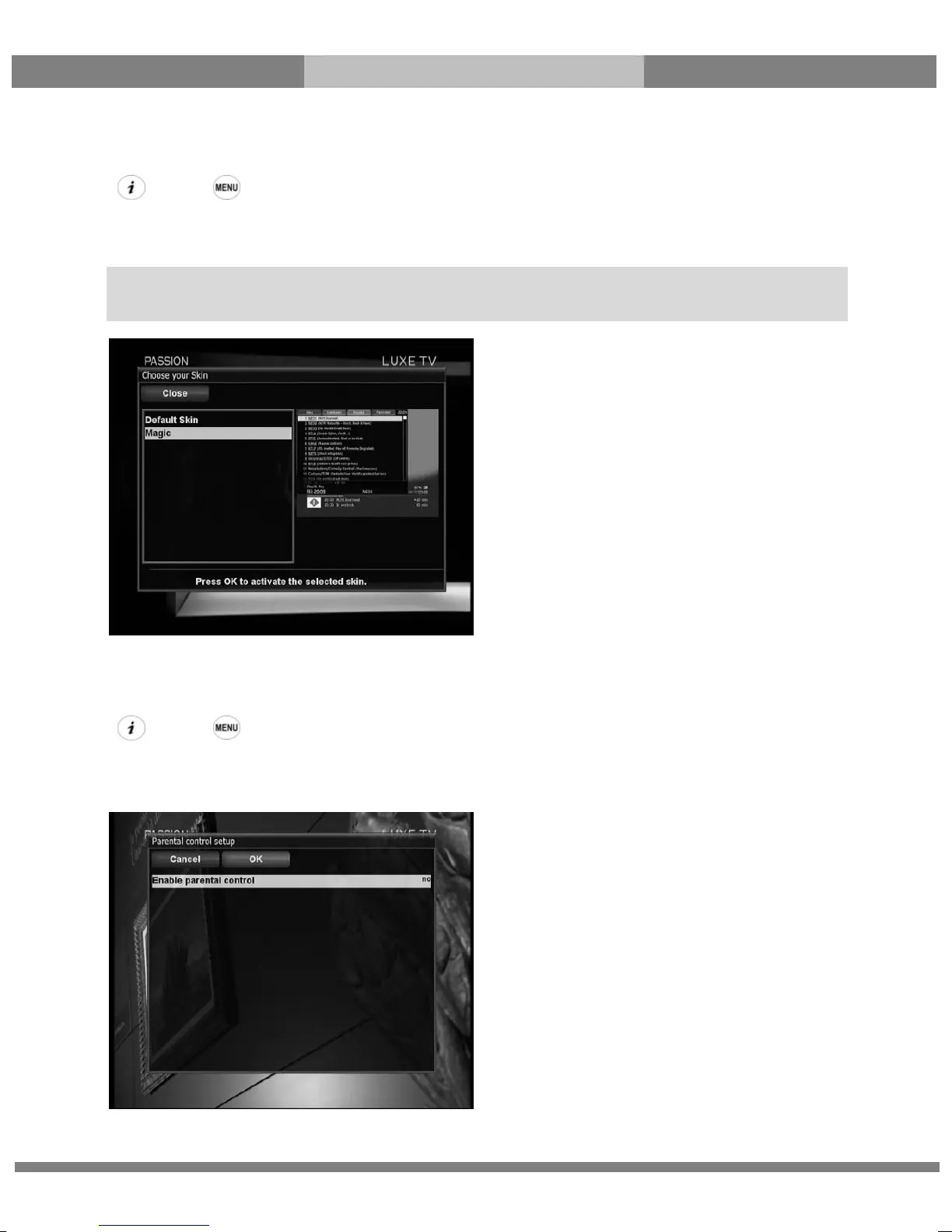
G. Skin
[ : Press Æ ‘Setup’ Æ ‘System’ Æ ‘Skin’]
ET5000 is a Linux based set top box and there are a lot of Skins available for Linux set top box. Using this menu,
you can use a different Skin other than the default one.
2-3. Parental Control
[ : Press Æ ‘Setup’ Æ ‘Parental Control’]
If you want to prevent certain channels from being accessed by others, you can do so using this menu.
① Go to Parental Control menu by pressing MENU > Setup > Parental Control.
NOTE: It takes some minutes since the change of Skin requires a complete system shutdown. Please wait
patiently until the system reboots with a newly selected Skin.



 To Next Page