31
The gateway for Smart Linux TV ET5000 User Manual
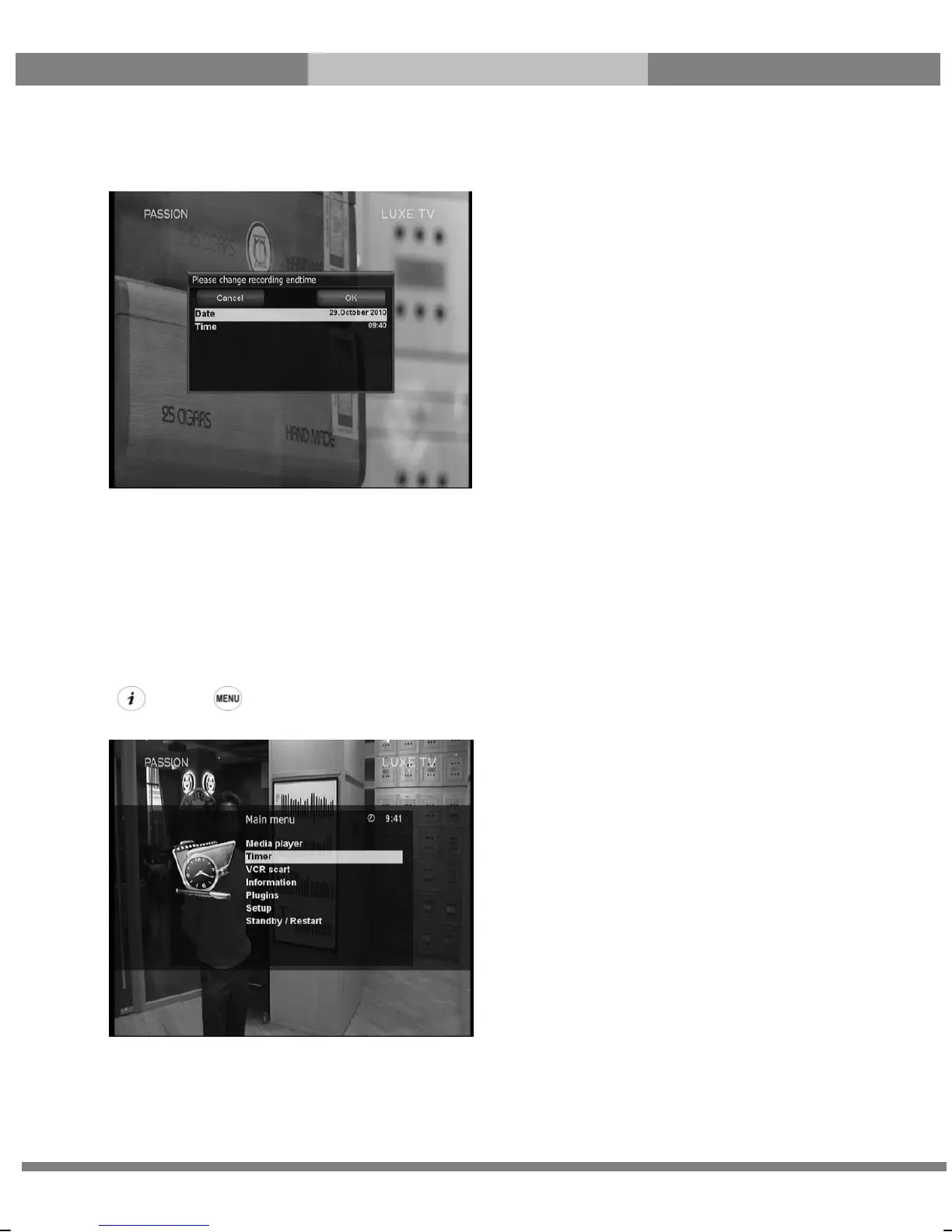
- Add recording (enter recording end time)
This option is used when you want to define a certain date and time when the recording is to stop.
- Add recording (indefinitely)
This option is used when you want to keep recording running without a specific end time. Recording will
continue unless you stop it.
- Don’t record
This option is used to exit from this menu without recording.
② Recording by Timer
[ : Press Æ ‘Timer’]
You can manage recording process using Timer List menu. Press MENU and select Timer on the menu.



 To Next Page