33
The gateway for Smart Linux TV ET5000 User Manual
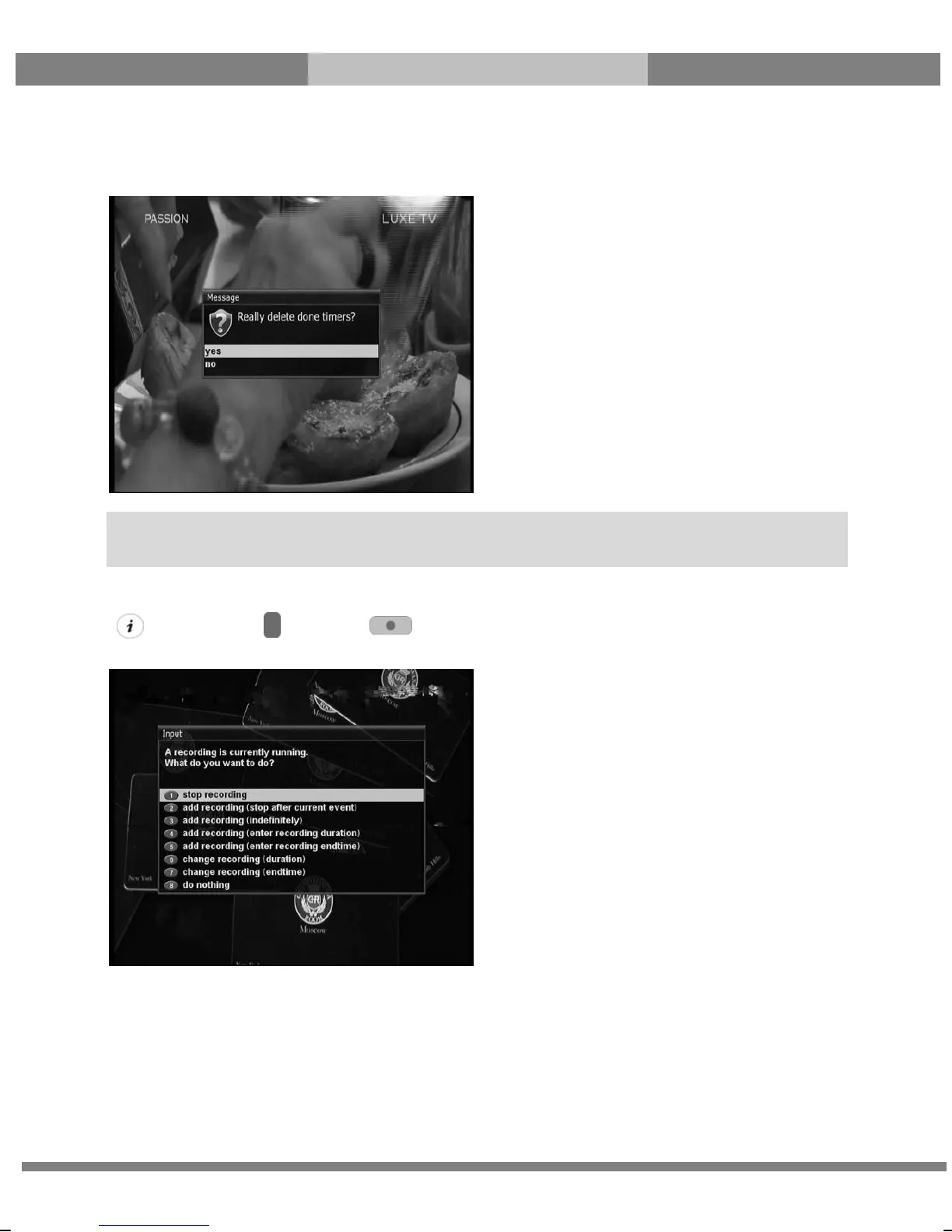
- BLUE (Cleanup)
This option is used to remove those finished timers from the Timer List.
- Stop Recording
[ : Press RED or Press Æ ‘Stop Recording’]
If you want to stop recording, press RED or REC again while recording is running. Select Stop Recording.
NOTE: Make sure that the HDD on your ET5000 has enough free space available for recording. If the free
space on the HDD is not sufficient, recording might stop before the defined end time.



 To Next Page