VX-8DR OPERATING MANUAL 33
REPEATER OPERATION
CHECKING THE REPEATER UPLINK
(
INPUT
)
FREQUENCY
It often is helpful to be able to check the uplink (input) frequency of a repeater, to see if the
calling station is within direct (“Simplex”) range.
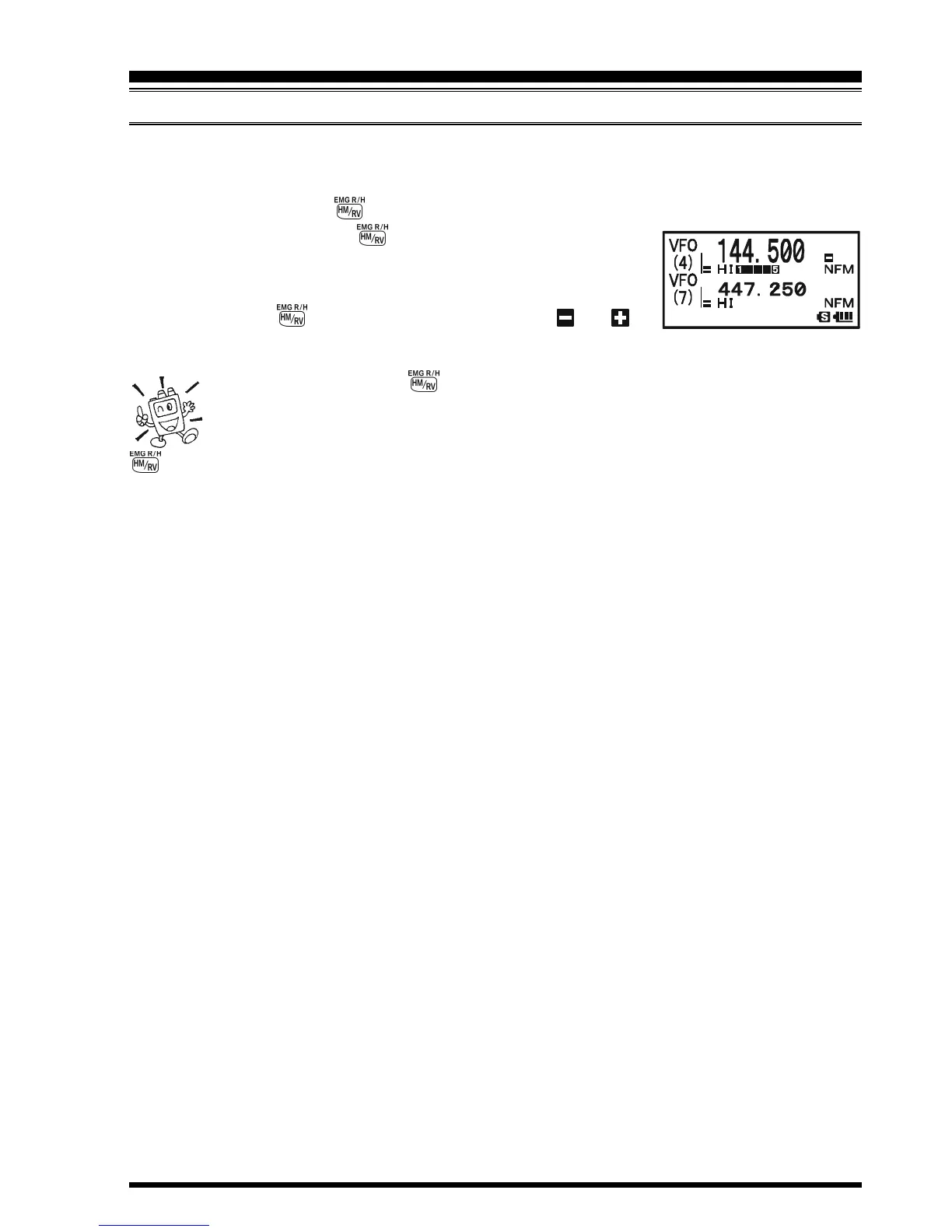
To do this, just press the key. You’ll notice that the display has shifted to the repeater
uplink frequency. Press the key again to cause operation to
return to normal monitoring of the repeater downlink (output)
frequency. While you are listening on the input frequency of the
repeater using the key, the repeater offset icon (“ ” or ”)
will blink.
The configuration of key may be set either to “RV” (for checking the
input frequency of a repeater, or “HM” (for instant switching to the “Home”
channel for the band you are operating on). To change the configuration of
key, use Set Mode Item 39: HOME/REVERSE. See page 148.



 To Next Page