52 MIXING Display Functions
02R User’s Guide
This control duplicate Attenuation function. See “Phase and Attenuation”
on page 32 of the User’s Guide.
• EQ ON icon—Indicates the status of the EQ, on or off. The text “ON” is
highlighted when the EQ is on.
• Rotary icons—There is an icon for bandwidth (Q), center frequency
(F), and gain (G) for each of the four bands, LOW, L-MID, H-MID, and
HIGH.
Use the CURSOR buttons to select the desired icon and adjust its value
with the rotary encoder. Switch the EQ on or off by pressing the [ENTER]
button.
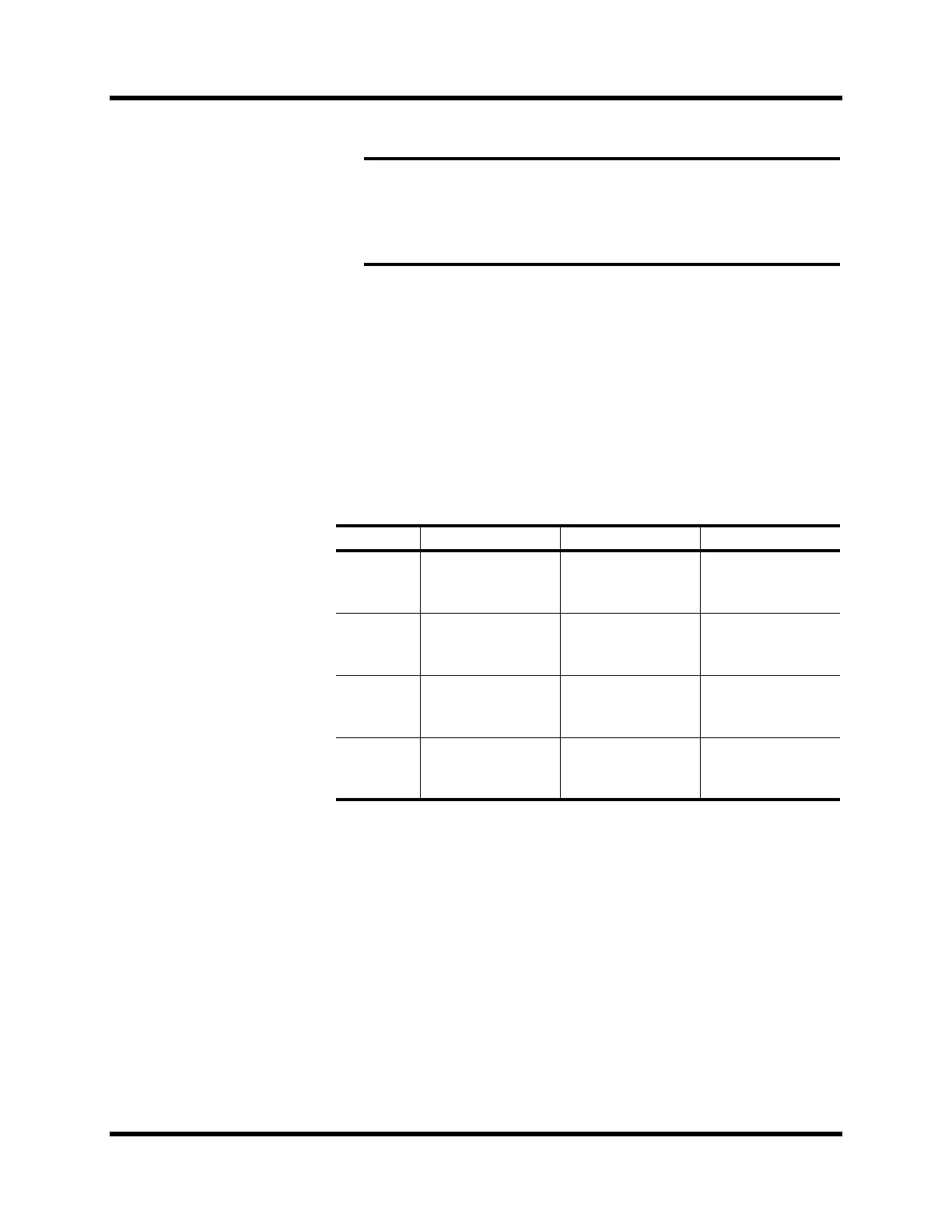
Equalization parameters:
*1 When the sampling frequency is 32 kHz, the frequency range (F) is 21 Hz to
15.1 kHz
Note: The attenuator rotary icon is adjusting the same parameter as in the
∅/ATT display function. When you boost the gain of the equalization curve,
you may cause the overall signal level to reach CLIP. Watch the level meters
for the selected pair as you adjust the EQ values. If CLIP is reached, digital
signal distortion will occur.
QFG
LOW/HPF
Peak 10 to 0.1
in 41 steps /
SHELF / HPF
21 Hz to 20.1 kHz
in 1/12 octave
steps
*1
±18 dB
in 0.5 dB steps
HPF = ON/OFF
L-MID
Peak 10 to 0.1
in 41 steps
21 Hz to 20.1 kHz
in 1/12 octave
steps
*1
±18 dB
in 0.5 dB steps
H-MID
Peak 10 to 0.1
in 41 steps
21 Hz to 20.1 kHz
in 1/12 octave
steps
*1
±18 dB
in 0.5 dB steps
HIGH/LPF
Peak 10 to 0.1
in 41 steps /
SHELF / LPF
21 Hz to 20.1 kHz
in 1/12 octave
steps
*1
±18 dB in 0.5 dB
steps
LPF = ON/OFF



 To Next Page