19
English
PICTURE SETTING
In this menu, you can personalize your picture color by
adjusting brightness, contrast, tint and color (saturation).
1 Press 34 to highlight “PICTURE SETTING” in the Video
Setup menu.
2 Press 2 to open its submenu.
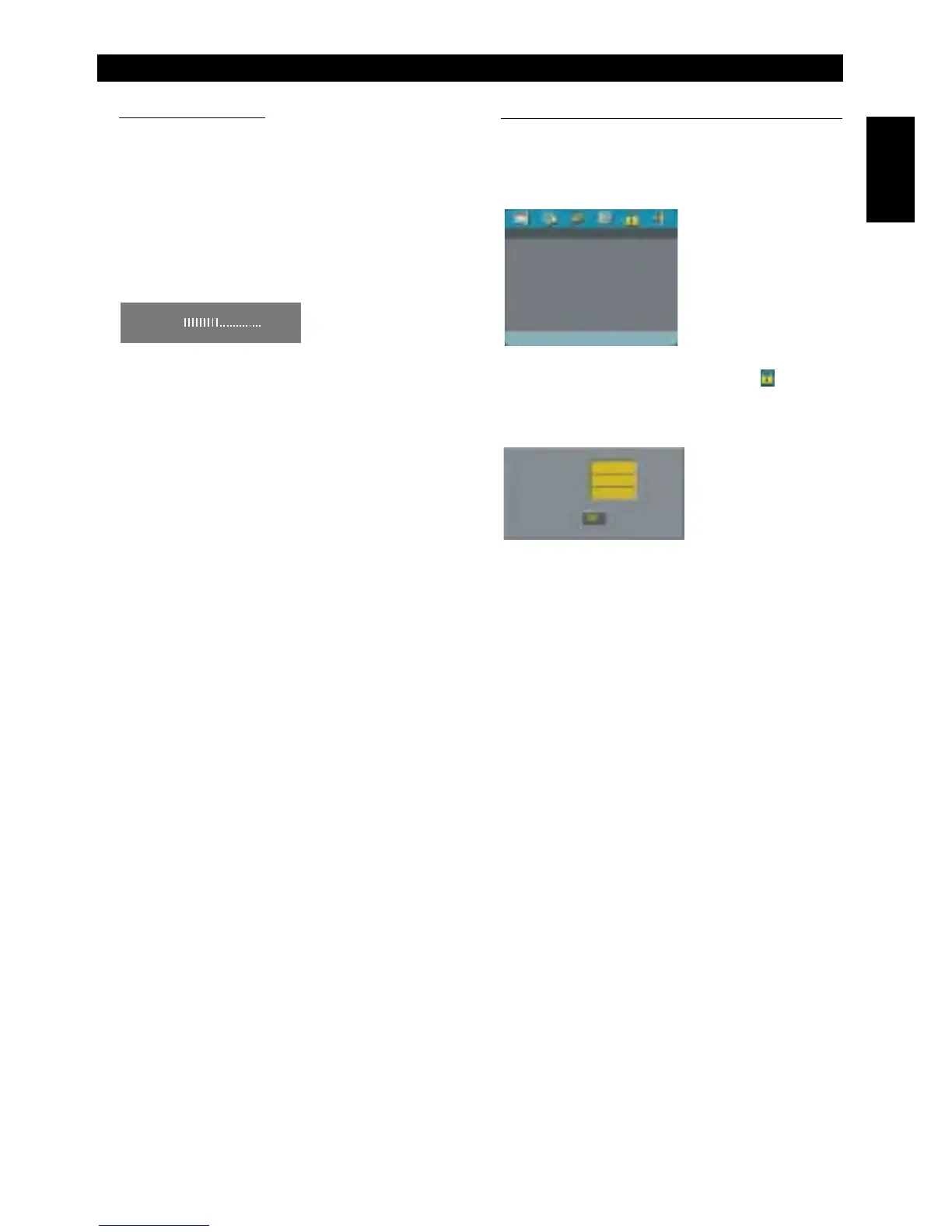
BRIGHTNESS
1 Press 34 to highlight “BRIGHTNESS”.
2 Press 2 to open the level bar.
3 Press 1 2 to increase and decrease the brightness level.
4 Press ENTER/OK to return to the PICTURE SETTING
menu.
CONTRAST
1 Press 34 to highlight “CONTRAST”.
2 Press 2 to open the level bar.
3 Press 1 2 to increase and decrease the contrast level.
4 Press ENTER/OK to return to the PICTURE SETTING
menu.
TINT
1 Press 34 to highlight “TINT”.
2 Press 2 to open the level bar.
3 Press 1 2 to increase and decrease the tint level.
4 Press ENTER/OK to return to the PICTURE SETTING
menu.
COLOR (saturation)
1 Press 34 to highlight “COLOR”.
2 Press 2 to open the level bar.
3 Press 1 2 to increase and decrease the color level.
4 Press ENTER/OK to return to the PICTURE SETTING
menu.
PASSWORD SETUP
This item is used for the parental control and disc lock.
Enter your six digit password when a hint is displayed on
the screen.
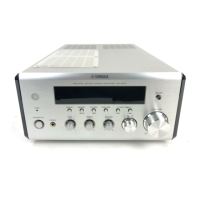
1 Press SETUP to enter the setup menu.
2 Press 1 2 to choose the PASSWORD icon .
3 Press 4 to highlight “PASSWORD”.
4 Press 2 to highlight “CHANGE”.
5 Press ENTER/OK to open the Password Change Page.
6 Press 4 to repeatedly until the player prompt you to enter
the old password.
7 Enter the current 6 digit code.
8 If successful, the player will prompt for a new one.
9 After that, enter the new password again to reconfirm.
10 Press ENTER/OK to return to the Password Setup Page.
Notes:
– You can change the setup of parental control and load a
locked disc with a valid password being entered.
– If you forget your password, you can enter the default
password 842100, then you can input your password after
logging on.
BRIGHTNESS
-1
PASSWORD SETUP PAGE
PASSWORD
OLD PASSWORD
NEW PASSWORD
CONFIRM PWD
Setup Menu



 To Next Page