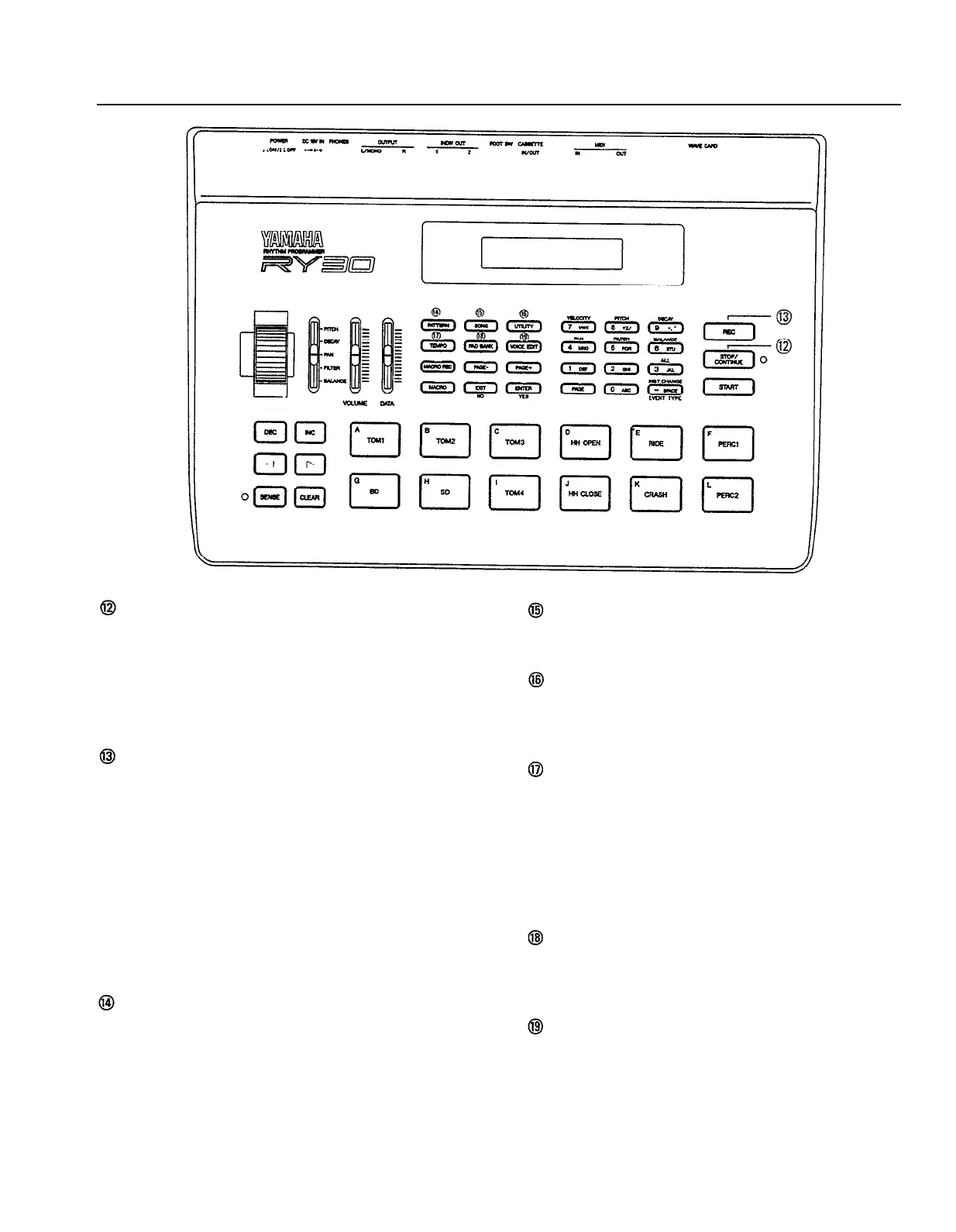
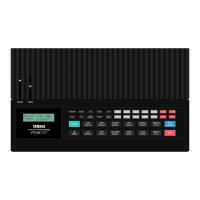
[STOP/CONTINUE] Key
Stops playback or recording. If you press the
[STOP/CONTINUE] key again after stopping a
pattern or song, playback will resume from the
point at which it was stopped. The [START] key
described above will always start the pattern or
song from the beginning.
[REC] Key
Engages record standby when the pattern mode
is selected. You can then select the desired pat-
tern record mode —
real time, step, parameter
record, or clock move
— via the [INC] and
[DEC] keys or [DATA] control, and start
recording by pressing the [START] key.
When the song mode is selected the [REC]
engages record or edit standby — you then
select record or edit via the [INC] and [DEC]
keys or [DATA] control, and start recording or
editing by pressing the [START key].
[PATTERN] Key
Selects the RY30 pattern mode, in which pat-
terns can be selected, played, recorded, or
modified.
[SONG] Key
Selects the RY30 song mode, in which songs
can be selected, played, recorded, and edited.
[UTILITY] Key
Selects the UTILITY mode which provides ac-
cess to all system, MIDI, cassette, and card
utility functions.
[TEMPO] Key
Moves the display cursor to the tempo param-
eter in the pattern or song modes, allowing the
tempo to be varied by using the [DATA] control,
the numeric keys, or the [INC] and [DEC] keys.
Press the [TEMPO] key again after the tempo
has been adjusted to return the cursor to its
previous position.
[PAD BANK] Key
Selects the pad bank mode in which the various
pad banks can be selected and re-programmed
(page 17, 97).
[VOICE EDIT] Key
Selects the voice edit mode in which any of the
RY30 voices can be edited to create instruments
ideally suit to your own musical needs (page 41,
79).
9


 To Next Page