37
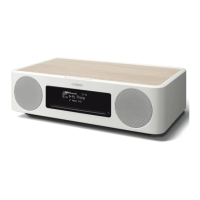
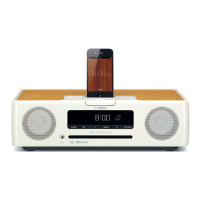
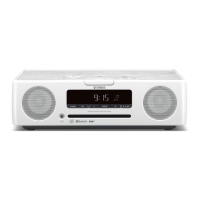
TSX-130/TSX-120
TSX-130/TSX-120
8-1P-LAST:PS1
8-1 Last
8-2P-HIST1:PS2
8-2 History 1
8-3P-HIST2:AMP
8-4P-HIST3:---
8-3 History 2
8-4 History 3
9-1TSX-130
9-1 Model /
モデル
The model name is displayed.
モデル名を表示します。
9-2DEST:G
9-2 Destination /
仕向け先
UC, G, AB, TKVL or J is displayed.
UC、G、AB、TKVL、Jのいずれかを表示します。
8. PROTECTION HISTORY
The history of protection function is displayed.
After selecting the sub-menu, press the “PLAY/PAUSE”
key, and the history will be erased.
8. PROTECTIONHISTORY
プロテクション履歴を表示します。
サブメニューを選んだ後、“PLAY/PAUSE” キーを押す
と履歴は消去されます。
9. SET INFORMATION
Model name and destination are displayed.
9. SETINFORMATION
モデル名と仕向け先を表示します。



 To Next Page
 Loading...