STORE
MODE
/ /
3
'
No, the
Store mode is
not a fashion
boutique. It's
a
simple means of gaining access to
the
internal memory of your
TX816. Each
TF1
module
has a memory
capable of storing 32 voices and 32 sets of
function
data.
These can be
thought of as
being stored
in pairs: voice data plus function data.
Function
data may also be stored
separately.
When you edit a
voice
in
the
TX816, the new data is created
in
the Edit
Buffer, and is not
permanent
until
it is
stored
in the internal memory.
This is the
principal function of this mode.
You
can also
use
the Store
mode for
changing the order
in which voices are arranged
in the module's memory.
For
example,
for easy voice changes
during
a
performance, you could store all
eight voices
for
one
song in the
number
1 program destinations of the eight
voice modules; voices
for another song in the number 2
destinations,
and
so
on.
A voice chart showing a possible
arrangement of voices is
given in this manual,
together with
a
blank
voice chart
which
you can
copy for your own use.
The
Store mode is entered
by holding down $w3.
The LED Display will
start to
cycle through the four
main
modes,
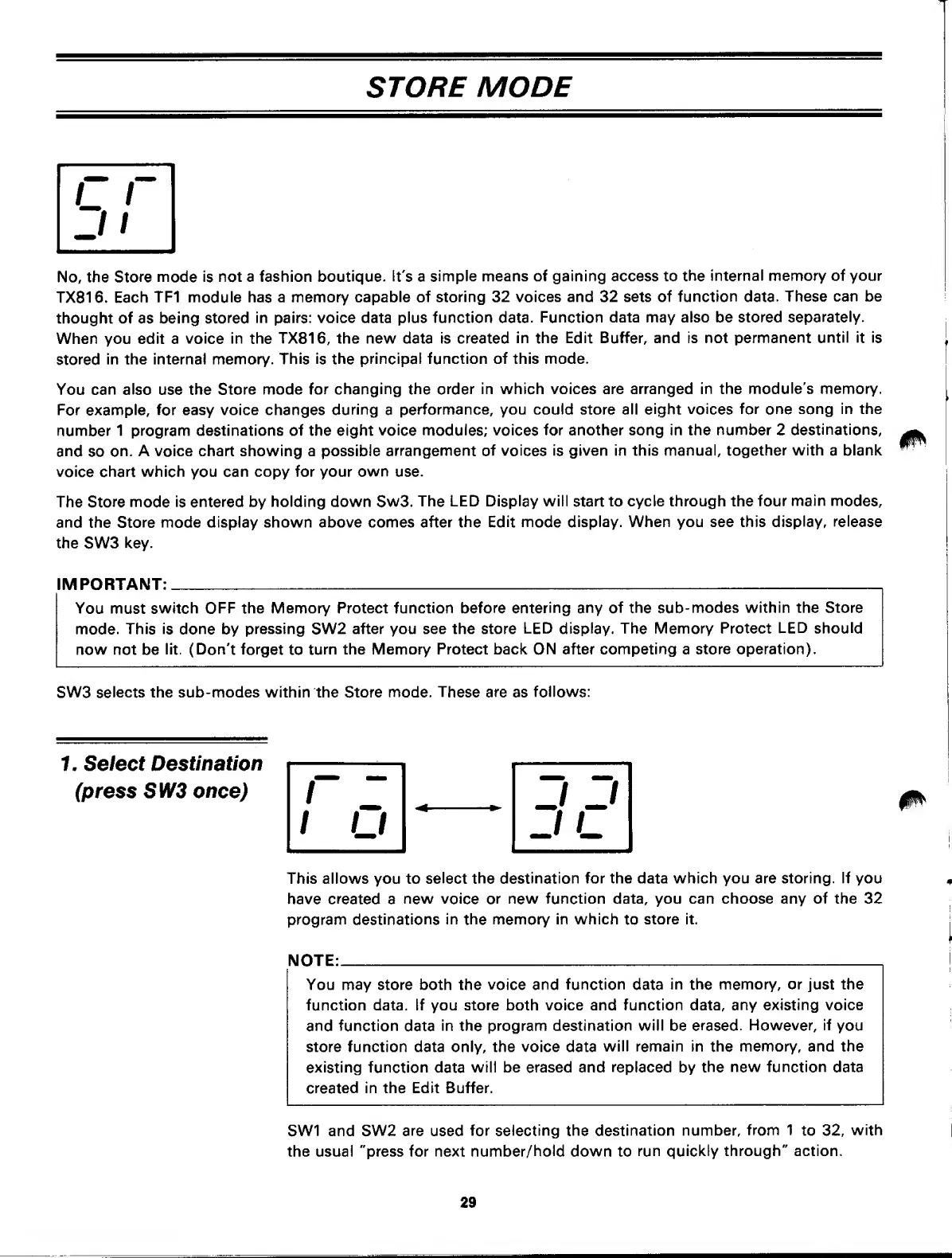
and the Store mode
display shown above comes after
the Edit mode
display. When you see this
display, release
the
SW3
key.
IMPORTANT:
You must
switch
OFF
the
Memory Protect function
before entering any of the
sub-modes within the Store
mode.
This is done
by
pressing
SW2
after you see the store
LED
display.
The Memory Protect
LED should
now not be
lit.
(Don't forget
to
turn
the Memory Protect back
ON
after
competing
a
store operation).
SW3
selects the sub-modes within the Store mode.
These are
as
follows:
7. Select
Destination
(press SW3
once)
This allows you to
select the destination
for the
data
which you are storing. If you
have
created
a
new
voice or
new function data, you can choose any of the 32
program
destinations
in
the
memory in which
to
store it.
NOTE:
You may store both the
voice
and
function
data
in
the
memory, or just the
function data. If you store both voice and
function
data,
any existing voice
and function
data
in
the
program destination will be
erased.
However, if
you
store function data only, the voice data
will remain in
the
memory, and the
existing
function
data
will be erased and
replaced
by
the
new
function
data
created
in the Edit Buffer.
SW1 and SW2
are
used
for
selecting the
destination number,
from 1
to
32,
with
the usual "press for next
number/hold
down to
run quickly through" action.
29



 To Next Page