THE
PLAY MODE
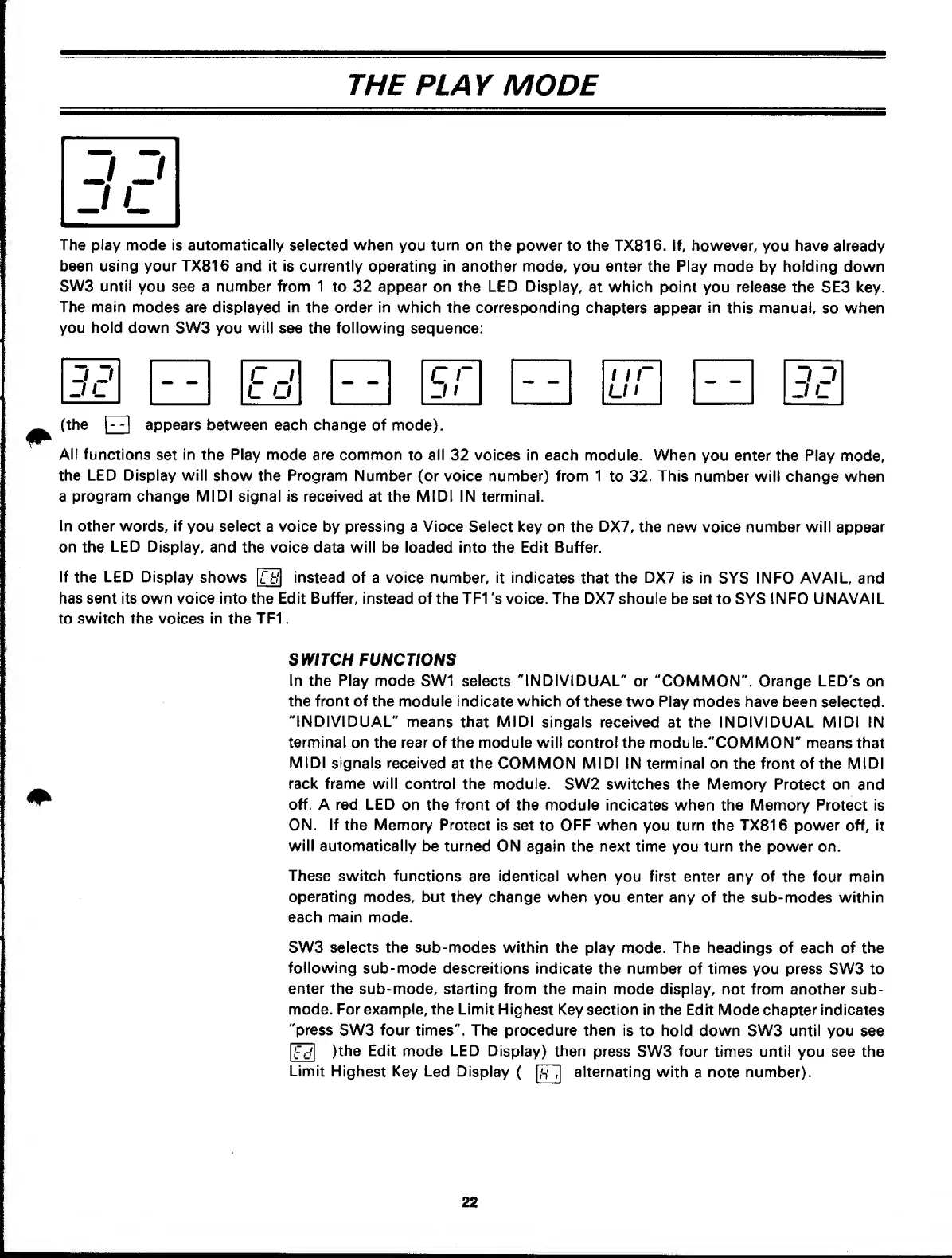
The play mode
is
automaticalty
selected
when
you
turn
on the power to the TX816. If, however,
you
have already
been using your
TX816
and it is
currently operating in another mode,
you
enter the Play
mode by
holding
down
SW3 until you see a number from 1 to
32 appear on
the LED
Display,
at which point you release the
SE3 key.
The main
modes are displayed
in
the
order in
which the corresponding
chapters appear
in
this manual,
so when
you hold down
SW3
you
will
see the following sequence:
3P
Ed
r r
J
1
1
ir
J
D
JL
(the
Q
appears between
each
change
of mode).
All functions
set
in the Play
mode are common
to all 32 voices in each
module.
When
you enter the Play
mode,
the LED Display will
show the Program
Number (or voice number) from 1
to
32. This
number will change when
a
program change MIDI
signal
is
received
at
the
MIDI IN
terminal.
In
other words,
if
you
select
a voice by pressing a Vioce Select key on
the
DX7,
the new voice number will
appear
on the
LED
Display,
and
the voice
data
will
be
loaded
into the Edit Buffer.
If
the
LED
Display
shows instead of
a
voice number, it indicates
that the
DX7
is in
SYS
INFO AVAIL,
and
has sent its own voice into
the Edit
Buffer,
instead of
theTFI 's voice. The DX7
shoule
be set to
SYS
INFO
UNAVAIL
to switch the
voices
in
the
TF1
.
SWITCH FUNCTIONS
In the Play mode
SW1 selects
"INDIVIDUAL"
or "COMMON". Orange LED's
on
the front of the
module indicate
which
of these two Play modes have been
selected.
"INDIVIDUAL"
means that
MIDI
singals received at the INDIVIDUAL MIDI IN
terminal
on the rear of the module wilt
control the module."COMMON"
means that
MIDI
signals received
at the COMMON MIDI IN terminal
on the
front
of the
MIDI
rack frame will control
the module. SW2
switches the Memory
Protect on and
off. A red LED
on the front
of the module incicates when the Memory
Protect is
ON.
If
the Memory Protect
is set
to
OFF when
you
turn the
TX816
power off, it
will automatically
be turned
ON again the next time you turn the power
on.
These
switch functions
are identical
when you first enter any of
the four
main
operating modes, but
they change when
you enter any of the
sub-modes
within
each main mode.
SW3 selects the
sub-modes within the play
mode.
The
headings of each of the
following
sub- mode descreitions
indicate
the number of times you press
SW3
to
enter
the sub-mode,
starting
from
the
main
mode display, not from another sub-
mode. For example, the Limit
Highest
Key section in the Edit Mode
chapter
indicates
"press
SW3 four
times". The procedure then
is
to
hold down SW3 until
you see
{Ed\
)the Edit
mode
LED Display)
then
press SW3 four times until
you
see
the
Limit
Highest Key Led Display
(
alternating with
a
note number).
22



 To Next Page