(in
other words,
all
the voices
stored in a TX816)
on one
light, inexpensive
floppy
disk- -an
easy,
inexpensive
way to build a library
of
FM
voices. And
with this
method function data can also be stored, for
a
domplete record
of your voices.
2. Clear And Initialize
All Functions
(Press SW3 twice)
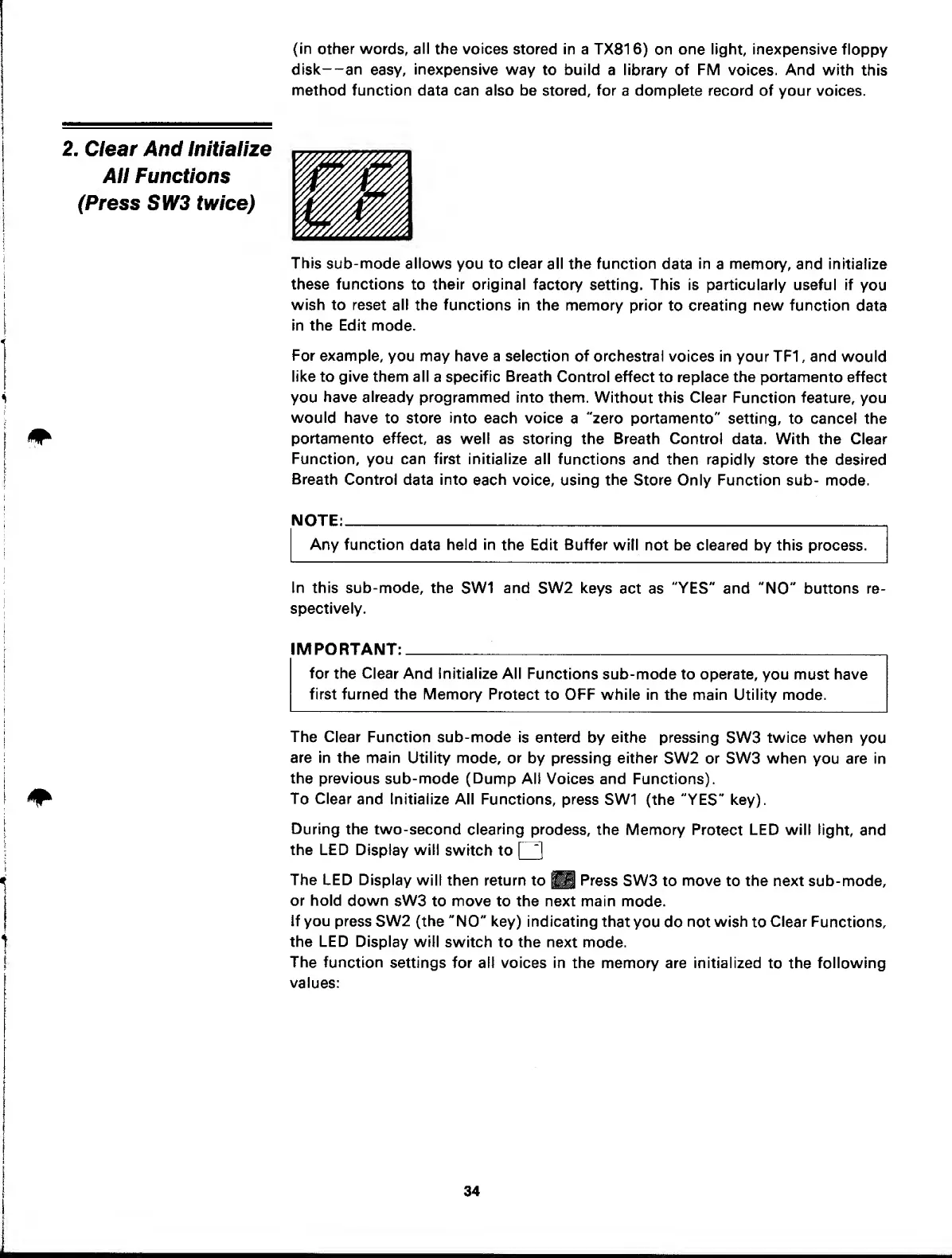
This
sub-mode allows you to clear all
the function
data
in
a
memory,
and initialize
these functions
to
their original
factory
setting. This is particularly useful if
you
wish to
reset
all
the functions in
the memory prior
to
creating
new
function
data
in the Edit
mode.
For
example, you may have a
selection of orchestral
voices in your TF1 , and
would
like to give them all
a
specific Breath
Control effect to replace the portamento effect
you
have already
programmed into
them. Without this Clear
Function
feature,
you
would have
to store
into
each voice
a
"zero portamento"
setting, to cancel the
^
portamento effect,
as well as storing the Breath Control
data. With the Clear
Function,
you can first initialize all
functions
and then rapidly
store
the
desired
Breath
Control
data
into
each voice, using the
Store Only Function sub-
mode.
NOTE:
Any function
data
held
in
the
Edit
Buffer
will not be cleared by this
process.
in this
sub-mode, the
SW1
and
SW2 keys
act as
"YES"
and
"NO"
buttons re-
spectively.
I MPO RTANT:
for
the
Clear And Initialize All
Functions
sub-mode to operate,
you must have
first furned the Memory
Protect
to OFF while in the main Utility mode.
The Clear
Function sub-mode
is enterd
by
eithe
pressing
SW3
twice when
you
are in the main
Utility mode, or
by pressing either
SW2 or SW3 when
you are in
the
previous
sub-mode
(Dump
Alt Voices and
Functions).
^
To Clear
and Initialize All
Functions, press
SW1 (the "YES" key).
During
the two-second clearing
prodess,
the Memory
Protect
LED will
light, and
the LED Display will
switch to
The LED Display
will then return
to
^
Press
SW3 to move to the next sub-mode,
or hold
down sW3
to move to the next main
mode.
If you
press SW2 (the
"NO" key) indicating
that
you do
not
wish
to
Clear
Functions,
the LED Display
will
switch to the next
mode.
The
function
settings for all voices in
the memory are initialized
to
the
following
values:
34



 To Next Page