UTILITY MODE
I
I
I
U
I
This mode contains
a
variety of
useful functions not related to the creation of new data. These enable you to
dump
all
program
data,
clear and
initialize function data,
activate an audio check
signal, and check the battery
level.
The
Utility mode is entered by
holding down SW3
until you see the above
LED
Display, which
follows
thefsHdisplay.
NOTE:
If
you
intend to use the Clear
Function sub-mode
(number
3
below) you MUST first turn
the
Memory
Protect
OFF on the
TF1 module.
While it
is
in the main Utility mode.
SW3
selects the sub-modes
within the Utility
mode. These are as follows:
7, Dump
All
voices
And Functions
(press SW3 once)
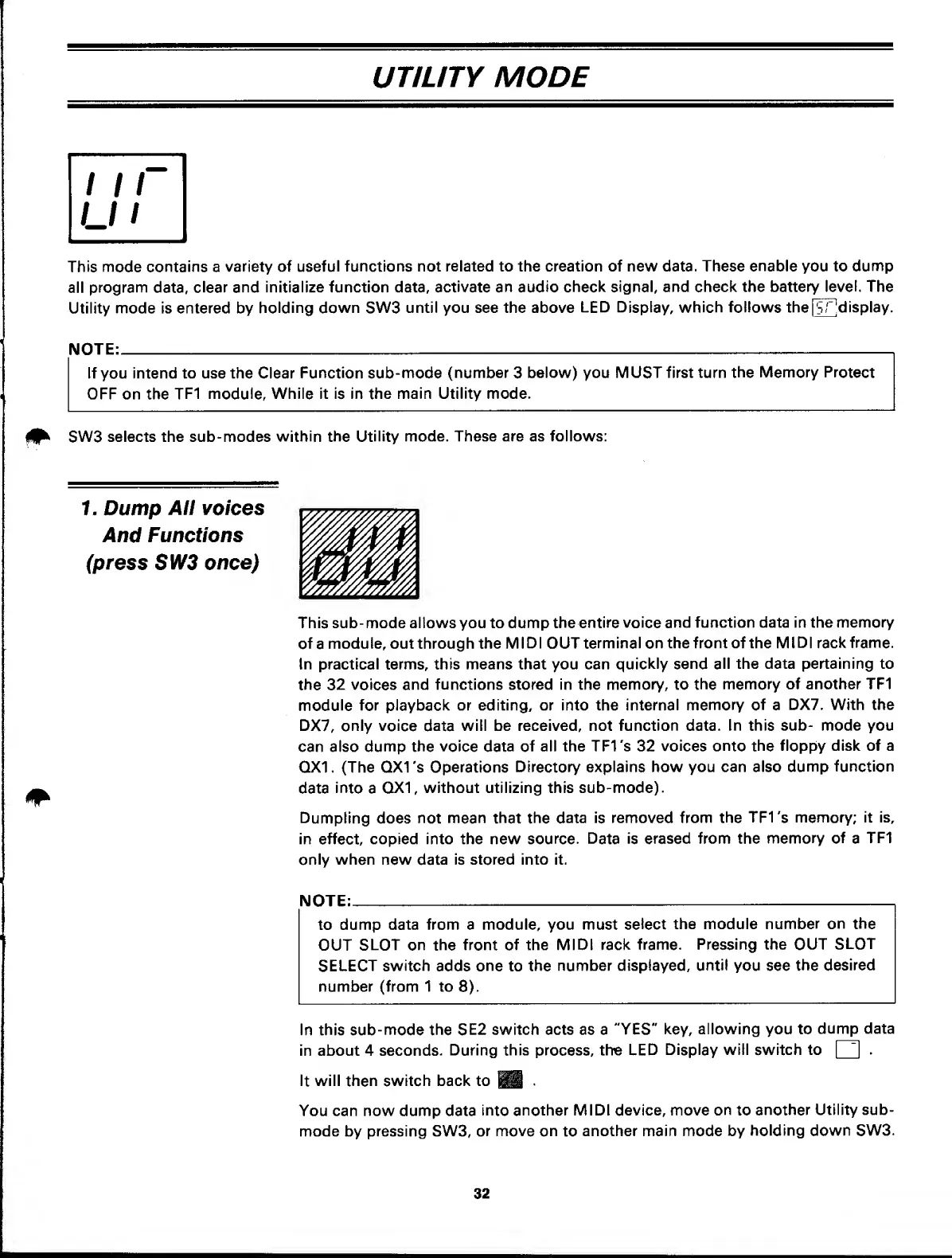
This sub-mode allows you to dump the
entire voice
and function data in the
memory
of
a
module, out through the
MIDI
OUT
terminal
on
the front of the
MIDI rack frame.
In practical terms, this means that you can
quickly send
all the data pertaining to
the 32 voices
and functions stored in the memory, to
the
memory of another TF1
module
for
playback
or editing, or into the internal
memory of
a
DX7. With the
DX7,
only
voice data
will be received, not
function
data.
In this sub- mode you
can also
dump the voice data of
all the TFI's 32
voices onto the
floppy disk of a
QX1. (The QXI's Operations
Directory
explains how you can also
dump function
data
into
a
0X1, without utilizing this sub-mode).
Dumpling
does not
mean that the data is
removed from the
TFI's
memory;
it
is,
in
effect,
copied into the new
source. Data is erased
from the
memory of
a
TF1
only when new data is stored into it.
NOTE:
1
to
dump data from a module, you must
select
the module
number on the
OUT
SLOT on the
front
of
the MIDI rack
frame.
Pressing the OUT
SLOT
SELECT
switch
adds
one
to
the
number displayed,
until
you see
the
desired
number (from 1 to
8).
In this
sub-mode the SE2
switch acts as a "YES"
key,
allowing you to
dump data
in about 4 seconds.
During this
process,
the LED
Display will switch to
Q
.
It
will
then
switch back to
•
You can now dump data
into
another MIDI device, move
on
to
another
Utility sub-
mode by pressing SW3,
or move on
to
another main mode by
holding
down SW3.
32



 To Next Page