4. Read out Current
Voftage Of
Battery (press SW3
four times)
The memory of each module in the TX816
is backed up by a
Lithium
battery,
so
that all voices are protected when
the power is turned
off, and in the case of power
failures. The life of this battery
is
about
five
years, and the TF1 is fitted with this
simple battery
check device
so
that
you can at anytime check
the contition of
your
battery.
The
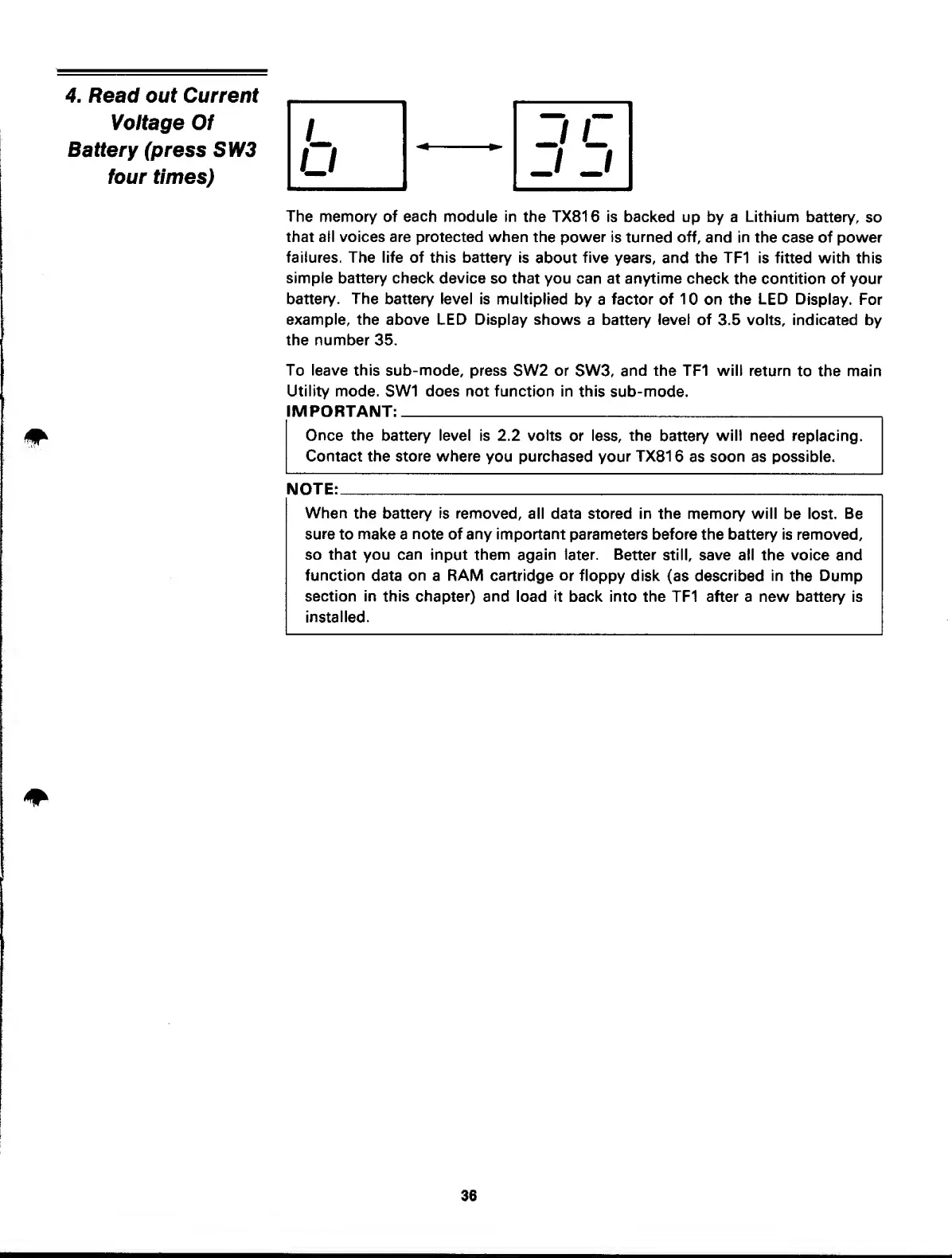
battery level is multiplied
by a
factor of 10
on the
LED
Display.
For
example,
the above LED Display shows
a
battery level of
3.5
volts, indicated
by
the number 35.
To leave this sub-mode,
press
SW2
or
SW3,
and the TF1 will
return
to the main
Utility mode.
SW1
does not function in
this
sub-mode.
IMPORTANT:
Once
the battery level is 2.2 volts
or less,
the
battery
will
need replacing.
Contact the store where
you
purchased your
TX81
6 as soon as possible.
NOTE:
When
the battery is
removed, all data stored in the memory will
be
lost. Be
sure
to make a note of any important parameters before the battery
is removed,
so that you can input
them again later. Better
still, save all the voice
and
function data on a RAM cartridge or floppy
disk
(as
described
in
the Dump
section in
this chapter) and
load
it
back into the TF1 after a new battery is
installed.
/
J c
u
J J
36



 To Next Page