FXS Gateway TA400/800 User Manual
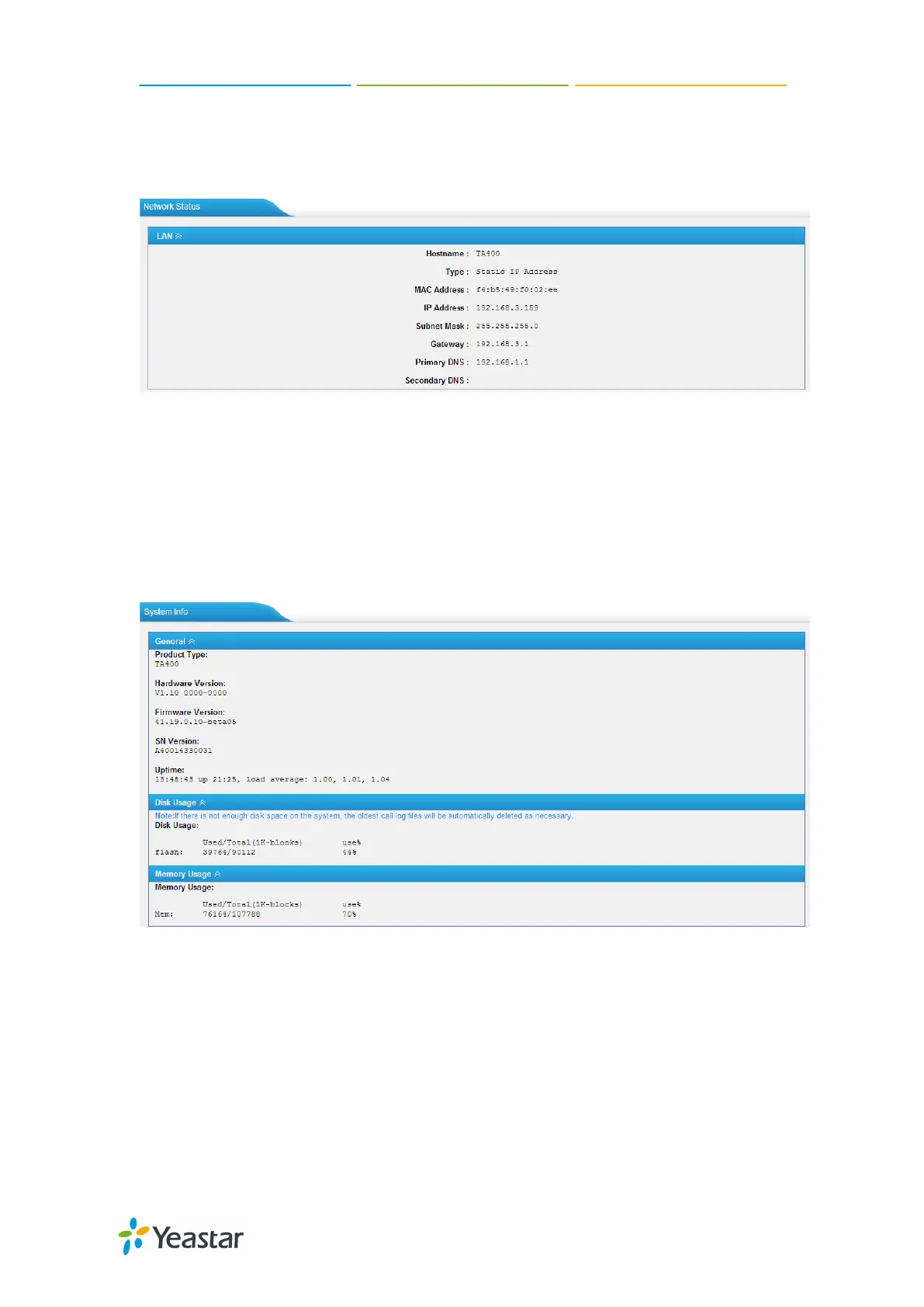
2.1.2 Network status
In this page, the IP address of LAN port will appear with their status.
Figure 2-2 Network Status
If your VLAN or VPN are configured, you can check the status in this page also.
2.1.3 System Info
In this page, we can check the hardware/firmware version, or the disk usage of TA
FXS Gateway.
Figure 2-3 System Info
2.2 Reports
In this page, we can check the call detailed log, system log, and use the packet tool to
debug the system when needed.
7/59














 To Next Page