TA410/810 User Manual
57/63
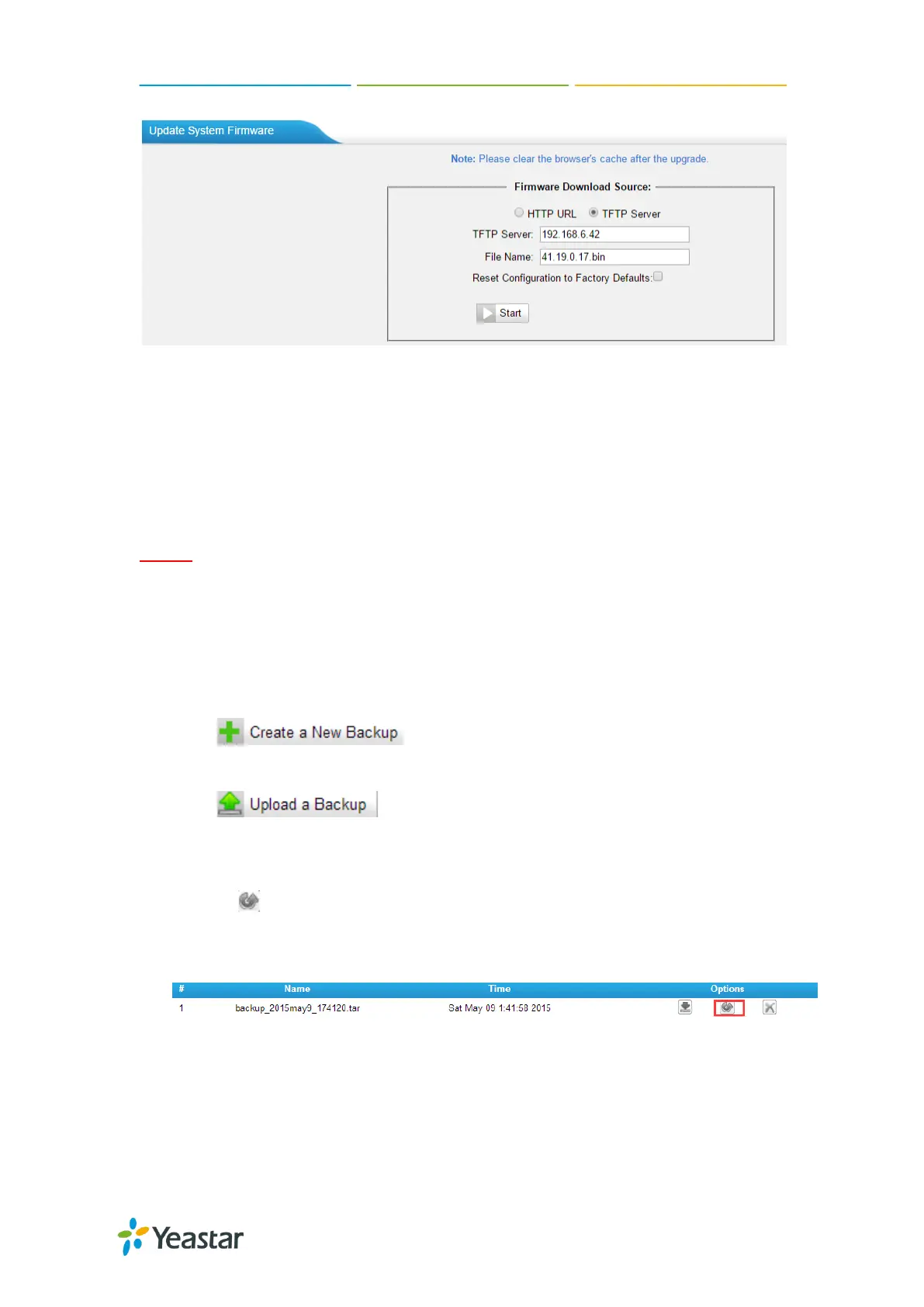
Figure 11-10 Upgrade through HTTP
Backup and Restore
TA410/810 provides Backup and Restore feature, which allows you to create a
complete backup of TA410/810 configurations to a file.
Notes:
1. When you have updated the firmware version, it’s not recommended to restore
using an old package.
2. Backup from an earlier version cannot be restored on TA410/810 of a later
version.
Create a New Backup
Click to create a new backup.
Upload a Backup
Click to upload a backup.
Restore
To restore TA410/810 configuration data, upload the backup file to TA410/810
and click . Reboot the system to take effect.
Please note the current configurations will be OVERWRITTEN with the backup
data.
Figure 11-11 Restore Backup
Reset and Reboot
Users could reset and reboot the system under System→ System Preferences→
Reset and Reboot.














 To Next Page