40
Mod. ITACA-TROIA rev 01
Instructions for use
translated from the original text
IT IT
FR
FR
ES ES
EN EN
Operating ther-
mostat regula-
tion
e current value of the thermo-
stat is displayed on the bottom
screen.
Chrono ena-
bling
Press and hold k4 to select and
enable chronothermostat opera-
tion. Refer to paragraph “4.2.1
Chronothermostat enabling” on
page 20 for further information.
Summer/winter
operation
Press and hold k8 to select and
enable chronothermostat opera-
tion.
4.2.1 CHRONOTHERMOSTAT ENABLING
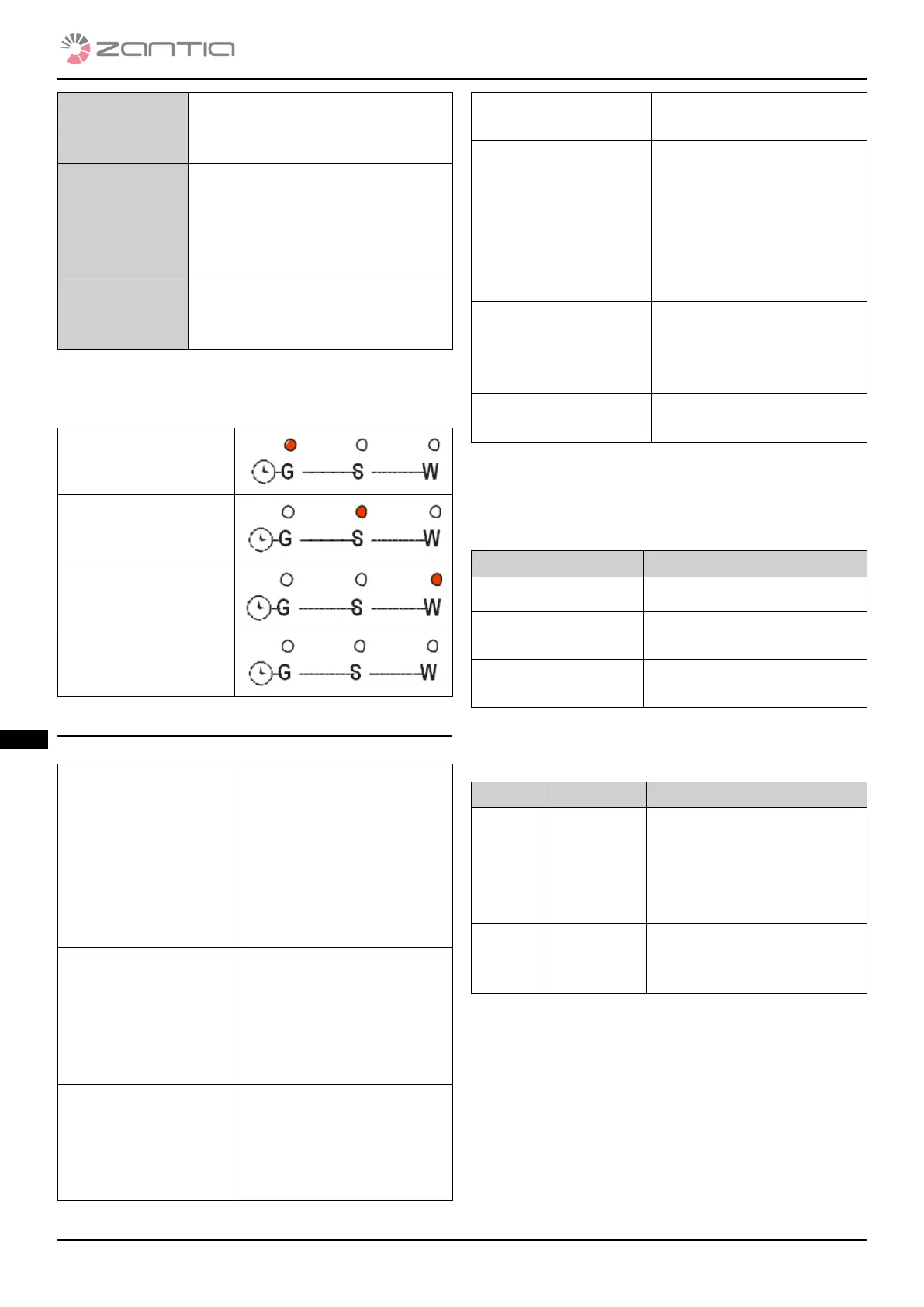
Press and hold button K4 to select and enable chronothermo-
stat operation.
Daily program
Weekly program
Weekend program
Chronothermostat
disabled
4.3 USER 2 MENU
Press K5 to access the menu (keyboard CP120).
Heating Power Regu-
lation (Air)
Enables you to change the
Heating Fan power. It is
possible to set the system’s
heating management in au-
tomatic and manual mode.
Refer to paragraph “4.3.1
Heating Power Regulation
(Air)”
ermostats (TErM) Menu that enables you
to regulate the Puer
ermostat and Room
ermostat. Refer to para-
graph “4.3.2 ermostats
(TErM)”
Chrono (Cron) Time Slot Programming
Menu (ProG). Refer to
paragraph “4.3.3
Time Slot Programming
Menu (ProG)”
Combustion Recipe
(ricE)
Combustion Recipe Menu
Clock (oroL) Enables you to set the cur-
rent date and time. e top
display shows the hours
and minutes, whereas the
bottom one shows the day
of the week. Refer to para-
graph “4.3.4 Clock (oroL)”
Reset Cleaning (rCLr) Menu to reset “Maintenan-
ce System”.
Refer to chapter “6 Routine
cleaning”
Technical Menu
(TPAr)
Menu to access data reser-
ved to technical personnel.
4.3.1 HEATING POWER REGULATION AIR
Enables you to change the Heating Fan power. It is
possible to set the system’s heating management in
automatic and manual mode.
Heating Description
0FF Heating fan stopped
1 – User power
number
Power regulated in manual
mode
Auto Power regulated in automa-
tic mode
4.3.2 THERMOSTATS TERM
Menu that enables you to change the puer Thermostat
value and room thermostat.
Display ermostat Description
AMb Room Menu that enables you to
change the room ermo-
stat value; it is only displa-
yed if the room probe is
installed.
PuFF Puer Menu that enables you to
regulate the puer thermo-
stat.
4.3.3 TIME SLOT PROGRAMMING MENU PROG
It has 3 sub-menus that correspond to 3 permitted
programming modes:
Daily: Enables you to set 3 programs for each day of the week
(Mo-Monday, Tu-Tuesday, We-Wednesday, Th-Thursday, Fr-
Friday, SA-Saturday, Su-Sunday).
Weekly: Enables you to set 3 programs per day that are the
same for all days of the week (MS).
Weekend: Enables you to set 3 programs per day and die-
rentiate the program from Monday to Friday (MF) from that of



 To Next Page