F210A &F312A User Manual
Chapter 6 CONFIGURATION OF
MAIN MENU
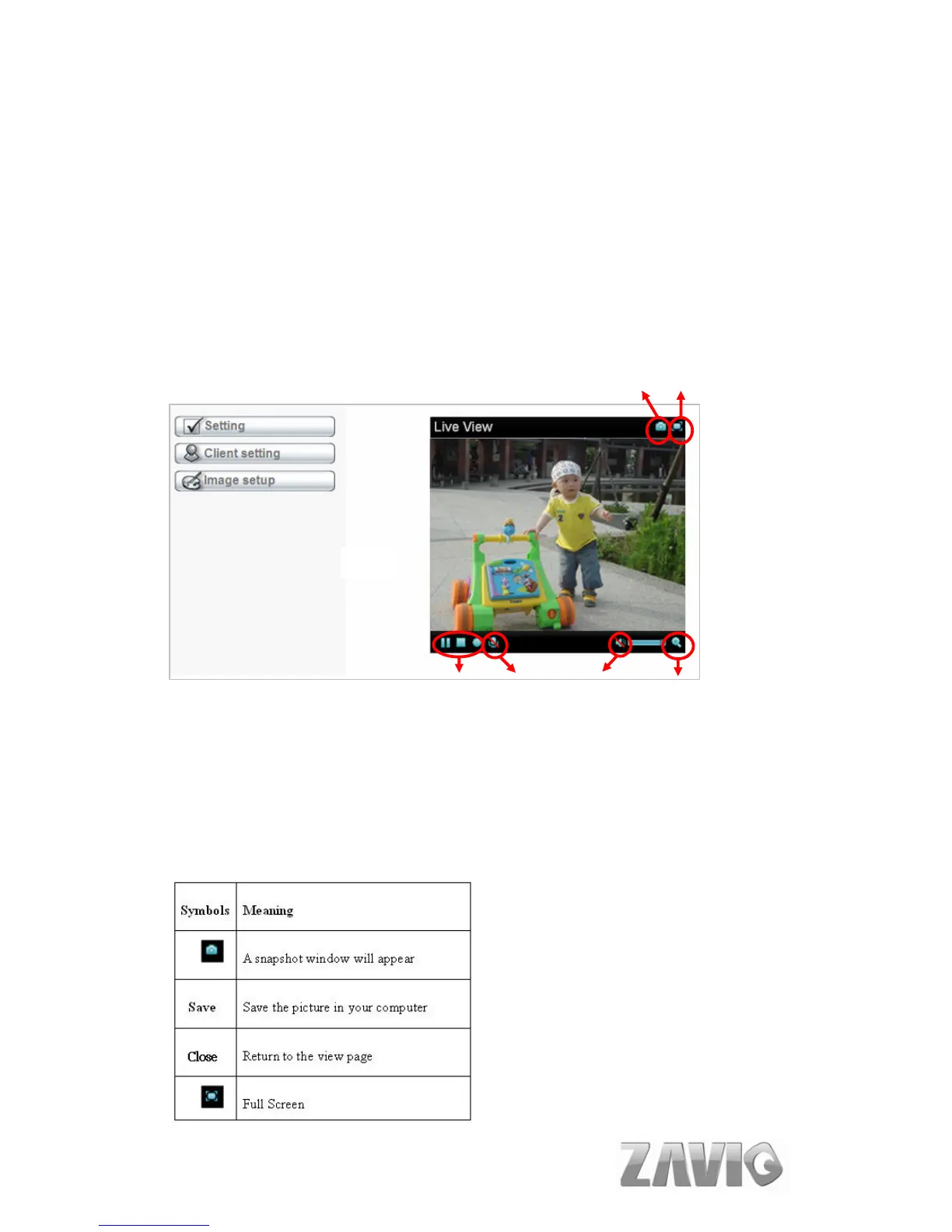
In the far left side of main configuration are Setting, Client Setting, Image
Setup. Please see the content behind for more details. In the right hand side of
the below picture, you can see the Live View screen of web user interface.
There are some functions, such as Snapshot, Zoom and Audio and Video Play.
Snapshot Full Screen
Video Play
Audio Button
Zoom in / Out
6.1. LIVE VIEW
6.1.1. Snapshot
You can capture a still image shot by the camera and save it in your computer.
15



 To Next Page