F210A &F312A User Manual
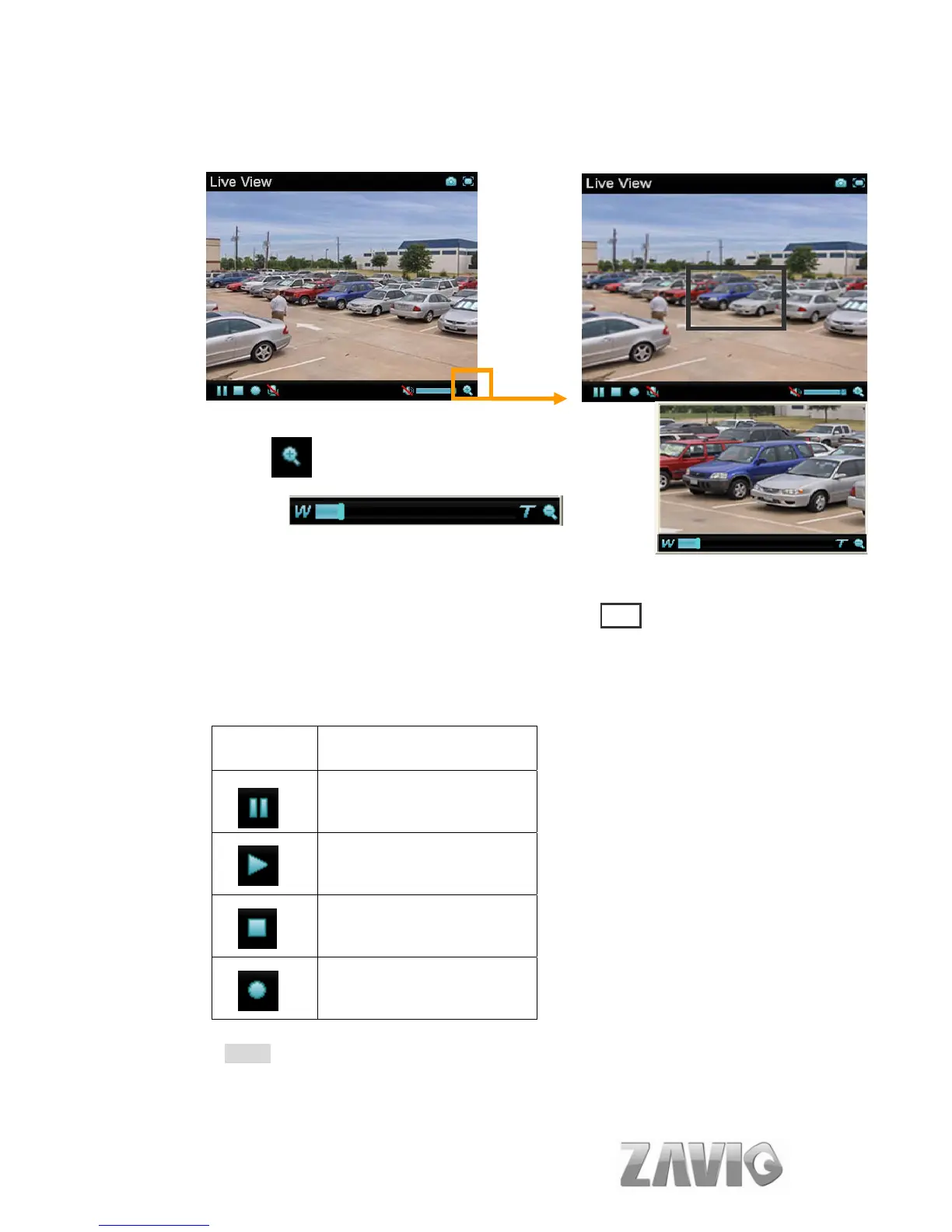
6.1.2. Zoom in / out the image via the monitor window
Click to display the digital zoom in window.
Pull the
to adjust the digital zoom range, and it will be showed on the above window.
You can use the left click of your mouse to move the to any where on the
window.
6.1.3. Video Play Buttons
Symbols Meaning
Pause the current video
Play the video
Stop the current video
Record the current video
Note:
Concerning the recording storage requirement of your hard disk, please refer to
the APPENDIX / B. Storage Requirement Table.
16



 To Next Page