F210A &F312A User Manual
Chapter 7 SETTING-BASIC
Click the folder of Basic to display the sub folders including System, Camera,
Network, and Security.
7.1. SYSTEM
Click the folder of System to display the sub-folders including Information, Date /
Time, and Initialize.
7.1.1. Information
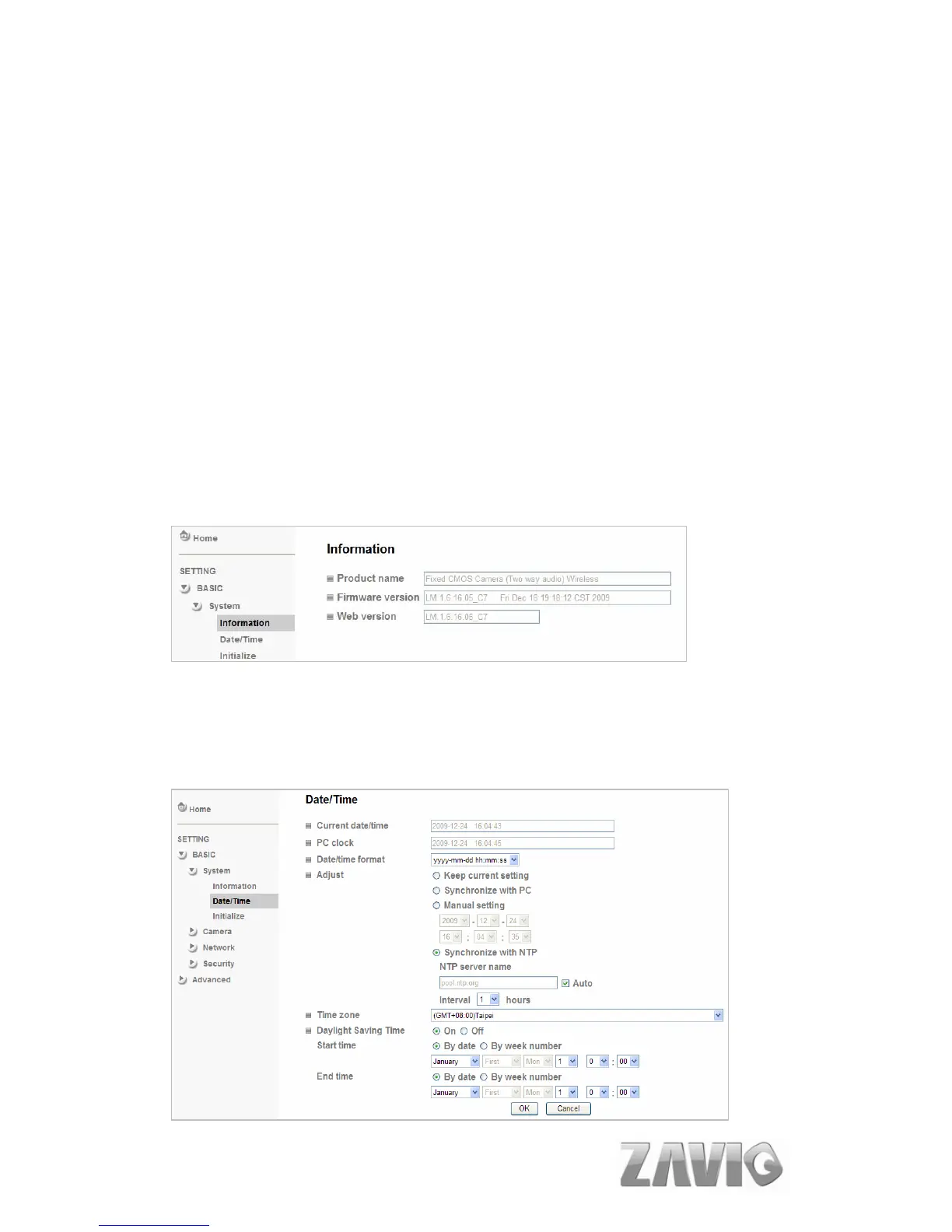
The Information page provides the product factory information which includes
Product Name, Firmware Version and Web Version.
7.1.2. Date/Time
The Date/ Time page displays all options of time setting.
20



 To Next Page