F210A &F312A User Manual
Chapter 3 USING IP CAMERA VIA
WEB BROWSER
3.1. WINDOWS WEB BROWSER
1. Start your web browser, and enter the IP address or host name of the IP
camera in the Location / Address field of your browser.
Note :
If you only want to view the video without setting page, enter
“http://<IP>/index2.htm” as your web URL.
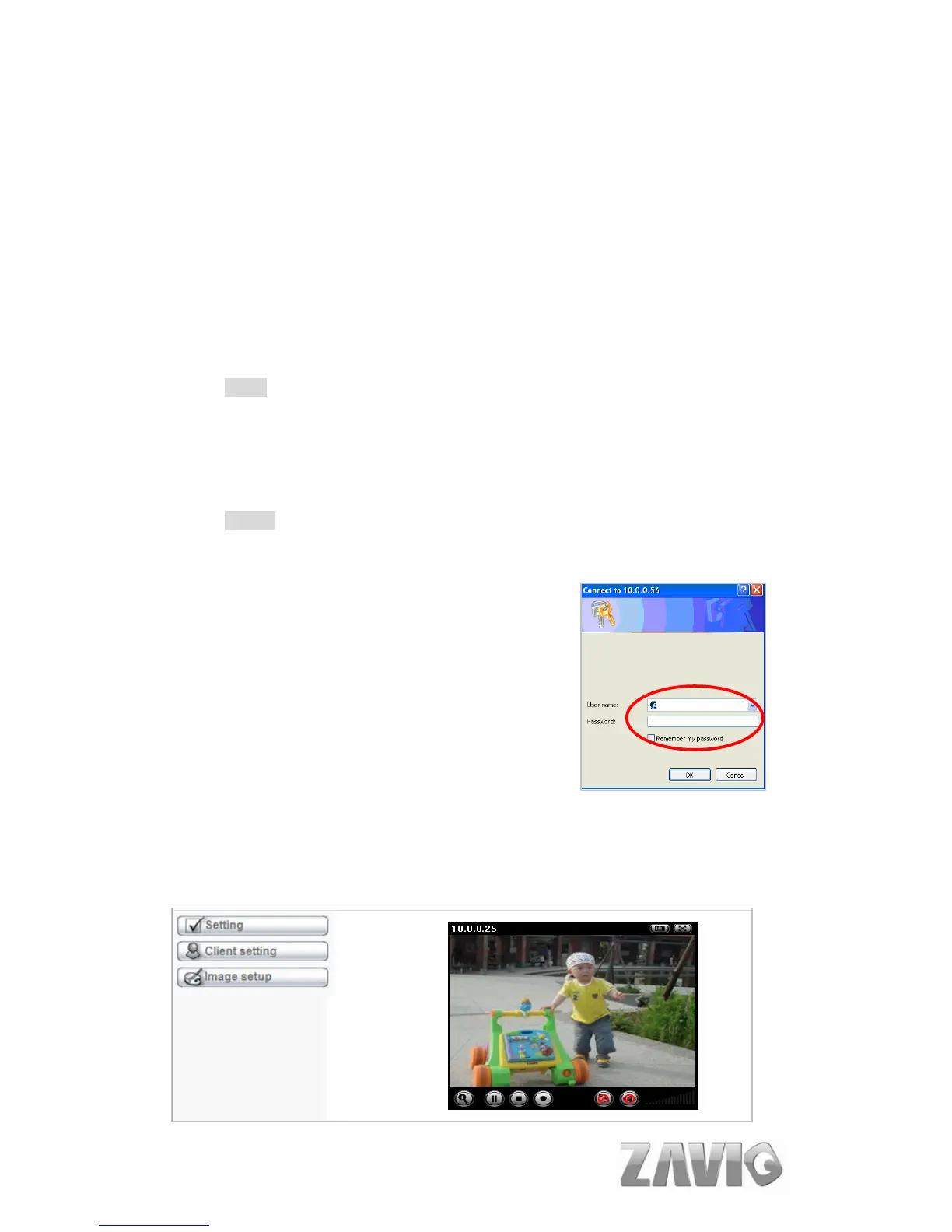
2. Use the default account “admin” and default password “admin”.
Note :
The default user name “admin” and the password are set at the factory
for the administrator. You can change them in the Account Menu (Please
check “Setting → Basic → Security → Account”)
3. The monitor image will be displayed in your browser. In the far left side of
main configuration are Setting, Client Setting, and Image Setup. For more
details, you can check Chapter 6.2、Chapter 6.3 and Chapter 6.4.
5



 To Next Page