12
Deva 5.8 and Deva 16 Owner’s Manual
Chapter 2
Main Menu > Input Control > Input Channel
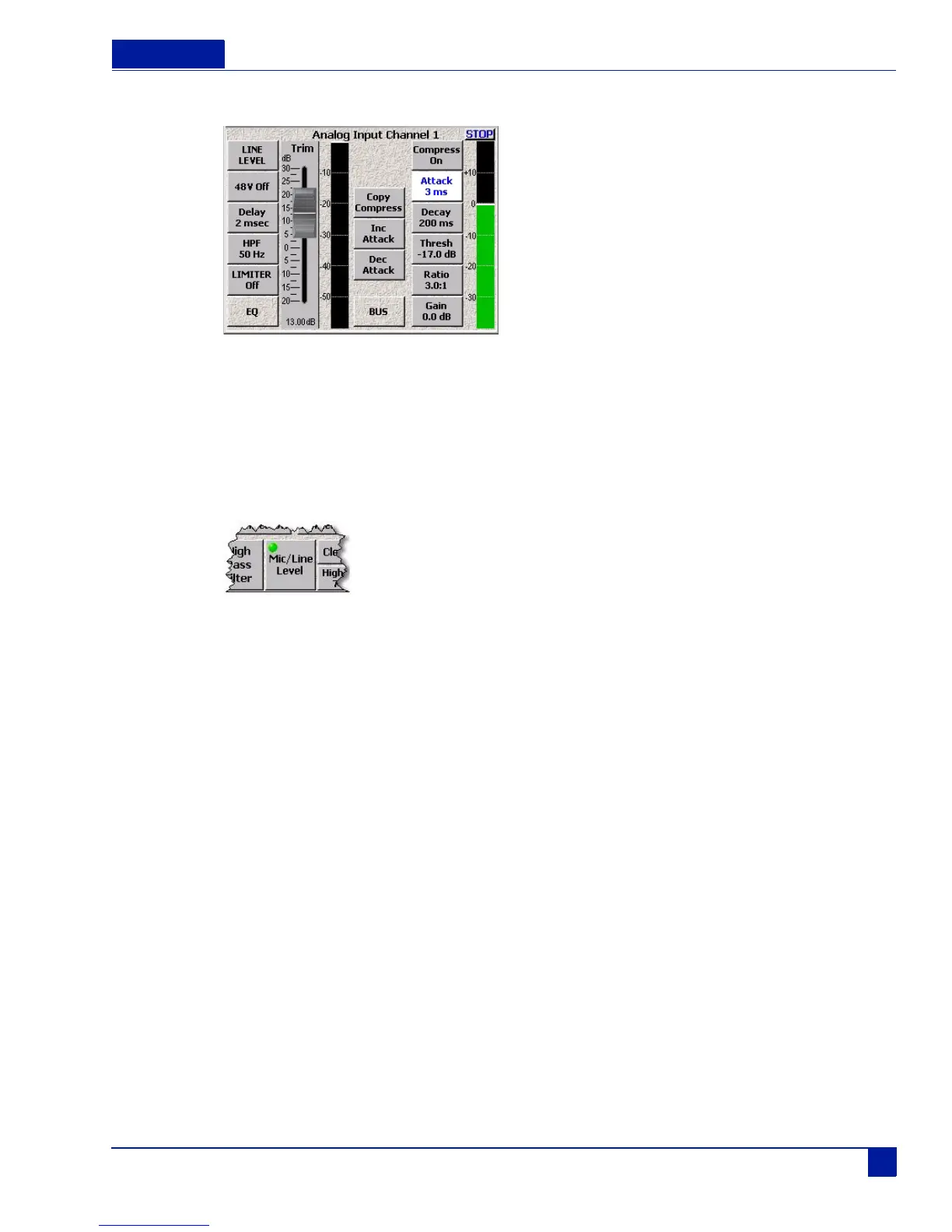
Figure 7 Single Channel Analog Input Screen
Switching Between Microphone and Line Input
The Mic/Line button on the Input Control menu allows you to toggle the analog inputs between the
microphone and line input.
Main Menu > Input Control
Figure 8 Mic/Line button
To toggle between the settings, perform the following:
1. Press the Mic/Line button on the screen.
The LED on the Mic/Line button flashes green indicating it is active.
2. Press the channel button on the screen for channel you want change.
The channel button displays the current mic/line setting
You can continue toggling the Mic/Line option to each channel as required without pressing the Mic/Line
Level button each time, simply press the channel you want power applied to while the LED flashes on the
Mic/Line Level button.
If you press the Mic/Line button without pressing the Mic/Line button, you open the Input Channel screen.



 To Next Page