72
Deva 5.8 and Deva 16 Owner’s Manual
Chapter 5
Internal HD
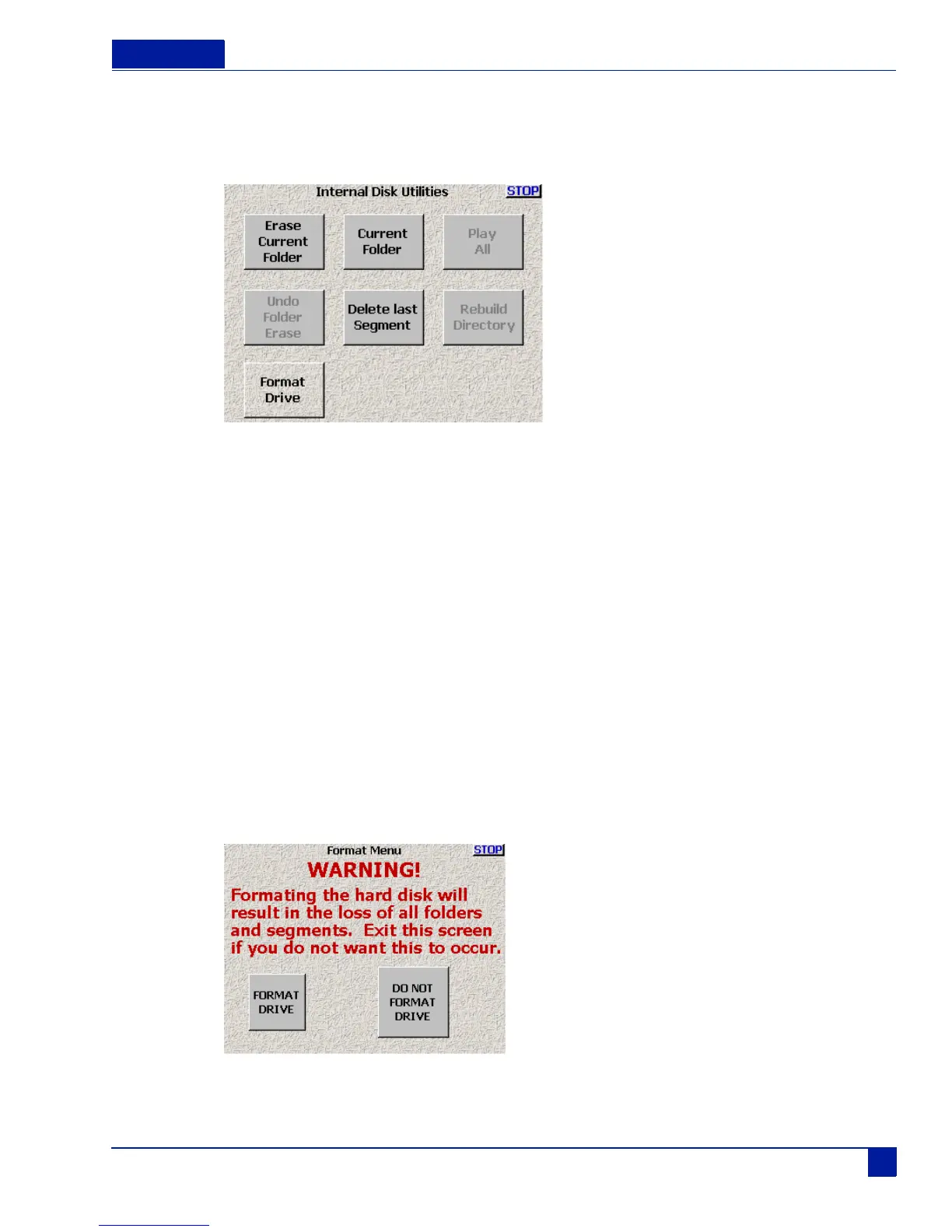
The Internal HD button opens the Internal Disk Utilities menu, which provides options for managing fold-
ers and files on the internal hard drive.
Figure 30 Internal Disk Utilities Menu
Erase Current Folder
Pressing Erase Current Folder both erases and formats the currently selected folder.
Note: While not shown in Figure 30, the name of the currently selected folder appears above the Current Folder button in
blue text.
When you select the Erase Current folder button, a confirmation screen appears. This helps prevent acci-
dental deletions of material.
Delete Last Segment
Erases the previous segment. When you select the Delete Last Segment button, a confirmation screen
appears.
Format Drive
deletes all data on the internal hard drive and prepares the drive to accept data. This is a destructive func-
tion, a warning screen appears to prevent accidental formatting of the drive.
Figure 31 Format Drive Warning Screen



 To Next Page