Deva 5.8 and Deva 16 Owner’s Manual
Chapter 2
13
Enabling the High Pass Filter (HPFencounteredns encounted with microphones.
o Range: 30 Hz - 240 Hz
Main Menu > Input Control
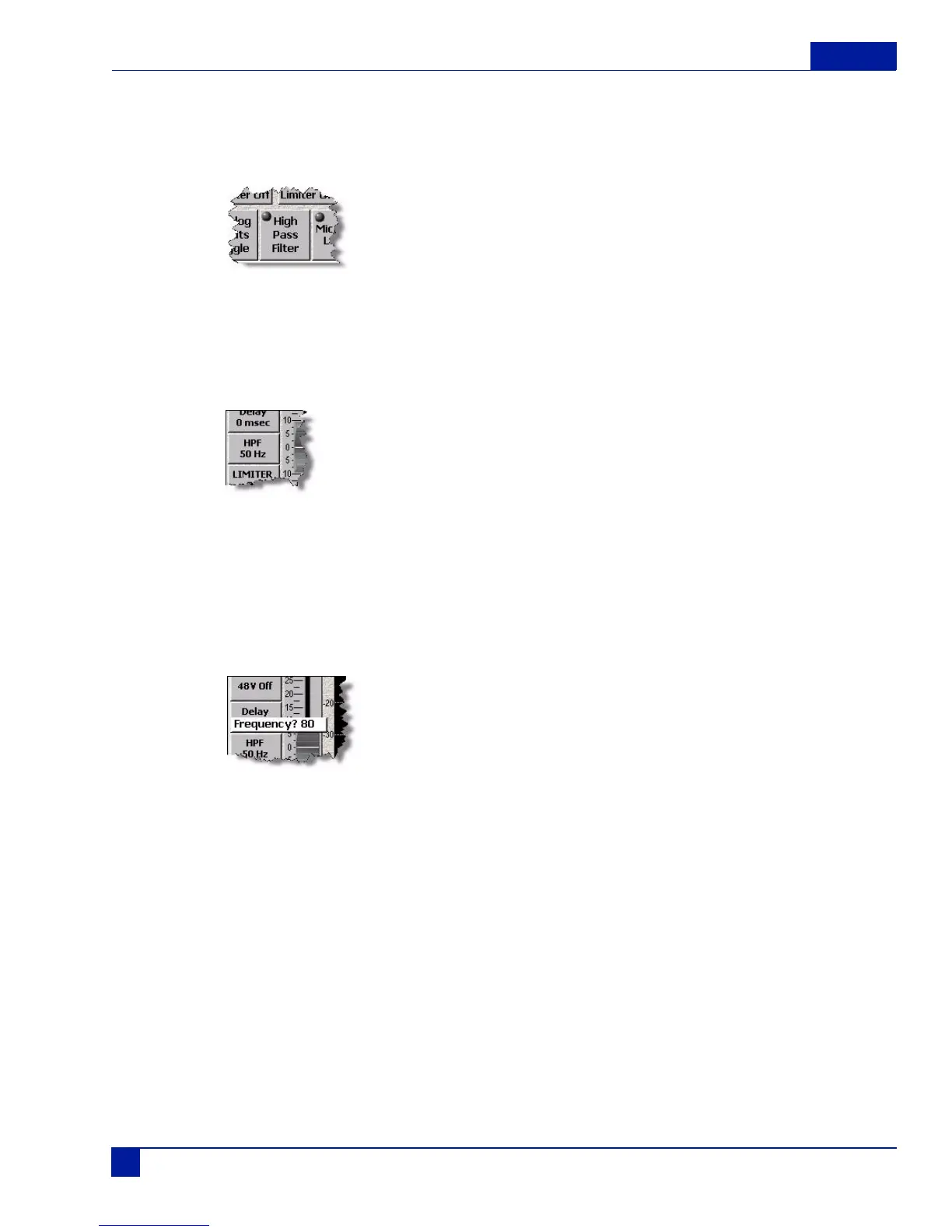
Figure 9 High Pass Filter Button (Input Control Menu)
Setting the High Pass Filter value
To set the High Pass Filter value, you must use the HPF button in the Input Channel menu.
Main Menu > Input Control > Input Channel
Figure 10 High Pass Filter Button (Input Channel Menu)
Perform the following to enable the High Pass Filter
1. Press the individual channel button.
2. Press the High Pass Filter button.
a dialog appears.
3. Enter the frequency using the numeric keys.
The valid frequency range is 30 Hz to 240 Hz. Any value outside this range is place closest to most
valid number with this range.
4. Press the enter key on the front of the Deva to finish entering the HPF cutoff.
Note: The HPF value last entered is used as the default value for the next HPF frequency.
Setting the High Pass Filter Frequency on Multiple Channels
Once a HPF value has been entered, you can use the High Pass Filter button on the Input Control menu
(shown in Figure 9) to quickly enable the HPF on multiple channels. Use the following steps to enable the
HPF on multiple channels.
1. Press the High Pass Filter button on the Input Control menu.
The LED flashes green indicating it is active.
2. Press the channel you want the High Pass Filter applied to.
HPF indicator on the button changes to last HPF frequency used.



 To Next Page